

Updated
October 23, 2026
9 Best Omnichannel Retail Software Options for Retailers in 2027
Omnichannel retail software helps retailers coordinate inventory and sales across physical and online channels. SKU IQ suits retailers that want to connect supported POS and ecommerce platforms while keeping the systems they already use.


TL;DR
- Omnichannel retail software can coordinate inventory, products, and sales across physical stores and online channels.
- Retailers with an established POS and ecommerce store can connect supported systems instead of replacing their existing setup.
- Growing retailers with purchasing, warehouse, or complex inventory requirements may benefit from broader inventory management software.
- Software costs should reflect the plan, locations, integrations, and capabilities required for the retailer’s actual workflow.
- SKU IQ connects supported POS and ecommerce platforms while providing inventory synchronization, product linking, and catalog migration capabilities.
A retailer can sell from the same catalog across a store and ecommerce site while running each channel through separate systems. The challenge starts when inventory, product updates, and orders need to stay coordinated as the business grows.
Omnichannel retail software can support that coordination in different ways. Some platforms provide POS and ecommerce within one system. Others connect the software a retailer already uses or add deeper inventory operations.
Choosing between these approaches starts with your current setup. A retailer keeping an established POS has different requirements from one opening new locations or adding warehouse operations.
This guide compares omnichannel retail software options for small and growing retailers. It covers where each option fits, what it manages, current pricing, and the setup considerations worth checking before you choose.
Best omnichannel retail software at a glance
The options below solve different retail requirements. Some provide the POS and ecommerce environment. Others connect existing systems or add deeper inventory operations.
Table 1: Comparison of omnichannel retail software options by software type, retail use case, and starting price.
*Prices were checked on official vendor websites in September 2026 and should be reconfirmed before publication.
These starting prices do not represent equivalent functionality. For example, Shopify POS Pro costs an additional $89 per location each month on its U.S. pricing page.
Cin7 Core addresses a broader inventory management requirement. SKU IQ, in comparison, focuses on connecting supported POS and ecommerce systems.
What does omnichannel retail software connect?
Omnichannel retail software coordinates the systems involved when customers buy from physical and digital channels. The exact records shared depend on the platform and integration.
1. In-store POS and ecommerce
A connected setup can reflect store sales in online inventory and online orders in relevant retail records. Retailers can then work with a more consistent stock position across channels.
The connection can come from one commerce platform or an integration layer. SKU IQ, for example, connects supported POS and ecommerce platforms while keeping each system in place.
2. Inventory across channels and locations
Stock coordination becomes more important as retailers add locations. Each sale or return can affect what customers should see as available.
Manual stock adjustments and newly received inventory also need clear rules. Location support varies significantly between platforms, so check how each option treats store and ecommerce inventory.
3. Orders and fulfillment
Omnichannel workflows can include online orders and store pickup. Shipping and cross-location fulfillment may also become part of the setup.
These functions should be checked separately because each platform handles orders differently. Shopify POS Pro, for example, includes omnichannel selling tools and inventory management.
4. Product data
Inventory quantity is only one record that may need coordination. Retailers should also check how software treats SKUs and variants.
Prices, descriptions, and images may follow different synchronization rules. SKU IQ separates several of these capabilities by plan.
Its Plus plan includes product attribute sync and Auto Push. Pro adds image sync alongside other higher-tier capabilities.
Do you need an all-in-one omnichannel platform or a connector?
The right software model depends on the systems already running your store. Replacing systems can suit one retailer, while connecting existing tools may suit another.
1. Choose an all-in-one platform when you are ready to consolidate systems
Platforms such as Shopify and Square provide both physical and digital selling capabilities. A retailer can build more of its commerce workflow within one ecosystem.
Shopify connects online and store operations through its commerce platform and POS. Square similarly supports in-store sales alongside online selling and inventory management.
2. Choose a connector when your current systems already fit
A retailer may already use Square at the counter and Shopify online. Replacing either system can introduce migration work when both platforms already meet their individual needs.
A connector addresses the connection itself. SKU IQ, for example, provides a no-code connection between supported POS and ecommerce platforms.
Its Square and Shopify integration allows retailers to retain both systems. The connection can then support inventory and product workflows between them.
3. Choose inventory software when operations need more control
Purchasing and warehouse requirements can eventually extend beyond basic channel synchronization. Broader inventory systems can support these additional workflows.
Cin7 Core includes inventory management and purchase order management. Zoho Inventory supports multiple warehouse locations and multichannel selling.
The 9 best omnichannel retail software options for 2027
Each option below serves a different retail setup. Compare its role against the systems and processes you already have.
1. SKU IQ: Best for connecting an existing POS and ecommerce store
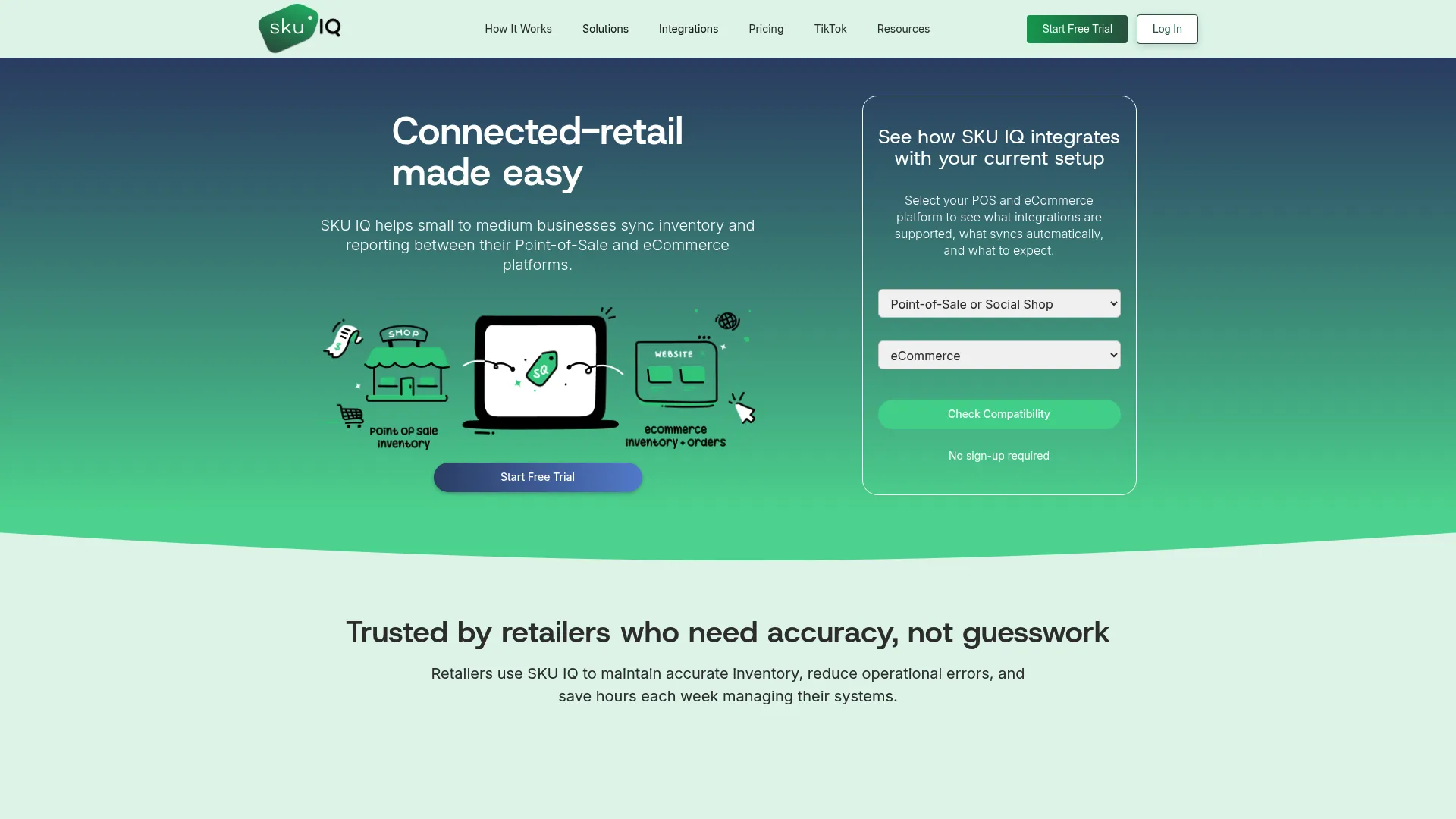
Overview: SKU IQ is designed for small and medium businesses that want their supported POS and ecommerce platforms connected. It fits physical retailers that want to keep familiar systems at the counter.
Its core capabilities include quantity synchronization and unlimited linked items. Retailers also get a unified order view.
Product linking can match records using identifiers such as title, SKU, or UPC. Catalog migration helps retailers move product information between connected platforms.
Higher plans add attribute synchronization and automatic product pushing. Pro includes image sync and accelerated sync speed.
Best fit: A physical retailer already using a supported POS and ecommerce platform that wants to connect them without replacing either system.
Key features
Real-time inventory sync, product matching and linking, catalog migration, a unified order view, and multi-location support for compatible integrations.
SKU IQ pricing
According to SKU IQ’s pricing page, the Basic plan costs $19 per month. Plus costs $49, while Pro costs $99. A free trial lasts up to 14 days.
Optional features can change the total. Multi-location support costs $10 per added location. Attribute Sync is a $15 monthly add-on for Basic, while Plus and Pro include it.
2. Shopify: Best for ecommerce-first retailers adding physical selling

Overview: Shopify suits retailers that want online commerce and physical selling within the Shopify environment. Shopify POS connects in-store sales and inventory data with the Shopify admin.
Retailers can manage stock across channels and locations. POS Pro adds inventory management and advanced omnichannel selling capabilities, including in-store pickup workflows.
Best fit: An ecommerce-led retailer that wants to add physical stores while keeping Shopify at the center of commerce.
Key features
Shared inventory across retail locations, unified customer profiles and order history, omnichannel fulfillment, and connected online and in-store sales.
Shopify pricing
On Shopify's U.S. pricing page, Basic starts at $39 per month on monthly billing. Grow starts at $105, while Advanced starts at $399.
POS Pro adds $89 per month for each location.
3. Square: Best for smaller retailers building around their POS

Overview: Square combines physical checkout with online selling and inventory management. Inventory can stay connected across locations and sales channels.
Retailers can create an online store or connect their retail setup with Square's commerce tools. Inventory features include stock counts and low-stock alerts.
Higher retail tiers add purchase orders and stock transfers for retailers with more involved inventory operations.
Best fit: A small retailer that wants POS and online selling within the Square ecosystem. It also suits businesses already using Square for payments.
Key features
Inventory management, stock counts, low-stock alerts, purchase orders, and stock transfers, with availability depending on the selected retail plan.
Square pricing
Square Free has no monthly location subscription. Square Plus costs $49 per location each month, while Premium costs $149.
Plus and Premium include a 30-day free trial.
4. Lightspeed Retail: Best for inventory-focused physical retailers
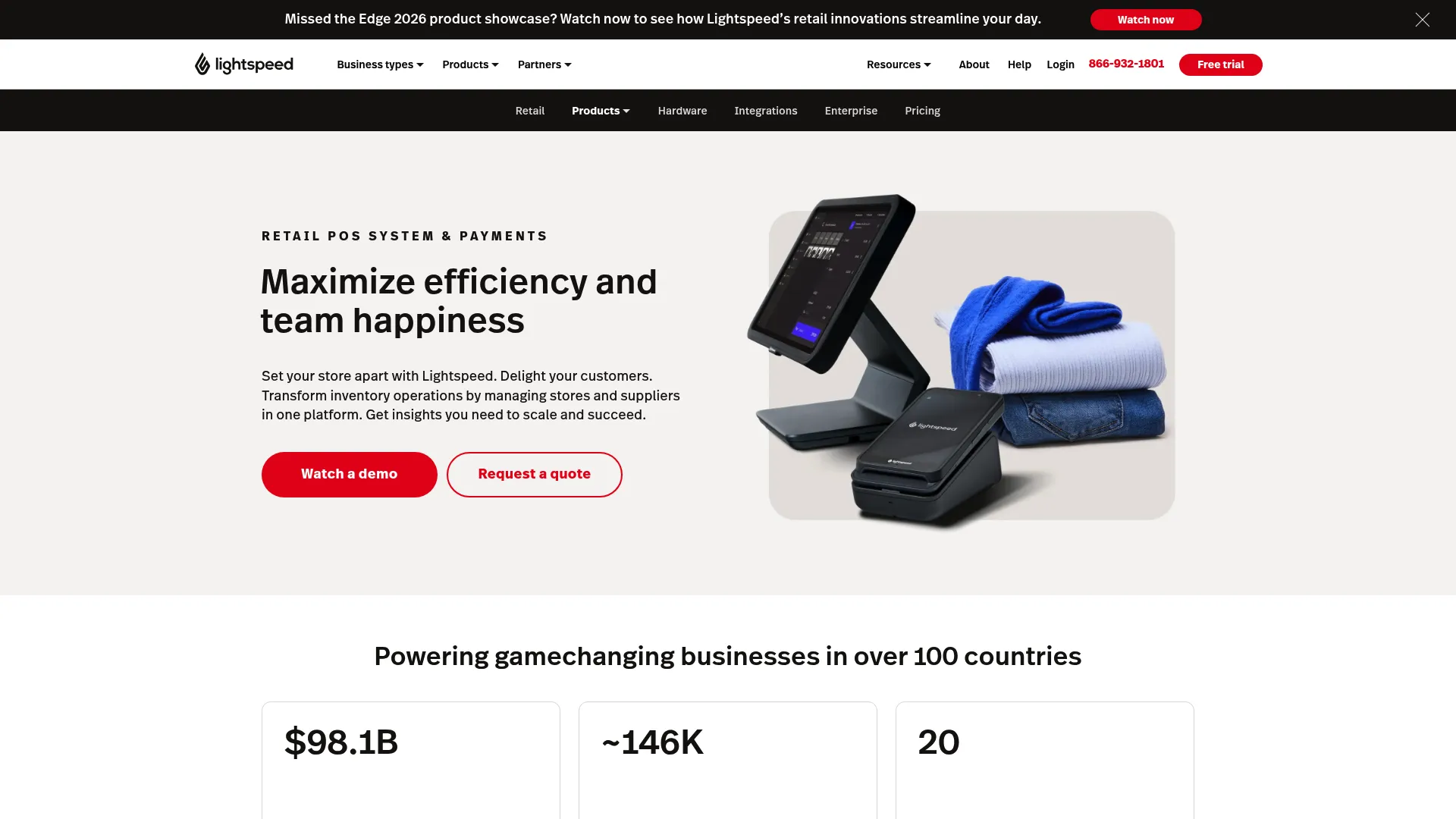
Overview: Lightspeed Retail combines POS with inventory management and ecommerce capabilities. Its plans target independent stores through established retail operations.
Basic includes Retail POS and inventory management. It also includes the basic version of Lightspeed ecommerce.
Core adds Lightspeed’s full built-in ecommerce offering and additional retail capabilities.
Best fit: Physical retailers that place significant emphasis on inventory control and expect their store operations to grow.
Key features
Retail POS, inventory management, product catalog management, multi-location capabilities, and ecommerce functionality based on the selected plan.
Lightspeed Retail pricing
Lightspeed's U.S. Retail X-Series page currently lists Basic at $89 per month. Core costs $149, while Plus costs $289.
Displayed prices depend on the billing and payment configuration selected on Lightspeed's official pricing page.
5. Cin7 Core: Best for growing retailers with complex inventory operations
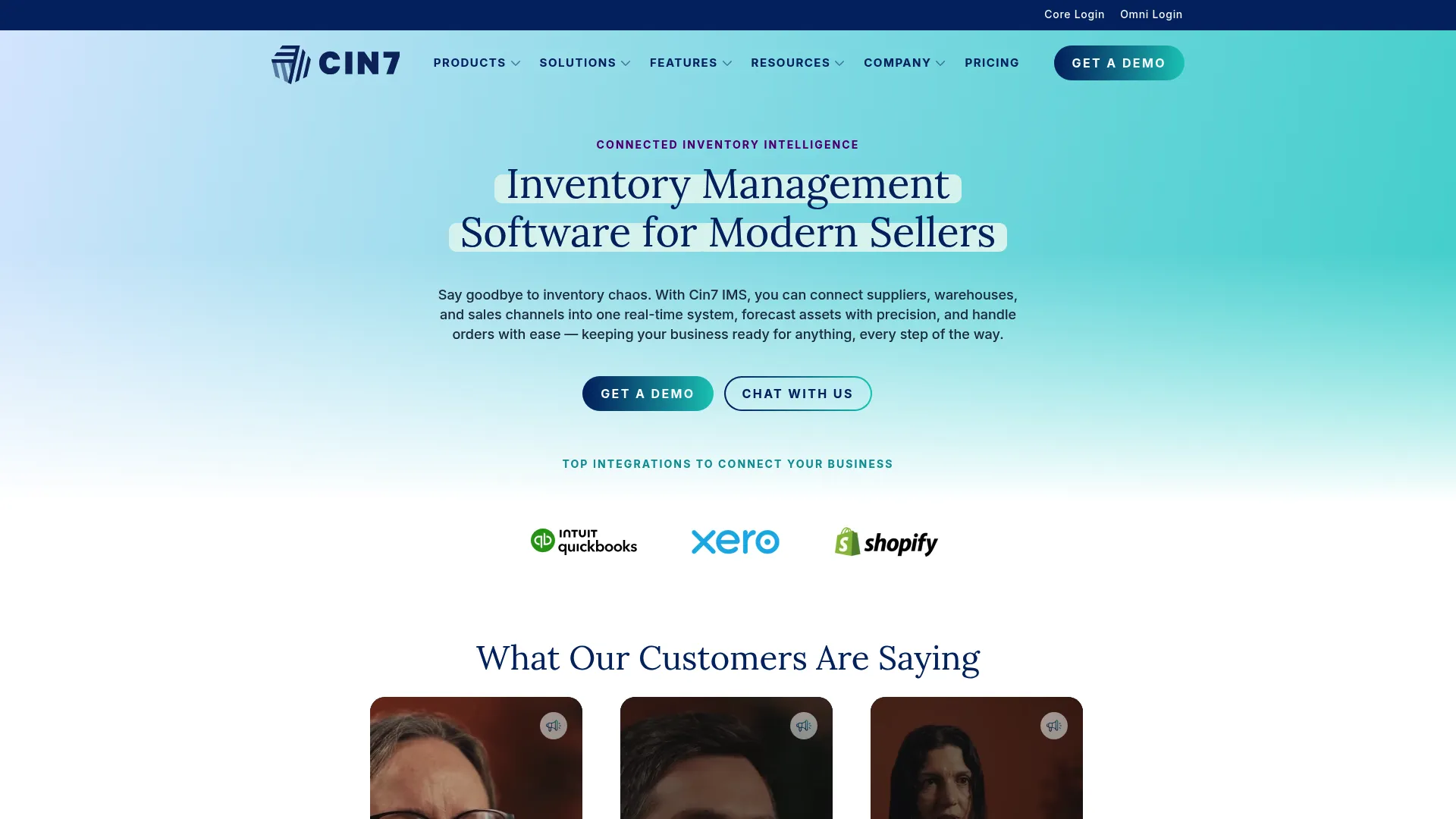
Overview: Cin7 Core supports inventory requirements beyond a basic POS-to-ecommerce connection. It adds inventory management and purchasing workflows for product businesses.
Standard includes five users and unlimited inventory locations. It also includes two ecommerce and app integrations.
Point of sale is listed as an add-on on Cin7's Core product page. Cin7 also offers integrations with ecommerce platforms such as Shopify and WooCommerce.
Best fit: A growing retailer whose requirements extend into purchasing or warehouse operations. It can also support businesses handling higher order volumes.
Key features
Inventory management, purchase order management, multiple inventory locations, ecommerce integrations, and additional POS capabilities through available add-ons.
Cin7 Core pricing
Cin7 states that Core pricing starts at $349 per month. Pro costs $599, while Advanced costs $1,199.
Cin7 Omni uses tailored pricing.
6. Zoho Inventory: Best for smaller multichannel inventory operations

Overview: Zoho Inventory provides inventory and order management across digital sales channels. Retailers can manage stock across warehouse locations and coordinate fulfillment.
Its multichannel tools support connections with online sales channels. The system also provides warehouse-specific reporting and stock transfers.
Best fit: Smaller businesses that need structured multichannel inventory management. Businesses already using other Zoho applications may also find it easier to fit Zoho Inventory into their existing software setup.
Key features
Multichannel inventory management, warehouse management, stock transfers, order management, and integrations with supported online sales channels.
Zoho Inventory pricing
A free plan covers 50 monthly orders, one user, and one location. Standard costs $29 per organization each month when billed annually.
Premium costs $79 per month on annual billing. Plus costs $129, while Enterprise costs $249 under the same billing term.
7. Brightpearl: Best for growing retailers needing broader operations
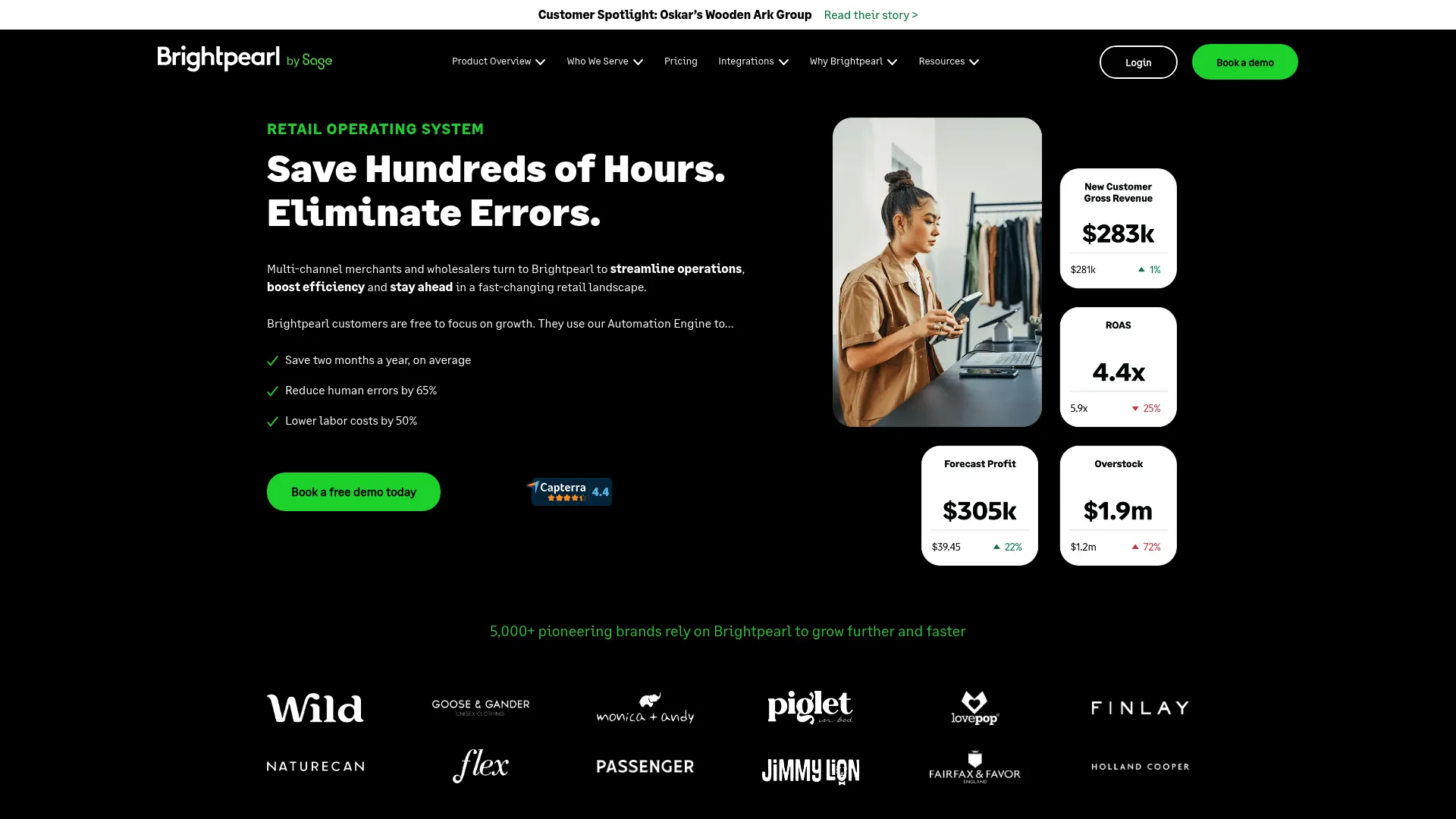
Overview: Brightpearl focuses on retail operations beyond basic inventory synchronization. Its platform covers inventory and order management alongside warehouse workflows.
Its inventory tools support multichannel and multi-location inventory management. Order management provides configurable processing for different retail channels.
Implementation is expert-led. Brightpearl scopes each project and provides a Technical Solution Proposal covering the planned implementation.
Best fit: Growing retail brands that need broader inventory and operational control across several channels.
Key features
Multichannel inventory management, order management, warehouse workflows, retail operations automation, and support for multiple sales channels.
Brightpearl pricing
Brightpearl uses tailored pricing based on the customer's setup. Brightpearl provides pricing after its team scopes the retailer’s requirements.
8. Odoo: Best for retailers wanting a modular business system
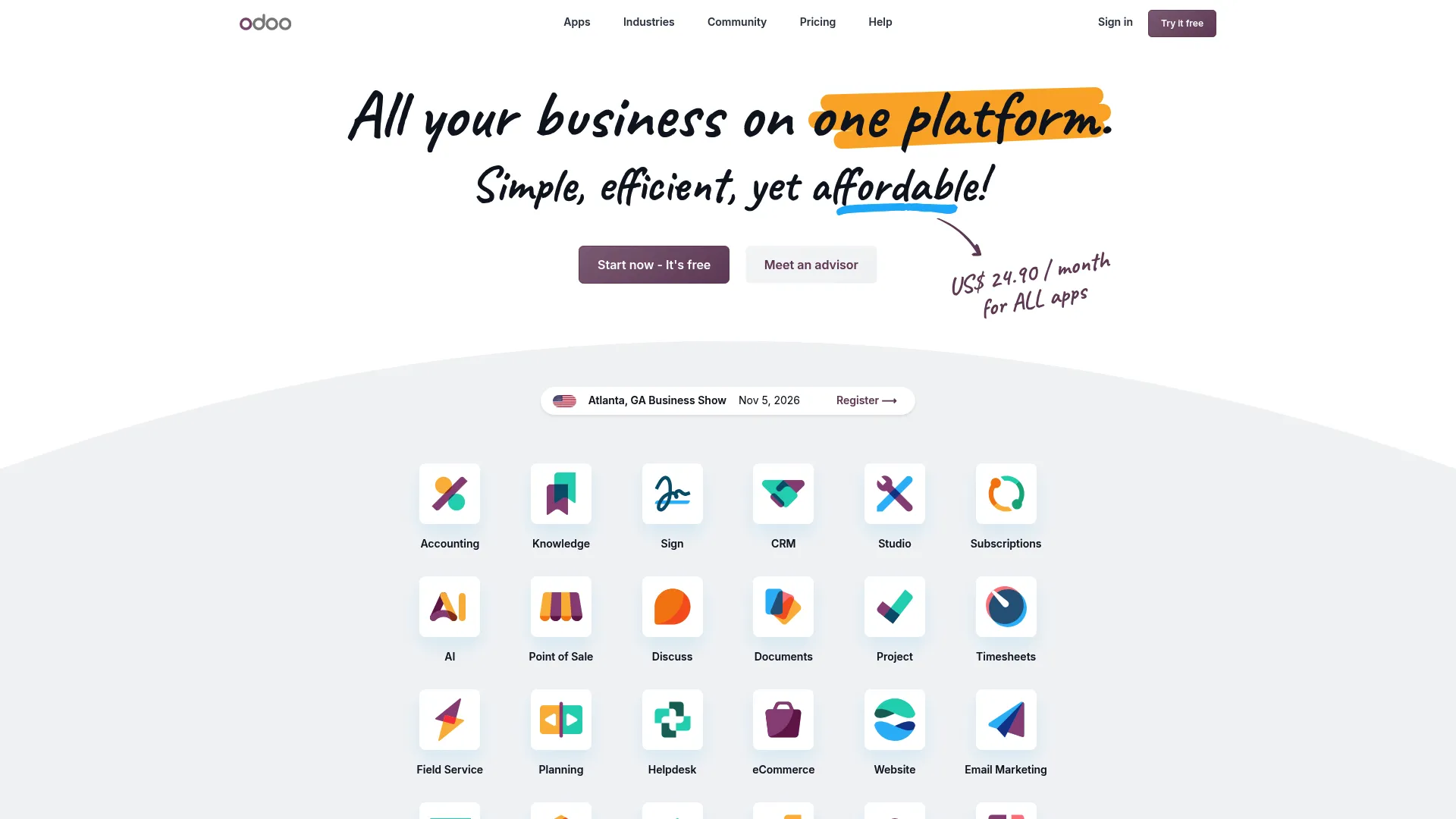
Overview: Odoo combines POS with ecommerce and inventory applications. Its wider suite also provides business applications for functions such as accounting and CRM.
Odoo POS connects with its inventory application for real-time stock management across locations. Retailers can also work with product variants and delayed shipping from POS.
Best fit: Retailers that want POS and inventory alongside a wider collection of business applications.
Key features
POS, ecommerce, inventory management, product variants, multi-location stock management, and access to additional Odoo business applications.
Odoo pricing
Odoo offers One App Free with unlimited users. Standard currently costs $24.90 per user each month on annual billing.
Custom costs $49 per user each month when billed annually.
9. ERPLY: Best for retailers planning multi-store operations
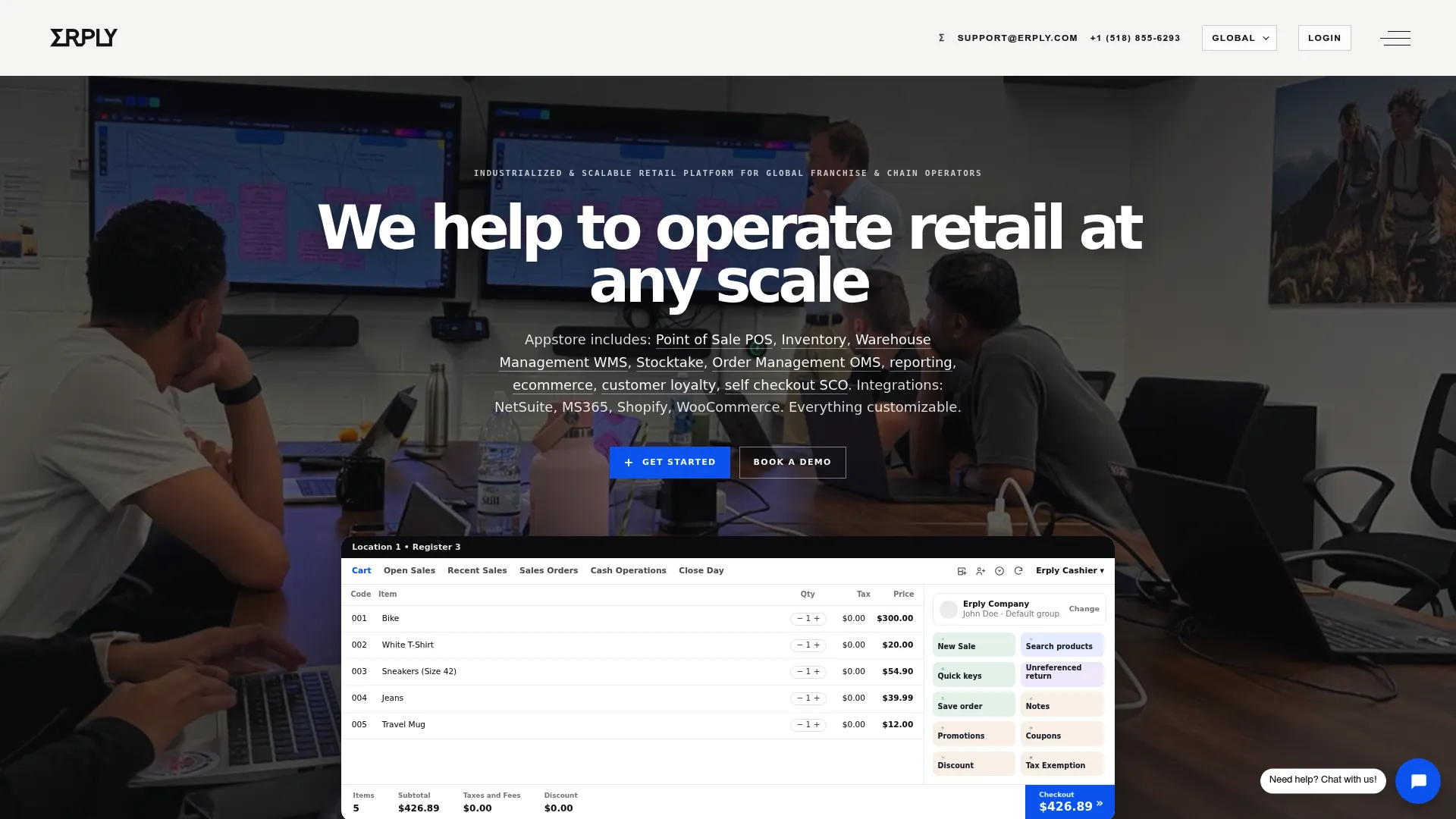
Overview: ERPLY combines POS with inventory and retail operations. Its Multichannel Chains plan specifically covers online and offline synchronization alongside order management tools.
The plan includes a real-time inventory backend and product management. It also lists Shopify integration and an ecommerce API.
Best fit: Retailers planning multiple physical locations and needing centralized retail operations.
Key features
Retail POS, inventory management, product management, online and offline synchronization, order management, and multi-store capabilities.
ERPLY pricing
ERPLY’s Growth Plan starts at $1,000 per month and supports up to three stores. Higher-tier plans are available for larger retail chains, with pricing provided through sales.
How much does omnichannel retail software cost?
Software pricing ranges from free entry plans to several hundred dollars each month. Broader retail operations platforms may use tailored pricing.
Compare the cost of the setup your store will actually use, including additional locations or advanced POS features.
Attribute synchronization, higher order limits, hardware, and implementation can also affect the total cost.
Table 2: Pricing comparison of omnichannel retail software, including starting costs and additional cost factors retailers should consider.
SKU IQ’s $19 Basic plan and Cin7 Core’s $349 starting plan address different operational requirements. Price comparisons become useful after the retailer identifies which system should own inventory.
The number of channels also matters. Calculate costs based on your expected stores and users. Then account for required locations and integrations.
What should small retailers look for in omnichannel retail software?
Small retailers should focus on the daily work the software needs to support. Platform compatibility and inventory behavior deserve attention before secondary features.
1. Check your exact POS and ecommerce combination
A vendor may support both platform names without supporting the specific connection you need. Check the exact pairing and platform editions.
Document where products originate and where quantities change. Include each physical location in that review.
2. Check inventory behavior across selling locations
Find out what happens after an in-store sale and an online order. Then test returns and manual inventory adjustments.
Location rules matter when several stores sell from separate stock pools. Confirm which quantity customers see online.
3. Separate quantity sync from product sync
Stock quantity tells the channel how many units remain. Product synchronization can cover titles and prices.
Descriptions and other attributes may follow separate rules. Check each required field before choosing a plan.
4. Review order and fulfillment workflows
Document where online orders appear and how store staff process them. Include pickup and shipping requirements relevant to your business.
A unified order view differs from inserting an ecommerce transaction directly into a POS. Confirm which behavior your staff requires.
5. Calculate the cost at your expected size
Start with the number of stores and registers you expect to operate. Then account for users and required integrations.
Check add-ons before comparing totals. Entry pricing provides limited value when the required workflow sits on a higher plan.
Which omnichannel retail software fits your current setup?
Start with the POS and ecommerce platform your store already uses. Then consider any separate inventory tools before comparing software models.
- Keeping your existing POS and ecommerce store: Consider SKU IQ when your exact platform pair is supported.
- Running ecommerce on Shopify and adding stores: Review Shopify POS and the POS Pro capabilities required at each location.
- Building a smaller retail operation around POS: Square provides a free entry plan with paid tiers as requirements increase.
- Prioritizing inventory-heavy store operations: Lightspeed Retail combines POS and inventory management with ecommerce options.
- Adding purchasing or warehouse operations: Cin7 Core, Zoho Inventory, or Brightpearl can address requirements beyond basic synchronization.
- Building a broader business system: Odoo combines retail applications with wider business software, while ERPLY supports increasingly complex multi-store operations.
Use the shortlist to narrow your research to two or three products. Then compare each option against the same real store workflow.
Can you add omnichannel retail without replacing your existing POS?
A retailer can build an omnichannel setup without replacing its POS when a supported connector links that POS with the chosen ecommerce platform.
This approach suits stores whose counter system already handles staff and checkout well. The ecommerce platform can continue managing the online storefront.
SKU IQ follows this model. It connects supported POS and ecommerce platforms, including combinations such as Square and Shopify.
Retailers can link matching products before quantity synchronization begins. Catalog migration can also help when a business adds an online channel.
SKU IQ can move product data between supported platforms, reducing repeated catalog setup. Retailers should confirm the available fields for their exact integration before migration.
How to test omnichannel retail software before switching
A controlled trial shows how software behaves with your actual catalog. Test the workflows staff perform during a normal week before connecting the full inventory.
1. Test an in-store sale
Sell an item at the physical checkout. Check how the transaction changes online availability and location quantities.
2. Test an online order
Place an ecommerce order for a product also stocked in-store. Check the inventory change in the relevant systems.
3. Test product and variant changes
Choose an item with several variants. Update only the fields your planned workflow requires and check where those changes appear.
4. Test each important location
Run the same inventory test for stores with separate quantities. Confirm how stock assignments work for each location.
5. Test returns and adjustments
Process the return types your store regularly receives. Follow with a manual quantity correction and check the resulting stock record.
6. Check sync issues and recovery
Ask how staff identify a failed update or disconnected account. Document who handles recovery before the software goes live.
Connect your omnichannel retail setup with SKU IQ
Your omnichannel setup should support the systems and daily processes your store already relies on. Existing software and operational requirements determine how much additional functionality you need.
Retailers building a new commerce setup may prefer one platform for online and physical selling. Businesses adding purchasing or warehouse processes may need broader inventory software.
SKU IQ fits retailers that already have supported POS and ecommerce platforms they want to keep. It connects those systems while supporting inventory synchronization and product linking.
Catalog migration can help retailers establish the initial product setup. Ongoing synchronization then helps keep supported inventory information coordinated as sales occur.
Before setup, check whether SKU IQ supports your POS and ecommerce combination. You can then test the connection with a controlled group of products before expanding it across your catalog.
Ready to connect your store? Start your free SKU IQ trial and link your compatible POS and ecommerce platforms without replacing the systems your team uses.
Frequently asked questions about omnichannel retail software
1. What is omnichannel retail software?
Omnichannel retail software connects or manages sales activity across physical and digital channels. Depending on the product, it can coordinate inventory, product information, orders, and retail locations.
2. What is the best omnichannel retail software for a small business?
The right option depends on the existing setup. SKU IQ fits supported POS-ecommerce connections. Shopify and Square provide broader commerce ecosystems, while inventory-heavy operations may require a dedicated inventory platform.
3. What is the difference between omnichannel retail software and a POS system?
A POS records and manages store transactions. Omnichannel software coordinates activity across physical and digital sales channels, which can include a POS and ecommerce platform.
4. Can I connect my existing POS to my ecommerce store?
Yes, when a supported integration exists for the specific platform combination. SKU IQ connects supported POS and ecommerce systems while allowing retailers to keep their existing platforms.
5. Do I need to replace my POS to start selling omnichannel?
A replacement is optional when your existing POS has the required ecommerce connection. Connector software can link supported systems while preserving the store's current checkout workflow.
6. How much does omnichannel retail software cost?
Costs range from free entry plans to hundreds of dollars per month. Calculate required locations and features before comparing prices. Hardware or implementation can add further costs.
Share this blog:






Sync and Manage Inventory Across Your Retail Systems
- No more spreadsheets or manual updates
- Real-time sync between POS and eCommerce
- One product catalog, every sales channel
- Save hours managing multiple systems

Ready to stop worrying about inventory?
Start a free trial and experience how much easier retail operations become when your systems stay in sync.