

Updated
October 28, 2026
8 Trunk Alternatives for Physical Retailers Selling In-Store and Online
Trunk alternatives range from POS-to-eCommerce connectors such as SKU IQ and QuickSync to broader inventory platforms such as Cin7 Core and SKULabs. Physical retailers should compare exact platform compatibility, inventory and product sync, order workflows, pricing, and operational scope before choosing a replacement.


TL;DR
- Trunk alternatives range from focused POS-to-eCommerce connectors to broader platforms covering inventory management, purchasing, warehouse operations, and fulfillment workflows.
- Retailers should confirm exact POS and eCommerce compatibility before comparing pricing, sync capabilities, product features, or broader operational requirements.
- Inventory synchronization may be insufficient when retailers also need product linking, catalog migration, order visibility, attribute syncing, or warehouse management.
- Pricing varies by platform, with plans based on order volume, catalog size, connected stores, users, locations, or included features.
- SKU IQ connects supported POS and eCommerce platforms while providing quantity sync, product linking, catalog migration, and unified order visibility.
Running a physical store and an online shop means every sale can affect the same inventory. Accurate stock data across both channels helps retailers manage product availability without adding manual reconciliation work.
The connection between physical and digital retail continues to matter. Deloitte’s 2026 Retail Industry Global Outlook found that 46% of surveyed retail executives identified enhancing the omnichannel experience as a top growth opportunity for 2026.
Trunk addresses part of this requirement through real-time stock-level syncing across platforms such as Square, Shopify, WooCommerce, Etsy, Wix, and BigCommerce. Products are linked using matching SKUs, including at the variant level.
However, retailers may need capabilities beyond stock synchronization. Product catalog migration, attribute syncing, order visibility, purchasing, warehouse management, and fulfillment can also shape the choice.
This guide compares eight Trunk alternatives based on these practical requirements, with a focus on retailers selling both in-store and online.
Which Trunk alternatives should physical retailers compare?
The alternatives below cover two different requirements. Some primarily connect existing retail systems, while others become a larger part of inventory and operational management.
Table 1: Trunk alternatives for physical retailers, with pricing verified from official vendor sources in September 2026.
*Pricing reflects public US pricing checked in September 2026. Requirements, billing terms, integrations, and included usage differ substantially between products. Check the required plan for your exact workflow before comparing costs.
Why might a physical retailer consider an alternative to Trunk?
Trunk can connect physical and online retail. Its documentation lists Square among its supported platforms, and customer examples describe using Trunk to connect in-store sales with online channels.
The reason to evaluate alternatives therefore depends on the workflow you need rather than a broad assumption that Trunk cannot support physical retail.
1. Your POS and eCommerce combination needs different support
Start with the exact systems your business already uses. Trunk currently supports platforms including Square, Shopify, BigCommerce, WooCommerce, Wix, Squarespace, Etsy, Amazon, Faire, and Walmart.
A retailer using Square and Shopify may therefore find Trunk relevant. A retailer using Clover as its POS would need to investigate another option because Clover does not appear on Trunk's current supported-integration list.
SKU IQ, for example, currently supports Square Retail, Clover Retail, Lightspeed R-Series, and Lightspeed X-Series on the POS side. Its supported eCommerce platforms include Shopify, Wix, Squarespace, WooCommerce, and BigCommerce.
Compatibility is the first filter. The next question is what the integration actually does after the two platforms are connected.
2. You need product data connected alongside inventory quantities
Inventory quantity is only one part of a product record. Retailers may also need titles, prices, images, variants, descriptions, or other attributes to remain aligned. They may need an existing catalog moved from their POS into a new eCommerce store before ongoing synchronization begins.
Trunk states that it currently syncs stock levels. Listings can retain different titles, descriptions, prices, and other content as long as the SKUs used to link inventory match.
That approach can suit businesses that want inventory synchronized while managing listing content independently.
Other products address a broader set of product-data tasks. SKU IQ, for example, provides product linking and catalog migration in addition to quantity synchronization.
3. You want online and in-store activity visible together
Inventory sync answers the question, "How many units are available?"
Order visibility addresses another question: "Where are those units being sold?"
SKU IQ's Basic plan includes a unified order view alongside quantity sync and unlimited linked items. Its current documentation describes the unified order view as a way to display online and POS orders together.
Retailers should still distinguish order visibility from order insertion or bidirectional order syncing. Those capabilities vary by platform combination.
4. Your retail operation needs more than a connector
A connector can be enough when the main requirement is keeping existing platforms aligned.
Growing retailers may eventually need purchase orders, warehouse management, barcode workflows, replenishment, picking, packing, or fulfillment.
That changes the software decision. For example, SKULabs combines inventory with orders, fulfillment, barcode scanning, warehouses, and shipping. Its POS functionality also covers physical-store and online sales.
Cin7 Core and Finale Inventory similarly address broader inventory operations rather than acting only as synchronization layers.
5. Your pricing model needs a closer look
Inventory software can charge according to very different units.
Trunk prices according to monthly order volume. Its Essential plan currently starts at $35 per month for up to 100 orders, while Pro starts at $39 for the same order range. The Pro plan adds bundling and kitting plus duplicate SKU syncing. Both plans have a 14-day free trial.
QuickSync takes another approach. Its pricing is based primarily on catalog size and connected shops rather than order volume. Its Lite plan costs $19 per month for two shops and up to 1,000 items.
The useful comparison is therefore the cost of your actual setup, not the lowest number shown on each pricing page.
Trunk alternatives for retailers selling in-store and online
The following products address different parts of the connected-retail problem. The first options stay closer to the connector model, while later alternatives extend further into inventory, warehouse, or fulfillment operations.
1. SKU IQ: Connect an existing POS and eCommerce store
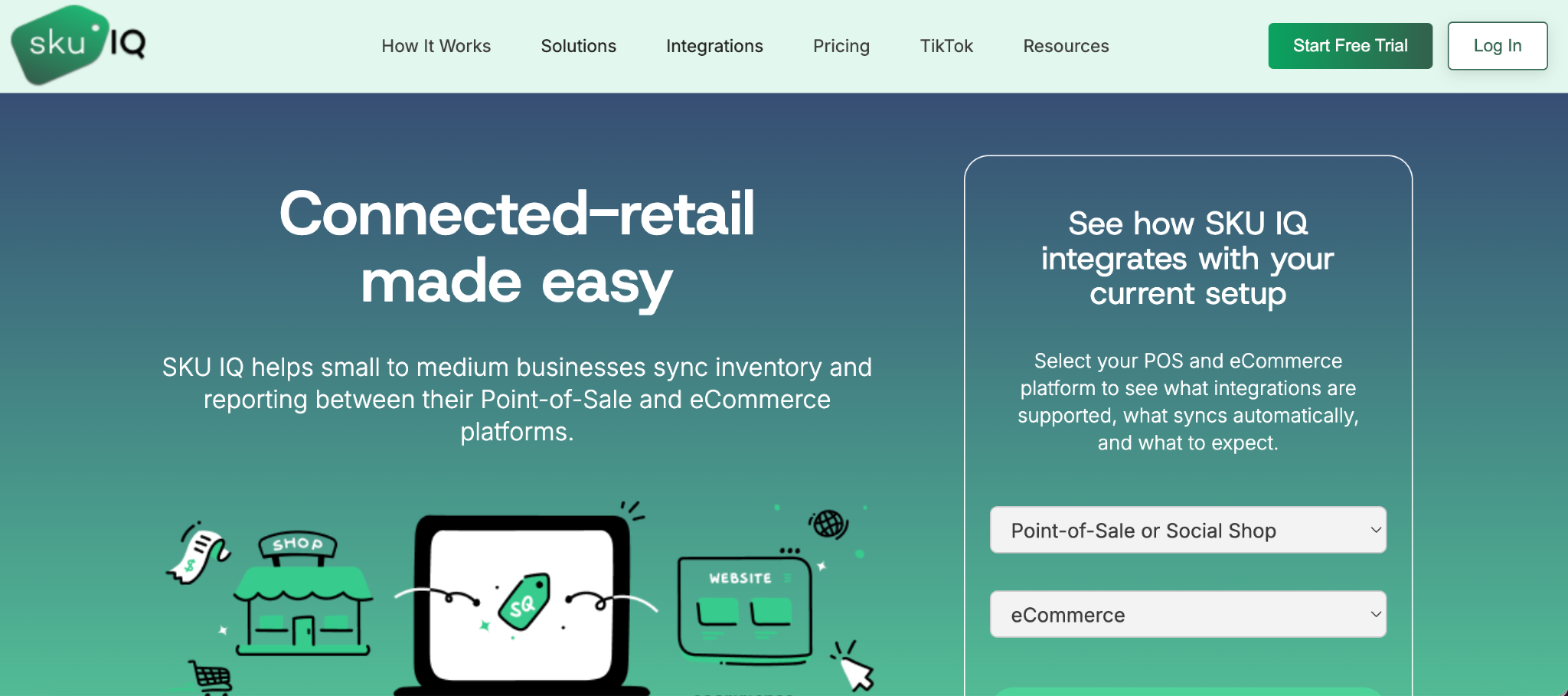
Overview: SKU IQ is worth considering when you want to keep your existing POS and eCommerce platform while connecting product and inventory data between them.
SKU IQ is built around connecting physical and online retail systems. Its current POS support includes Square Retail, Clover Retail, Lightspeed R-Series, and Lightspeed X-Series. eCommerce support includes Shopify, Wix, Squarespace, WooCommerce, and BigCommerce.
Best fit: Physical retailers that want to retain a supported POS while connecting it with an existing or new eCommerce storefront.
Where SKU IQ fits
SKU IQ provides quantity sync, product linking, catalog migration, and unified order visibility. Product linking helps retailers reconcile existing items, while catalog migration can move product data between supported platforms.
This distinction matters for an established physical retailer.
The first task may be getting an existing POS catalog into the eCommerce platform. Ongoing quantity synchronization comes after those products have been correctly matched or migrated.
SKU IQ also provides platform-specific setup documentation. Its current help center includes connection guides for Clover, Lightspeed R-Series, Lightspeed X-Series, Square, Shopify, Wix, Squarespace, BigCommerce, and WooCommerce.
SKU IQ compared with Trunk
Trunk is focused on keeping stock quantities synchronized across a broad collection of sales channels. Products sharing an SKU can retain different titles, descriptions, images, and other listing information.
SKU IQ covers quantity sync while also offering product linking and catalog migration. Higher plans add product attribute syncing and automatic product pushing.
The practical choice depends on whether the retailer primarily needs stock synchronization or wants a closer connection between product catalogs as well.
SKU IQ pricing
The SKU IQ pricing page lists:
- Basic: $19/month
- Plus: $49/month
- Pro: $99/month
Basic includes quantity sync, unlimited linked items, and the unified order view. Plus adds product attribute sync and auto-push for new items. The current Pro tier adds capabilities for higher-volume and more complex catalogs.
2. QuickSync: Connect POS and online sales channels
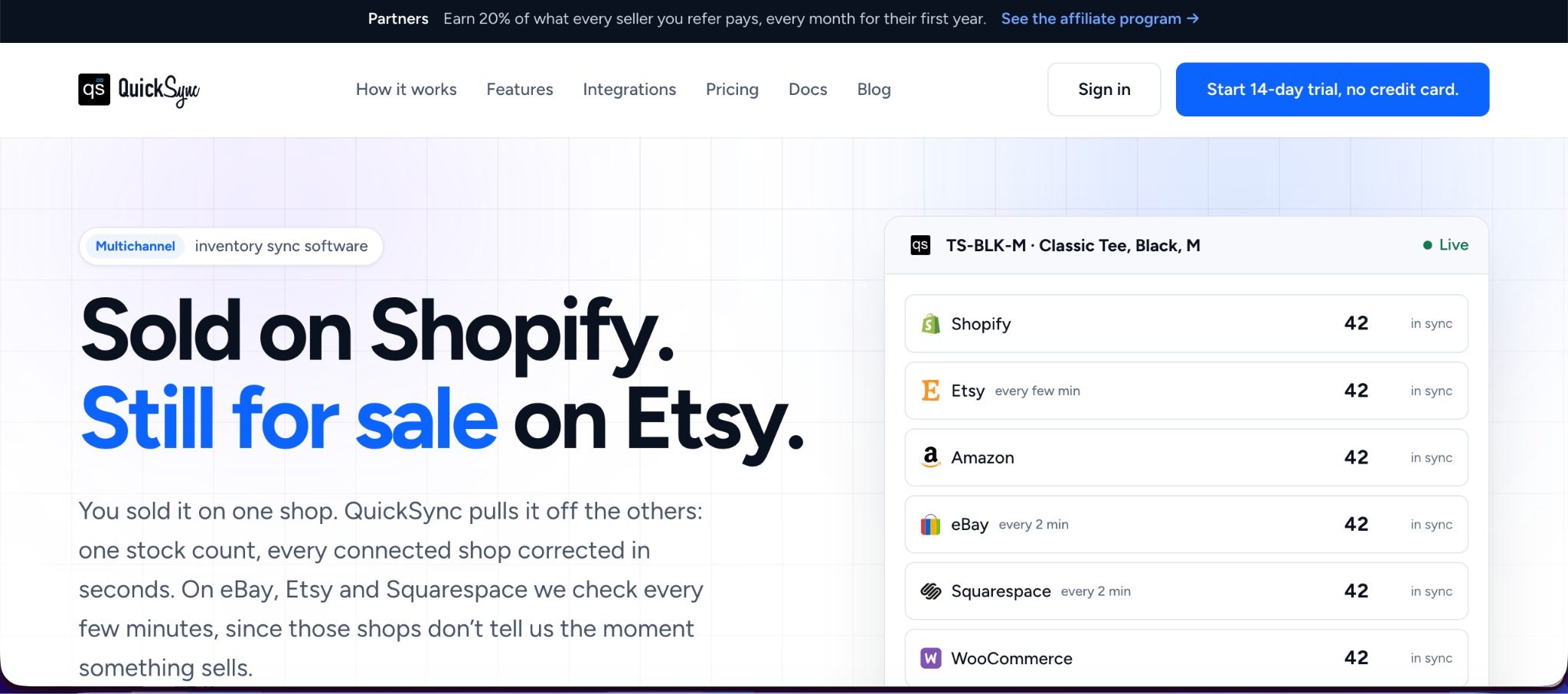
Overview: QuickSync suits retailers that want to connect stock across several supported storefronts, marketplaces, and POS platforms while keeping pricing tied to catalog size and connected shops.
QuickSync currently documents integrations with Square, Clover, and Lightspeed alongside eCommerce and marketplace platforms such as Shopify, Amazon, Etsy, eBay, WooCommerce, Squarespace, and Wix.
Its Square integration supports stock synchronization, with product and order synchronization available from Pro.
Best fit: Multichannel sellers that want predictable pricing based on catalog size and connections instead of order volume.
QuickSync compared with Trunk
Both products address multichannel inventory synchronization, but their pricing models differ.
Trunk prices according to monthly order volume. QuickSync states that orders do not determine the bill. Its plans instead vary by catalog size, with the plan price covering two shops and additional shops adding the same plan price again.
QuickSync also separates stock-only requirements from broader product and order syncing by plan.
QuickSync pricing
Current monthly pricing starts at:
- Lite: $19 for two shops and up to 1,000 items
- Pro: $29 for two shops and up to 2,500 items
- Ultra: $69 for two shops and up to 10,000 items
- Ultra+: $99 for two shops and up to 20,000 items
Each plan has a 14-day free trial, and annual billing currently provides a 10% discount.
3. SKUPlugs: Connect a specific POS and eCommerce platform
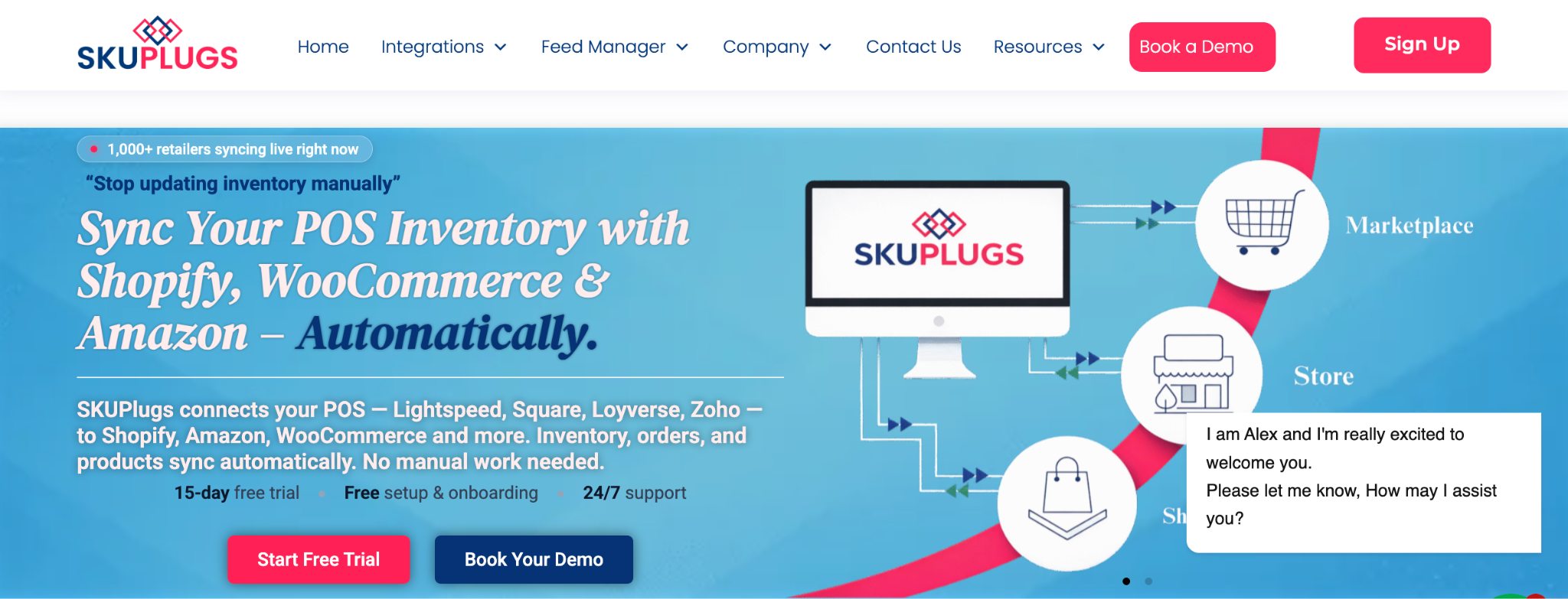
Overview: SKUPlugs is worth investigating when its documented connector directly matches the POS and eCommerce systems your store uses.
SKUPlugs takes a connector-oriented approach, with pricing that varies according to the integration.
Its standard integrations for platforms such as Lightspeed POS, Erply, Vend/Lightspeed X-Series, Square, Unleashed, and Locafox start at $59 per month.
Best fit: Retailers whose exact POS and eCommerce pairing is covered by a SKUPlugs connector.
SKUPlugs compared with Trunk
Trunk creates one inventory synchronization layer across supported sales channels.
With SKUPlugs, the important question is the individual connector. Retailers should check the documentation for their specific POS/eCommerce pair to establish which products, inventory fields, orders, and customer records move between systems.
SKUPlugs pricing
The official pricing page currently lists several starting points:
- Standard integrations: From $59/month
- Ready2Order integration: From $49/month
- Zoho Inventory integration: From $40/month
- Loyverse integration: From $25/month
SKUPlugs lists a 15-day free trial, unlimited products and orders for these plans, and no setup fee.
4. Thrive Inventory: Manage inventory across retail locations
Overview: Thrive Inventory moves beyond a straightforward sync connector and gives retailers a broader inventory-management layer.
Thrive currently supports Clover, Shopify, BigCommerce, WooCommerce, and Square according to its pricing documentation. Its plans scale by users, locations, integrations, and monthly transactions. That structure can suit businesses managing several stores or inventory pools.
Best fit: Retailers that want inventory management across stores and integrations rather than stock synchronization alone.
Thrive compared with Trunk
Trunk focuses primarily on synchronizing stock across channels.
Thrive adds inventory-management functionality such as product reporting, returns management, purchase-order functionality, and location-level inventory controls.
That broader scope also changes the implementation and price comparison.
Thrive Inventory pricing
On monthly billing, Thrive currently lists:
- Starter: $59/month
- Standard: $129/month
- Professional: $279/month
- Elite: $559/month
Annual plans reduce the effective monthly rates. A 14-day free trial is available.
5. Cin7 Core: Add purchasing and inventory operations
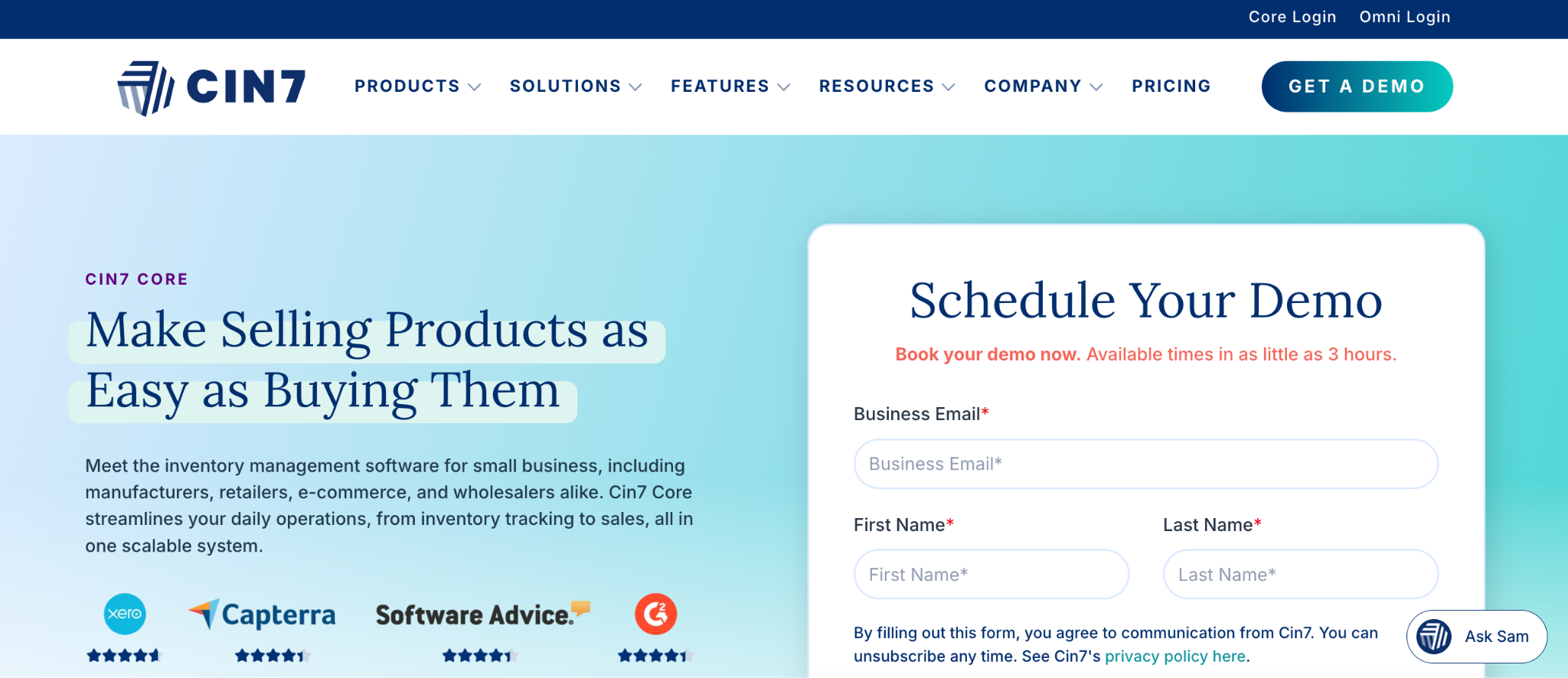
Overview: Cin7 Core is a broader option for businesses whose requirements extend beyond connecting sales channels.
Cin7 Core combines inventory management with operational capabilities suited to businesses handling more complex stock and order processes. Its pricing reflects that wider scope.
Best fit: Growing retailers that need inventory operations beyond POS-to-eCommerce synchronization.
Cin7 Core compared with Trunk
Choosing Cin7 Core instead of Trunk represents a larger operational change than replacing one sync connector with another.
Cin7 Core's current plans account for users, eCommerce and app integrations, annual sales-order volume, and inventory locations. Higher tiers introduce capabilities such as material requirements planning and advanced warehouse management.
A retailer that only needs two channels to share accurate quantities may therefore be solving a different problem from one evaluating Cin7 Core.
Cin7 Core pricing
Current US pricing is:
- Standard: $349/month
- Pro: $599/month
- Advanced: $1,199/month
- Omni: Contact Cin7 for pricing
Prices exclude taxes. Standard includes five users, two eCommerce and app integrations, 6,000 sales orders per year, and unlimited inventory locations.
6. Zoho Inventory: Manage online channels from an inventory system
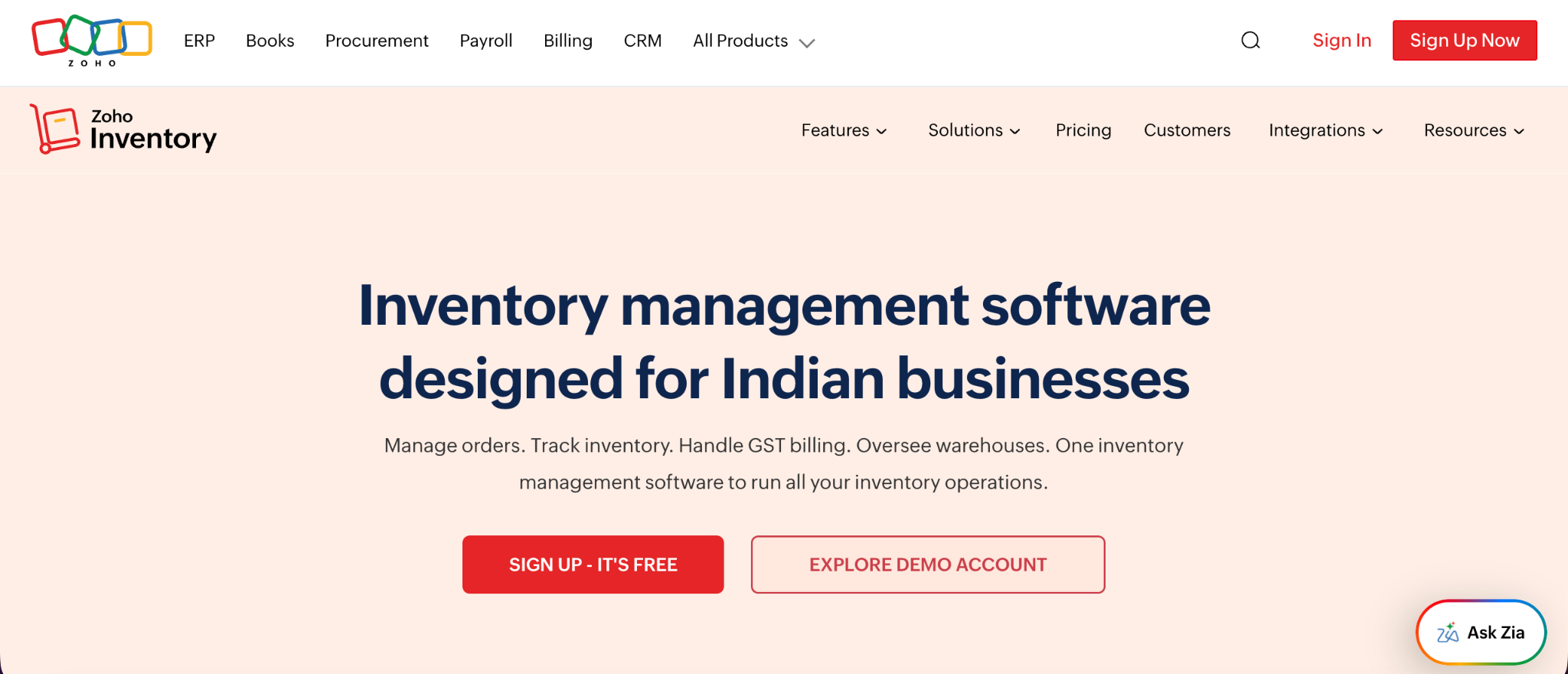
Overview: Zoho Inventory suits businesses that want an inventory-management application to sit at the center of online sales and stock operations.
Zoho Inventory supports sales-channel connections including Amazon, Etsy, eBay, and Shopify. Its current integration documentation also lists WooCommerce among its shopping-cart integrations.
Zoho Inventory can update stock across integrated sales channels when inventory changes and create sales orders from channel sales.
Best fit: Businesses that want centralized inventory and order management and whose sales channels fit Zoho's supported integrations.
Zoho Inventory compared with Trunk
Trunk synchronizes stock among connected selling systems.
Zoho Inventory takes a central inventory-management approach. Its documentation states that Zoho Inventory stock acts as the master stock for linked sales-channel items.
That distinction affects the retailer's daily workflow because inventory management moves into Zoho rather than remaining primarily within the existing sales channels.
Zoho Inventory pricing
Zoho Inventory currently offers a free plan with 50 orders, one user, and one location.
Paid US plans start at $29 per organization per month when billed annually. Higher plans currently include Premium at $79, Plus at $129, and Enterprise at $249 per organization per month when billed annually.
7. Finale Inventory: Manage retail and warehouse inventory together
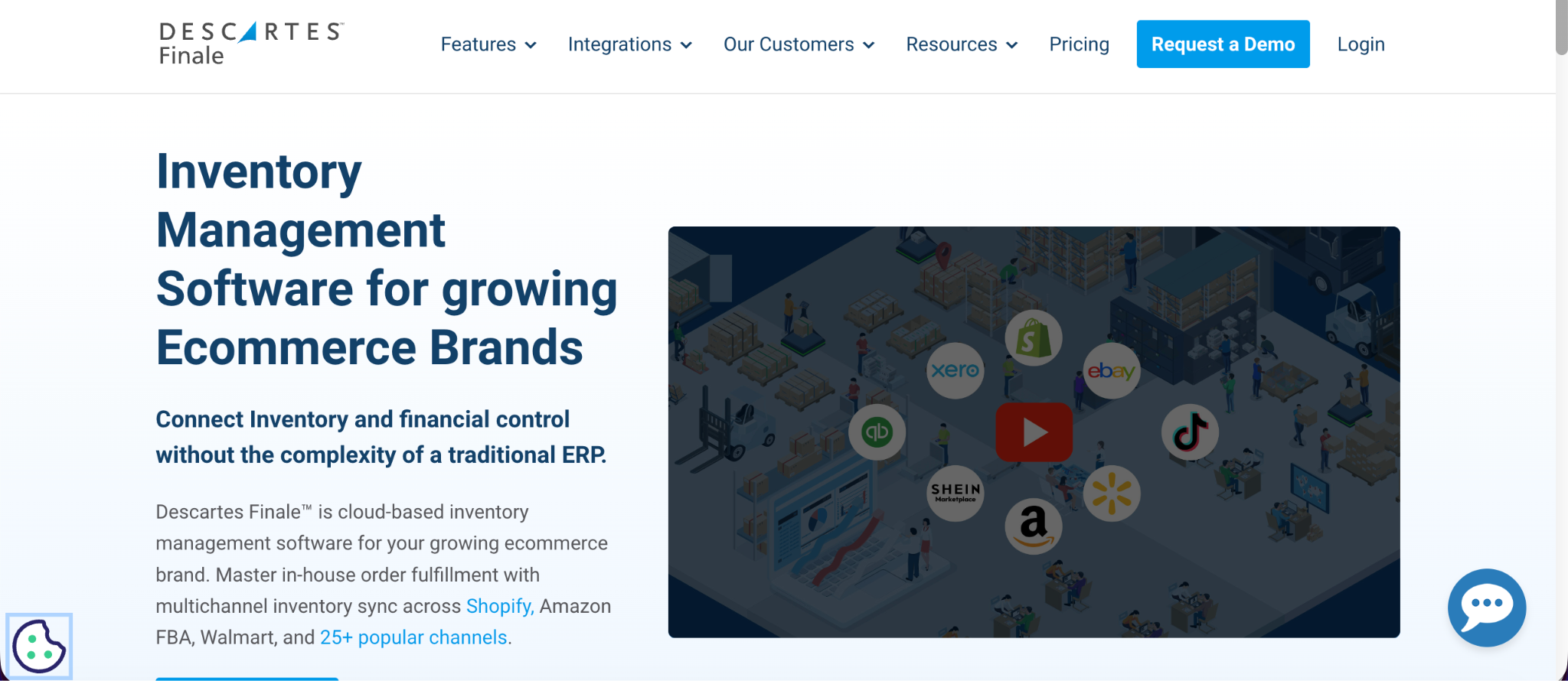
Overview: Finale Inventory is a broader inventory platform for businesses that need channel synchronization alongside warehouse and replenishment processes.
Finale documents a direct Square integration designed to synchronize physical and online retail activity. It supports centralized inventory, multi-location management, restocking, barcode workflows, and channel connections.
Its Square documentation also describes inventory synchronization across Square, Etsy, Shopify, and other online channels.
Best fit: Retailers combining physical-store sales with more substantial warehouse and inventory operations.
Finale Inventory compared with Trunk
The distinction is operational scope.
Trunk is primarily a stock-sync layer. Finale extends into warehouse activity, restocking, barcode scanning, and fulfillment-related inventory workflows.
For a small retailer needing only Square and an eCommerce storefront to share quantities, that may be more functionality than required. It becomes more relevant when warehouse operations are part of the same problem.
Finale Inventory pricing
Finale currently lists:
- Essentials: Starting at $499/month
- Growth: Starting at $799/month
- Enterprise: Custom pricing
The Essentials plan is positioned for one to two warehouses and businesses moving beyond spreadsheet-based inventory management.
8. SKULabs: Combine inventory, fulfillment, and retail operations
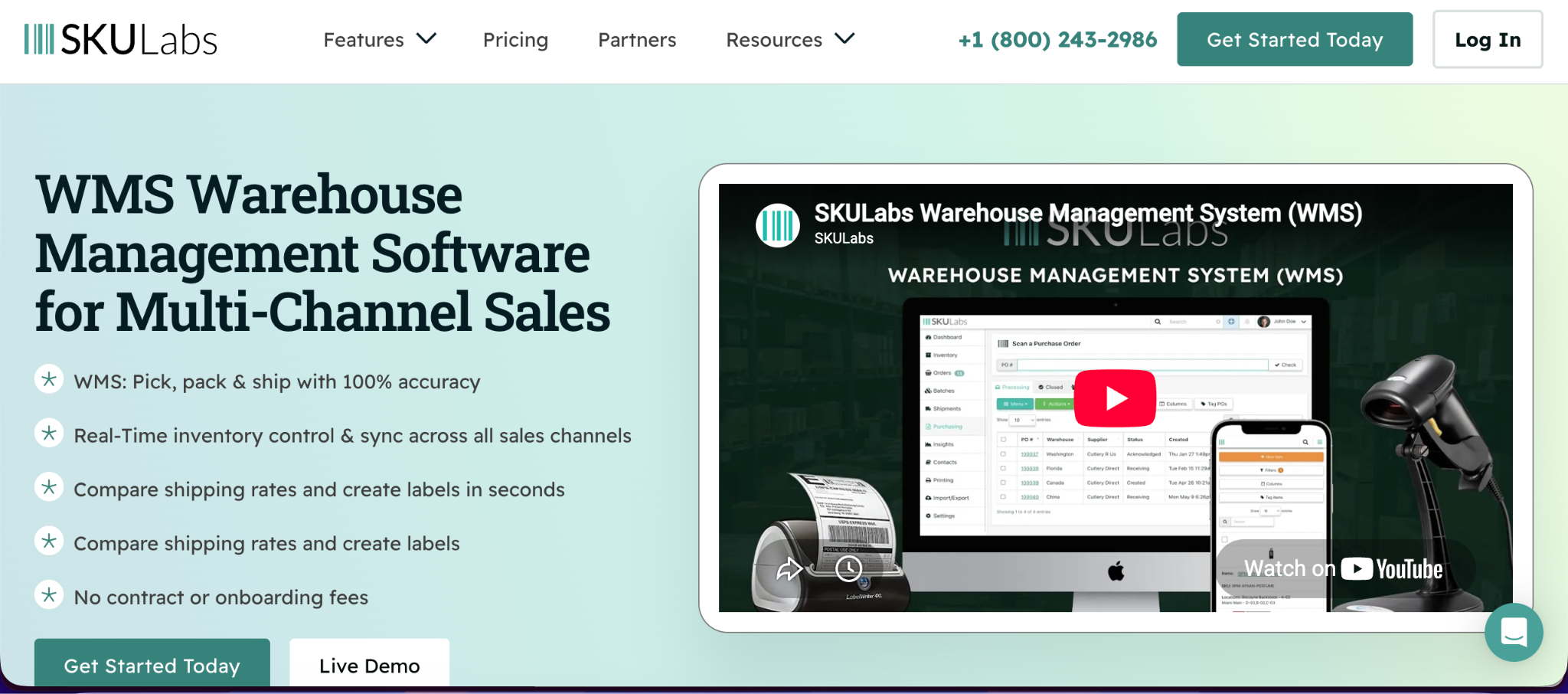
Overview: SKULabs is suited to retailers that need inventory synchronization as part of a wider order and fulfillment operation.
SKULabs covers inventory, orders, warehouse operations, fulfillment, shipping, and barcode workflows.
Its POS documentation describes inventory management across physical stores, warehouses, and online channels. It also documents order synchronization from Square POS, Shopify POS, and Shift4Shop POS.
Best fit: Retailers that need inventory synchronization together with warehouse, fulfillment, shipping, and barcode operations.
SKULabs compared with Trunk
SKULabs addresses a much wider operational scope.
Instead of primarily connecting quantities between existing channels, it can become the system used to coordinate inventory and fulfillment across the business.
That broader footprint comes with a substantially higher starting price than connector-focused products.
SKULabs pricing
Current monthly plans start at:
- Starter: $299/month
- Basic: $499/month
- Growth: $799/month
- Pro: $999/month
- Enterprise: $1,999/month
- Ultimate: Request a quote
Starter currently includes 1,000 orders, three users, two sales channels, two warehouses, and 10,000 SKUs, with published charges for usage beyond several included limits.
Trunk vs. its alternatives: What changes for an in-store and online retailer?
The products above solve different portions of the retail workflow.
Table 2: How Trunk and eight alternatives approach connected retail. Verify the exact platform pairing and plan before implementation.
The key distinction is between a connection problem and an inventory-operations problem.
If the existing POS and eCommerce platforms already handle the rest of the business well, replacing them with a larger inventory system can introduce unnecessary operational change.
If purchasing, warehouses, fulfillment, and replenishment are also becoming difficult, a broader inventory application may be worth evaluating.
How much do Trunk alternatives cost?
Headline prices vary from $19 per month to several hundred dollars because these products do different jobs.
Trunk's Essential plan starts at $35 per month for businesses processing up to 100 orders monthly. Pro starts at $39 for the same volume and adds bundling, kitting, and duplicate SKU syncing.
SKU IQ and QuickSync both currently offer entry plans at $19 per month, although their plan structures differ. SKU IQ's Basic plan focuses on quantity sync, linked items, and unified order visibility. QuickSync's Lite plan covers two shops and up to 1,000 items.
Broader inventory systems carry higher starting prices because they cover more operational functions. Cin7 Core starts at $349 per month, Finale at $499, and SKULabs at $299.
Before comparing totals, calculate the cost of the plan that supports your actual setup. Include the required integrations, stores, users, locations, products, orders, and any implementation work.
Which type of Trunk alternative fits your retail setup?
Your existing systems provide the quickest way to narrow the shortlist.
1. You want to keep your POS and eCommerce platform
Start with connector-style products that explicitly support your platform pair.
SKU IQ is designed around connecting supported POS and eCommerce systems. Its supported POS platforms include Square, Clover, and Lightspeed R/X, while its eCommerce platforms include Shopify, Wix, Squarespace, WooCommerce, and BigCommerce.
2. You sell through a POS, eCommerce store, and marketplaces
Look at the complete channel combination.
QuickSync may be relevant when a retailer needs POS support alongside marketplaces such as Amazon, Etsy, or eBay. Trunk itself also supports a broad set of eCommerce and marketplace channels.
3. You mainly need stock quantities aligned
A focused synchronization product may provide enough functionality.
Compare Trunk, SKU IQ's Basic plan, QuickSync Lite, and relevant SKUPlugs connectors against the exact platform pair and update behavior you require.
4. You need purchasing or warehouse management too
Move the comparison toward broader inventory platforms.
Thrive, Cin7 Core, Finale Inventory, Zoho Inventory, and SKULabs address requirements beyond basic quantity synchronization, although their scope and implementation models differ.
5. You operate several physical locations
Check how each location maps to inventory.
Ask whether inventory pools remain separate, combined for eCommerce availability, or can be assigned individually to online channels. Confirm this behavior for the specific integration instead of relying on general multi-location claims.
Trunk vs. SKU IQ: What is the difference for a physical retailer?
Trunk and SKU IQ overlap on inventory synchronization, but their documented product models differ.
Trunk focuses on keeping stock levels synchronized among connected sales channels. Matching SKUs link listings, while titles, descriptions, images, and prices can remain different between channels.
SKU IQ combines quantity synchronization with tools for linking existing products and moving catalog data between supported POS and eCommerce platforms. Its Plus plan also includes product attribute sync and auto-push for new items.
Trunk currently supports a wider set of marketplace-oriented channels, including Amazon, Etsy, Faire, Walmart, and eBay. SKU IQ's documented POS support includes Square, Clover, and Lightspeed R/X, alongside its supported eCommerce platforms.
Pricing works differently too. Trunk's starting price depends on monthly order volume. SKU IQ uses feature-based plan tiers, starting at $19 per month for Basic.
For a physical retailer, the useful question is therefore specific: Do you mainly need quantities kept aligned across selling channels, or do you also need product linking and catalog workflows between the POS and eCommerce store?
How to switch inventory sync tools without disrupting in-store and online stock
Changing inventory connections requires a controlled cutover because two tools writing stock changes simultaneously can create conflicting quantities.
1. Back up the current product and inventory data
Export available product records before changing the existing connection.
Record SKUs, variants, quantities, locations, and product mappings so the team has a reference point if reconciliation is required.
2. Choose the starting inventory record
Identify which system currently contains the quantities you trust.
This decision matters during initial synchronization because the new connection needs a clean starting point.
3. Check product identifiers
Review SKUs, UPCs, variants, and duplicate products.
For Trunk, matching SKUs are central to linking listings across channels. Other platforms may provide additional matching options.
4. Test a controlled product set
Use a small selection of products before enabling the connection across the complete catalog.
Test an in-store sale, an online order, a manual quantity adjustment, and relevant return or cancellation workflows.
5. Review unmatched products
Resolve products that the new integration cannot link automatically.
Pay particular attention to duplicate SKUs, missing identifiers, variants, and products that exist on only one platform.
6. Plan the cutover
Coordinate when the old synchronization stops and the new connection begins.
Avoid leaving two automatic inventory systems updating the same live records during the transition.
7. Reconcile quantities after launch
Compare quantities across the POS, eCommerce store, and new inventory connection.
Establish who will investigate sync issues and where the team can review failed or delayed updates.
Connect your physical store and eCommerce inventory with SKU IQ
Physical retailers often already have the systems they want to keep. The remaining task is getting those systems to share accurate product and inventory information.
SKU IQ connects supported POS systems including Square, Clover, and Lightspeed R/X with eCommerce platforms including Shopify, Wix, Squarespace, WooCommerce, and BigCommerce.
Product linking helps reconcile items that already exist in both systems. Catalog migration can help move product data between supported platforms, while ongoing quantity synchronization keeps connected inventory aligned.
Start a free trial with SKU IQ to check how your existing POS and eCommerce setup can work together.
Frequently asked questions about Trunk alternatives
1. What is a Trunk alternative for a physical store and eCommerce website?
The right option depends on the POS and eCommerce pairing. SKU IQ focuses on connecting supported POS and eCommerce systems, while QuickSync and SKUPlugs offer other connector models. Broader platforms include Cin7 Core and Finale Inventory.
2. Can Trunk sync inventory between a physical store and an online store?
Yes, for supported combinations. Trunk currently supports Square and eCommerce platforms including Shopify, WooCommerce, Wix, Squarespace, and BigCommerce. Its documentation specifically covers real-time inventory syncing between Square and Shopify.
3. Can I connect my POS and eCommerce store without replacing either platform?
Yes, when a connector supports the exact combination. SKU IQ, for example, connects supported POS systems including Square, Clover, and Lightspeed with supported eCommerce platforms such as Shopify, Wix, Squarespace, WooCommerce, and BigCommerce.
4. What should I check before switching from Trunk?
Check platform compatibility, SKU and variant matching, inventory locations, product-data requirements, order behavior, pricing, and setup. Back up current data and test a controlled group of products before changing the live inventory connection.
5. Do Trunk alternatives sync products as well as inventory quantities?
Some do. SKU IQ's Plus plan includes product attribute sync and auto-push for new items. QuickSync adds product and order syncing from its Pro plan. Capabilities still vary by platform and integration.
Share this blog:







Sync and Manage Inventory Across Your Retail Systems
- No more spreadsheets or manual updates
- Real-time sync between POS and eCommerce
- One product catalog, every sales channel
- Save hours managing multiple systems

Ready to stop worrying about inventory?
Start a free trial and experience how much easier retail operations become when your systems stay in sync.