

Updated
November 14, 2026
Best POS Systems for Clothing and Apparel Stores
The best clothing store POS systems help boutiques manage size and color variants, returns, seasonal inventory, and online sales. Compare seven options, including Square, Shopify POS, Lightspeed Retail, and SKU IQ, to find the right fit for your budget, catalog, and selling channels.


TL;DR
- The best clothing store POS systems track sizes, colors, returns, and inventory across sales channels.
- Square Free and Loyverse offer $0 starting plans for small boutiques with basic checkout needs.
- Shopify POS supports up to 2,048 variants per product, while Square supports 250.
- Lightspeed Retail and Heartland Retail suit established apparel stores with complex inventory and purchasing needs.
- SKU IQ connects existing retail POS systems to Shopify or Wix, syncing inventory in about three minutes on average.
Choosing a clothing store POS means finding a system that tracks every size and color separately, processes exchanges quickly, and keeps inventory accurate across sales channels. For boutiques, even a small stock error can mean selling a size that has already sold out.
US clothing and accessories stores recorded $26.478 billion in sales in September 2026, according to US Census Bureau data published on FRED. Reliable inventory tracking matters in a market this active.
This guide compares seven clothing store POS solutions, covering essential features, pricing, size and color management, online inventory syncing, and setup considerations to help boutiques choose the right system.
What is the best clothing store POS for a boutique?
SKU IQ fits a boutique that keeps its current POS and sells on Shopify or Wix. Square fits a new boutique that wants a free starting plan and an online store in the same account. Lightspeed Retail suits deep size runs, and Shopify POS suits a store whose website already runs on Shopify.
Two factors determine the best choice for your store. Consider how many variants you carry and where your online sales already happen. A 150-style womenswear shop with no website needs a different setup from a menswear store with 900 variants live on Shopify.
What should a boutique look for in a POS?
Size and color variants, plus fast exchanges, separate apparel from other retail. Seasonal catalogs and the online store come next, followed by tools for a small team.
1. Size and color variants
One style in five sizes and four colors makes 20 variants. Each one needs its own SKU (stock-keeping unit), price, and stock count.
Ask how many variants a single product can hold, and whether sizes can be saved as a reusable set. Square lets you build Sizes and Colors option sets once and apply them to any item. Labels should be printed for each variant so scanning a medium navy dress updates its stock count.
2. Returns and exchanges
Shoppers judge a store by how a return feels. According to the 2025 Retail Returns Landscape report from NRF and Happy Returns, 76% of consumers favored a return option with an instant refund or exchange.
At the counter, that means swapping a size in one transaction and restocking the right variant. Owners with two locations should also check whether an item purchased at one store can be returned at the other.
3. Seasonal catalogs and markdowns
Spring and fall deliveries arrive in bulk, so the POS should import a whole season from one spreadsheet. End-of-season sales require price changes that apply to a style and all its sizes at once.
Archived styles keep the item list short for staff. Sales history should stay on file, since it guides next year's buying.
4. The online store
A POS can run its own web store or link to a site you already run on Shopify or Wix. Inventory syncing helps prevent a dress from being sold in-store and online after the last medium has sold out. The stock matching section below compares the routes each system offers.
5. Tools for a two- or three-person team
With two people on the floor, the owner decides who can issue refunds or change prices. Look for staff logins with permission levels and check which plan includes them.
A phone or tablet checkout lets one person ring a sale near the fitting rooms while the other covers the till. Ask each vendor to show how a held item stays out of the sellable count.
How we picked these POS systems
Each option was evaluated using the same criteria.
- Criteria: Every option was judged on the five jobs above, with extra weight on variants and returns.
- Sources: Prices and features come from each vendor's own pricing pages and help centers, read in October 2026.
- Independent review: Heartland Retail figures come from an ERP Research review updated in August 2026.
- Scope: Only retail plans were compared, excluding restaurant and enterprise tiers.
- Disclosure: Our own product, SKU IQ, sits first. It connects a POS to an online store, so it is judged on the catalog and online jobs only.
Which POS systems and integrations work best for clothing boutiques?
The list opens with SKU IQ, which links a boutique's POS to its online store. Six POS systems follow, beginning with lower-cost options and moving toward specialized retail solutions.
Compare the seven options below to see which fits your boutique's inventory needs, available budget, and existing online store.
Table 1: Comparison of seven clothing store POS solutions by ideal use case, variant management, recommended plans, eCommerce support, and starting prices.
Clothing store POS solutions worth considering for your boutique
The best clothing store POS depends on how your boutique handles size and color variants, seasonal inventory, and customer returns. Some systems offer built-in eCommerce, while others connect an existing register to an online store.
The seven options below cover different boutique needs, from free checkout software to specialized apparel inventory tools. Each includes its key features, ideal use case, and starting price.
1. SKU IQ: Best for connecting an existing boutique POS to eCommerce
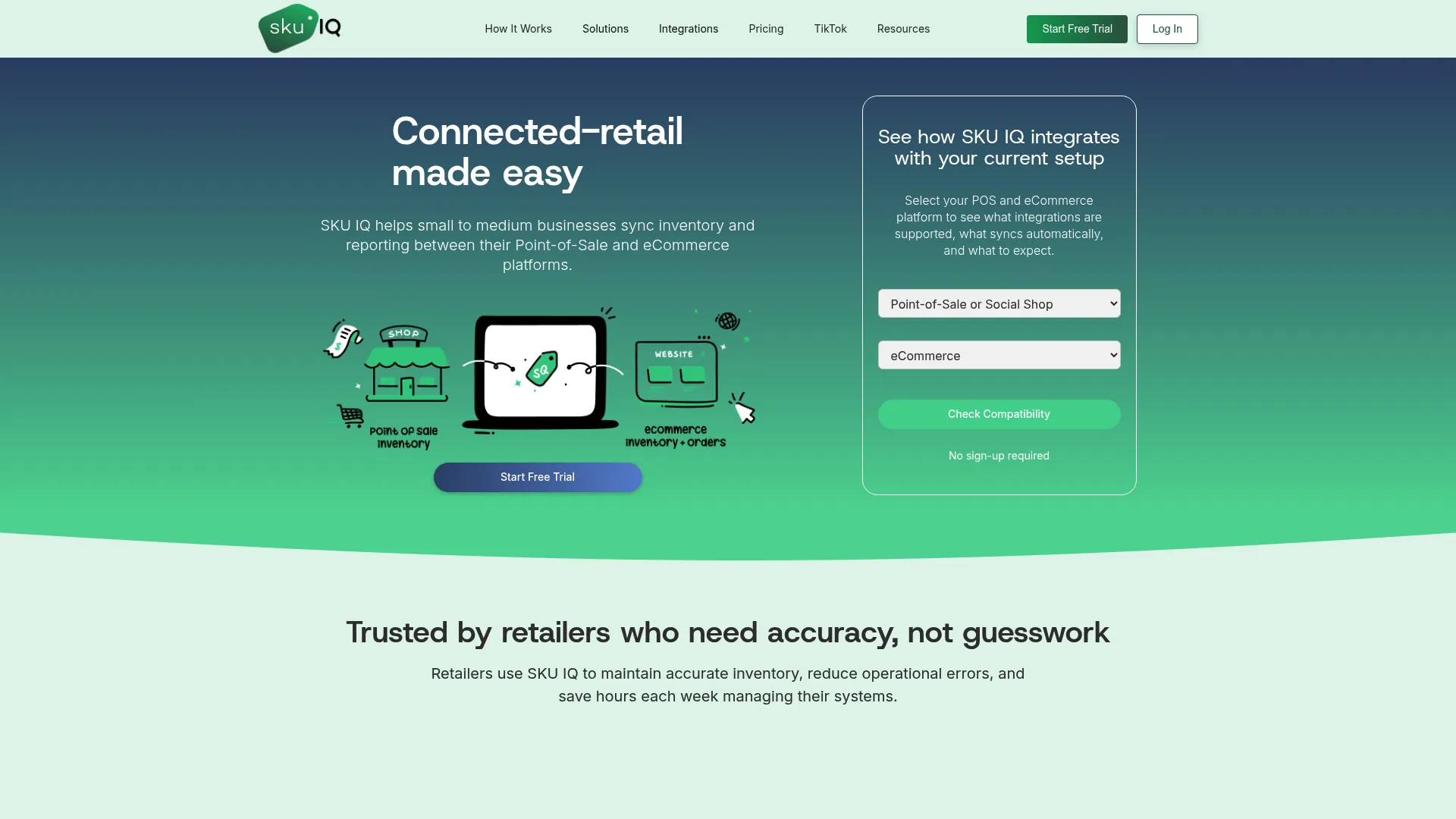
Overview: SKU IQ connects a boutique's existing POS to its online store without requiring a new register. It supports Square, Clover, and Lightspeed Retail, allowing retailers to manage in-store and online stock through connected systems.
The Link Report helps identify matching products using SKUs, UPCs, and, where supported, product titles. This helps retailers pair the correct sizes and colors before inventory syncing begins.
Best fit: Clothing boutiques that already use Square, Clover, or Lightspeed Retail and want to sell online without replacing their POS.
SKU IQ key features
- Two-way inventory syncing: Updates stock quantities between connected platforms in about three minutes on average.
- Product matching: Links existing products using SKUs, UPCs, and product titles.
- Catalog migration: Pushes products from one platform to another, including their variants.
- eCommerce integrations: Supports Shopify, Wix, WooCommerce, Squarespace, and BigCommerce.
- Automated product creation: The Plus plan supports automatically pushing new products to connected platforms.
SKU IQ pricing
Basic starts at $19 per month, while Plus costs $49 per month. SKU IQ also offers a 14-day free trial with a one-on-one setup call.
2. Square: Best for small clothing boutiques on a budget
Overview: Square offers an affordable starting point for independent clothing stores that need checkout, inventory tracking, and an online selling option. Its free plan allows new retailers to start selling without a monthly software subscription.
Using reusable item option sets, retailers can organize clothing by size and color. Each variation has its own SKU and price, helping staff identify the correct product during checkout.
Best fit: New clothing boutiques with a limited budget, straightforward apparel catalogs, and plans to open an online store.
Square key features
- Size and color management: Creates reusable option sets with up to 250 variations per item.
- Inventory tracking: Maintains stock records for individual product variations.
- Returns and exchanges: Square Plus supports exchanges and returns across locations.
- Online selling: Square Online connects an eCommerce site with the Square item catalog.
- Mobile checkout: Supports compatible handheld and countertop checkout setups.
Square pricing
Square Free starts at $0 per location. Square Plus costs $49 per location monthly, while Premium costs $149 per location monthly.
3. Lightspeed Retail: Best for apparel stores managing large seasonal catalogs
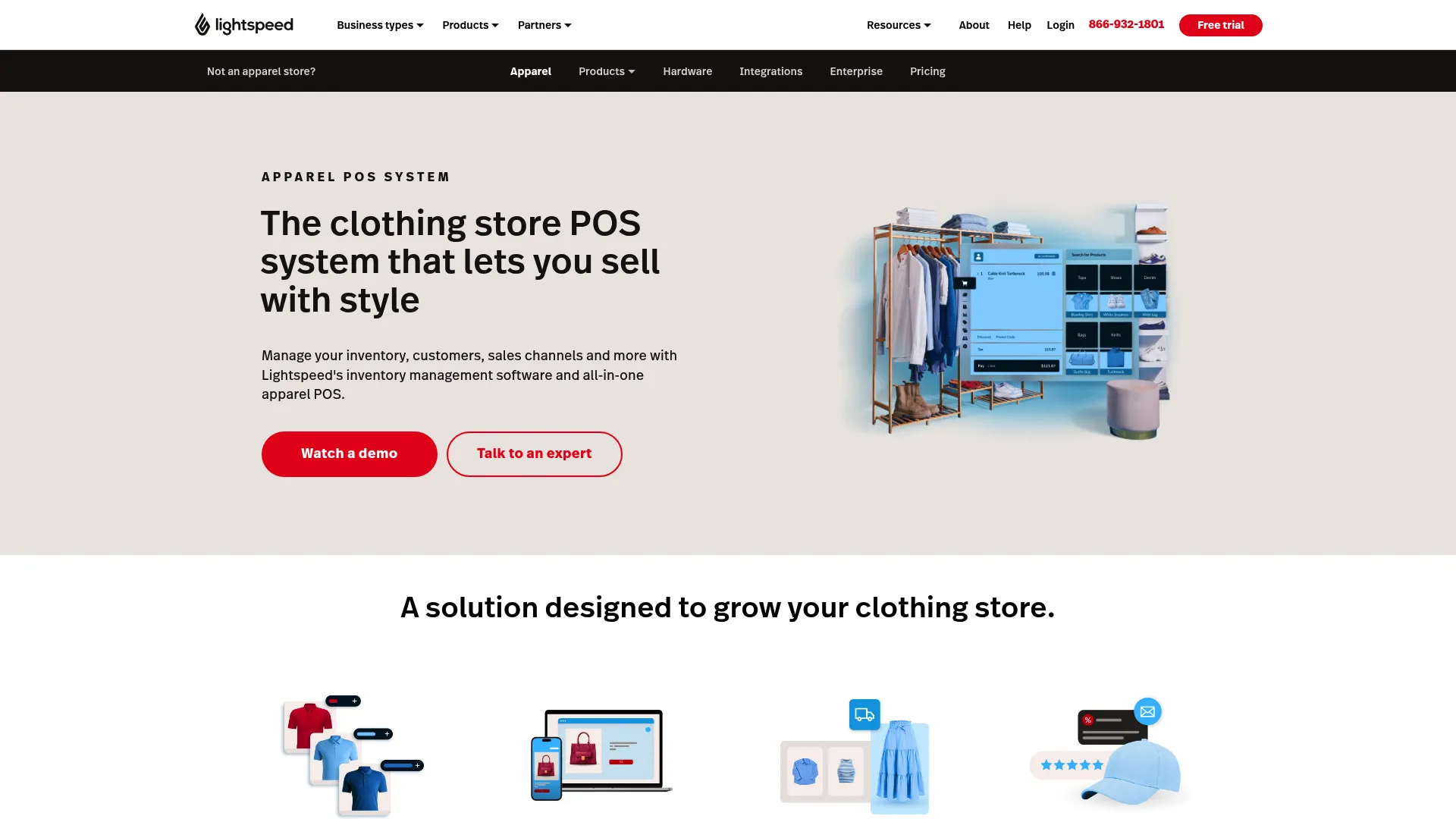
Overview: Lightspeed Retail provides inventory and purchasing tools for clothing stores that manage extensive size runs and recurring supplier orders. Its apparel-focused features help retailers organize merchandise beyond basic product names and stock quantities.
Retailers can add custom product fields for details such as fit or rise. Lightspeed Wholesale also helps buyers bring supplier purchase orders into the system with product images and UPC information.
Best fit: Established boutiques that carry deep size runs, purchase from multiple clothing brands, and need structured inventory ordering.
Lightspeed Retail key features
- Apparel variant tracking: Organizes stock by size and color, with additional custom product fields.
- Bulk inventory management: Imports seasonal products in batches and supports stock counts.
- Supplier purchasing: Imports purchase orders and product information through Lightspeed Wholesale.
- Inventory control: Supports stock tracking and purchasing workflows for apparel retailers.
- eCommerce capabilities: Includes Lightspeed eCom, with limited functionality on Basic.
Lightspeed Retail pricing
Lightspeed Basic starts at $89 per month when billed annually, or $109 with monthly billing. Core starts at $149 per month when billed annually.
4. Shopify POS: Best for clothing stores already selling on Shopify
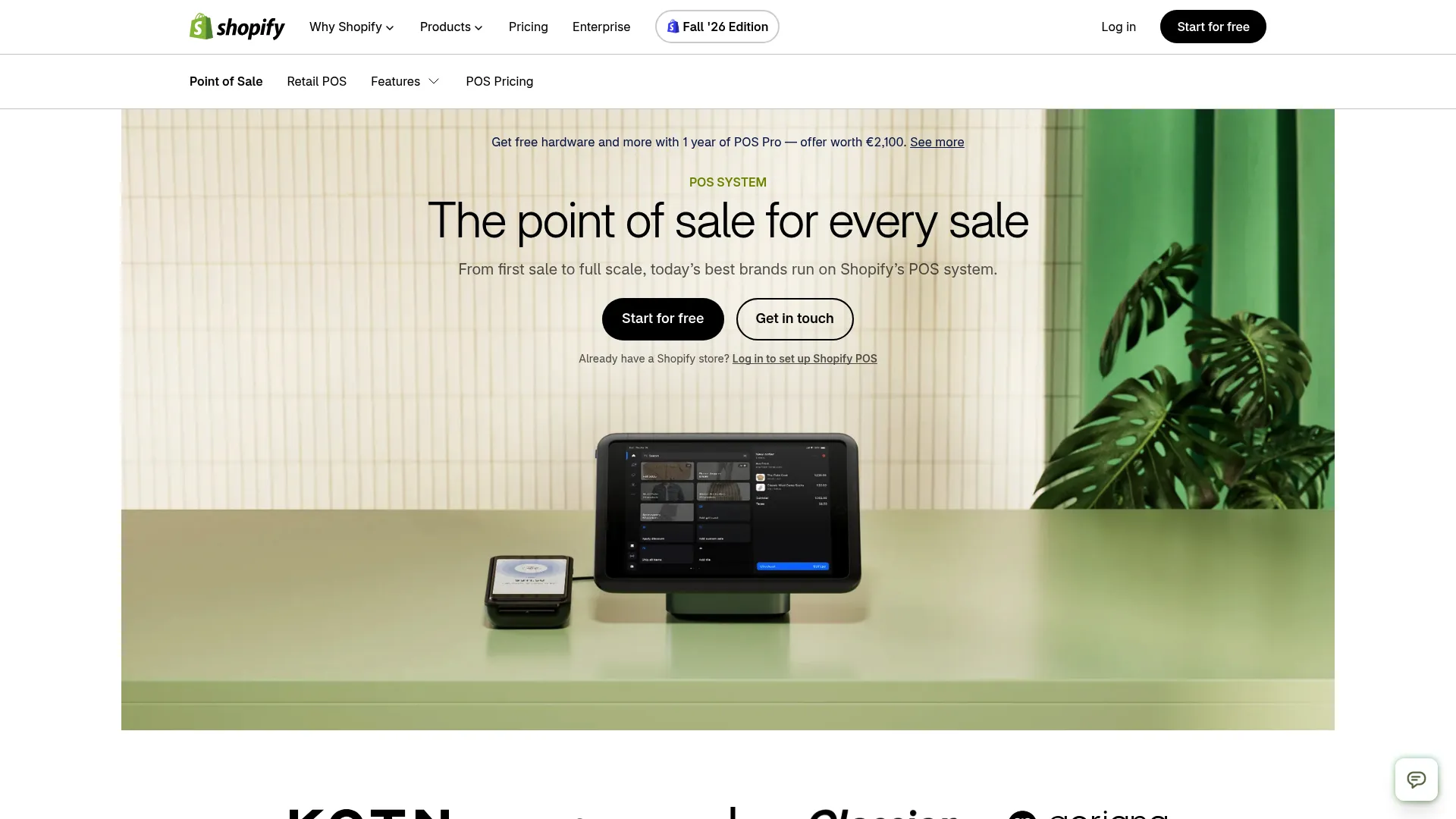
Overview: Shopify POS connects physical checkout directly to a Shopify eCommerce store. Both channels use the same product catalog, making it suitable for apparel businesses that want to manage online and in-store sales within one platform.
Shopify supports up to 2,048 variants per product, giving clothing retailers room to organize extensive combinations of sizes and colors. POS Pro adds advanced retail features for stores with multiple employees or locations.
Best fit: Clothing boutiques already operating a Shopify website or planning to manage their eCommerce and physical retail operations through Shopify.
Shopify POS key features
- Unified inventory: Uses the same product catalog and inventory records across Shopify online and POS.
- Variant management: Supports up to 2,048 variations per product.
- In-person checkout: Includes POS Lite with paid Shopify subscriptions.
- Staff permissions: POS Pro provides more detailed controls over employee access.
- Omnichannel returns: POS Pro supports cross-location and online-to-store return workflows.
Shopify POS pricing
Shopify Basic starts at $29 per month with annual billing. POS Lite is included, while POS Pro costs an additional $89 per location monthly.
5. Clover: Best for boutiques wanting integrated hardware and payments
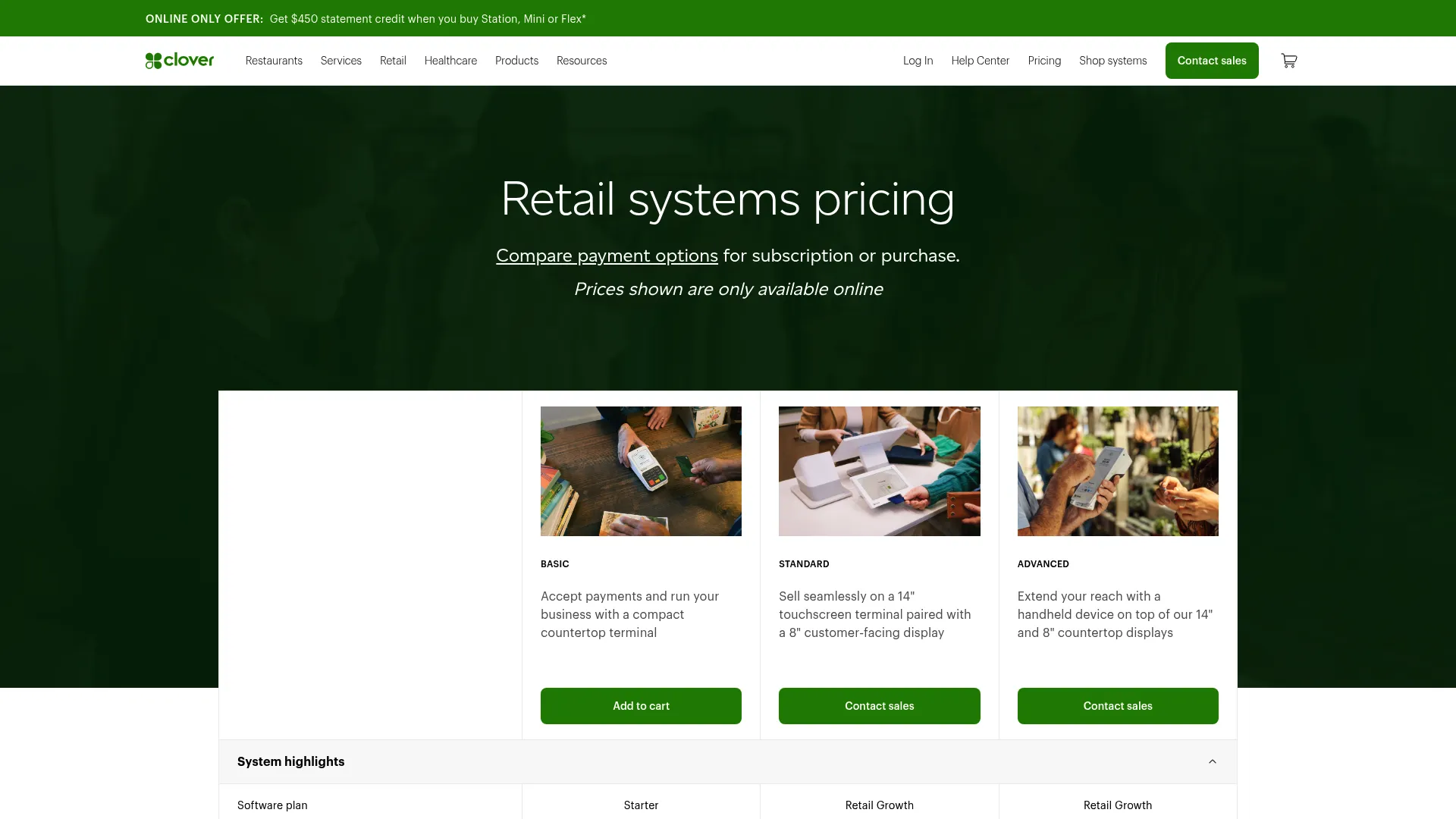
Overview: Clover combines POS software, payment processing, and dedicated checkout hardware in one retail system. Its countertop terminals and handheld devices suit clothing boutiques that want to manage transactions without assembling equipment from multiple vendors.
The Retail Growth software plan provides item management and online selling capabilities. Clothing retailers can also use the Clover Inventory app to organize product variations and track their individual stock counts.
Best fit: Clothing boutiques that prefer purchasing POS hardware and payment services from one provider, particularly stores setting up a new checkout counter.
Clover key features
- Integrated payment processing: Accepts card payments, digital wallets, and other supported payment methods.
- Variant inventory: Tracks individual stock quantities for clothing sizes and colors.
- Retail hardware: Offers countertop terminals and handheld checkout devices.
- eCommerce tools: Retail Growth supports an online store and integration with an existing website.
- Employee management: Provides individual staff logins, permissions, and shift management.
Clover pricing
Clover's Standard retail package costs $84.95 per month with a $1,899 upfront hardware purchase. An alternative payment option costs $180 per month for 36 months. Confirm the current package quote before purchasing.
6. Global Payments Retail: Best for specialty apparel stores with complex inventory
Overview:Global Payments Retail serves specialty retailers that need detailed merchandise management. Its inventory and purchasing capabilities suit clothing businesses handling extensive catalogs and stock across multiple locations.
The system supports purchase orders and inventory transfers, helping buyers coordinate merchandise deliveries and replenishment. Global Payments Retail also has listed eCommerce integrations, including Shopify and BigCommerce, according to an ERP Research review updated in August 2026.
Best fit: Established apparel boutiques with multiple locations, a dedicated merchandise buyer, or more demanding purchasing requirements.
Global Payments Retail key features
- Apparel inventory management: Organizes detailed clothing and footwear catalogs.
- Purchase order management: Supports purchasing workflows, including purchase orders created on tablets.
- Multi-location inventory: Transfers stock between retail locations.
- eCommerce integrations: Offers listed connections with Shopify and BigCommerce.
- Retail reporting: Supports inventory and sales analysis for merchandise planning.
Global Payments Retail pricing
Pricing starts at $89 per month for one POS station. Pricing for additional stations is available by quote.
7. Loyverse: Best for solo boutique owners seeking a free POS
Overview: Loyverse offers a free POS system that runs on compatible phones and tablets. Its basic inventory tools support clothing variations, allowing small retailers to organize sizes and colors without paying for a subscription.
The platform also offers optional upgrades for employee management and advanced inventory. This gives growing boutiques a way to add purchasing and staff controls as their operations expand.
Best fit: Solo boutique owners, small vintage clothing sellers, and retailers testing a physical shop before investing in paid POS software.
Loyverse key features
- Free POS software: Handles checkout and essential inventory management.
- Size and color variants: Tracks individual apparel variations and their stock quantities.
- Low-stock notifications: Alerts retailers when merchandise needs replenishment.
- Advanced inventory: Adds purchase orders, supplier records, stock counts, and transfers.
- Employee management: Provides staff permissions, sales tracking, and time records through an add-on.
- eCommerce integrations: Supports connections to online selling platforms through third-party integrations.
Loyverse pricing
The core POS is free. Employee management and advanced inventory each cost $25 per store monthly. Unlimited sales history beyond 31 days costs an additional $7 per store monthly.
What does a POS cost for one boutique?
Clothing store POS software ranges from $0 for basic checkout to more than $100 per month for plans with advanced retail features. Costs depend on the inventory tools, staff permissions, and return management features your boutique needs.
The comparison below assumes one location, one register, and two employees. It shows the monthly software costs for each setup, excluding payment processing and hardware.
Table 2: Monthly POS software costs and features for a single boutique.
Free plans can cover a boutique's initial months of operation. Boutiques may need paid plans as they hire employees, handle more exchanges, or require advanced inventory controls.
Keeping your existing POS means adding the connector's subscription cost to your current POS expenses. Clover Standard with SKU IQ Basic, for instance, lists at $103.95 per month in software once the hardware is paid.
Ask each vendor for a written quote with processing on its own line. Then compare the totals over 12 months, the length of a full buying cycle.
How do boutiques keep in-store and online stock matched?
The register and the website need to read the same counts, either through a built-in store or a connector. Returns add pressure, since NRF estimates 19.3% of online sales were returned in 2025.
1. The POS's own online store
Square Online and Lightspeed eCom both draw on the POS catalog. Clover's store on Retail Growth works the same way, and Shopify POS shares its catalog with Shopify itself.
A built-in online store suits a boutique launching its eCommerce operations from scratch. Setup takes less work, because the products already exist in the POS.
2. A connector for an existing Shopify or Wix store
An established website with traffic and reviews is worth keeping. Our fashion retail guide shows how to match each size and color across both systems before the first sync.
Wix sellers can read how to connect a POS to Wix. Link the products that exist on both sides first, then push the ones that live on one side only.
The table below compares each POS system's built-in eCommerce options and available connections to Shopify and Wix.
Table 3: eCommerce integration options for clothing store POS systems.
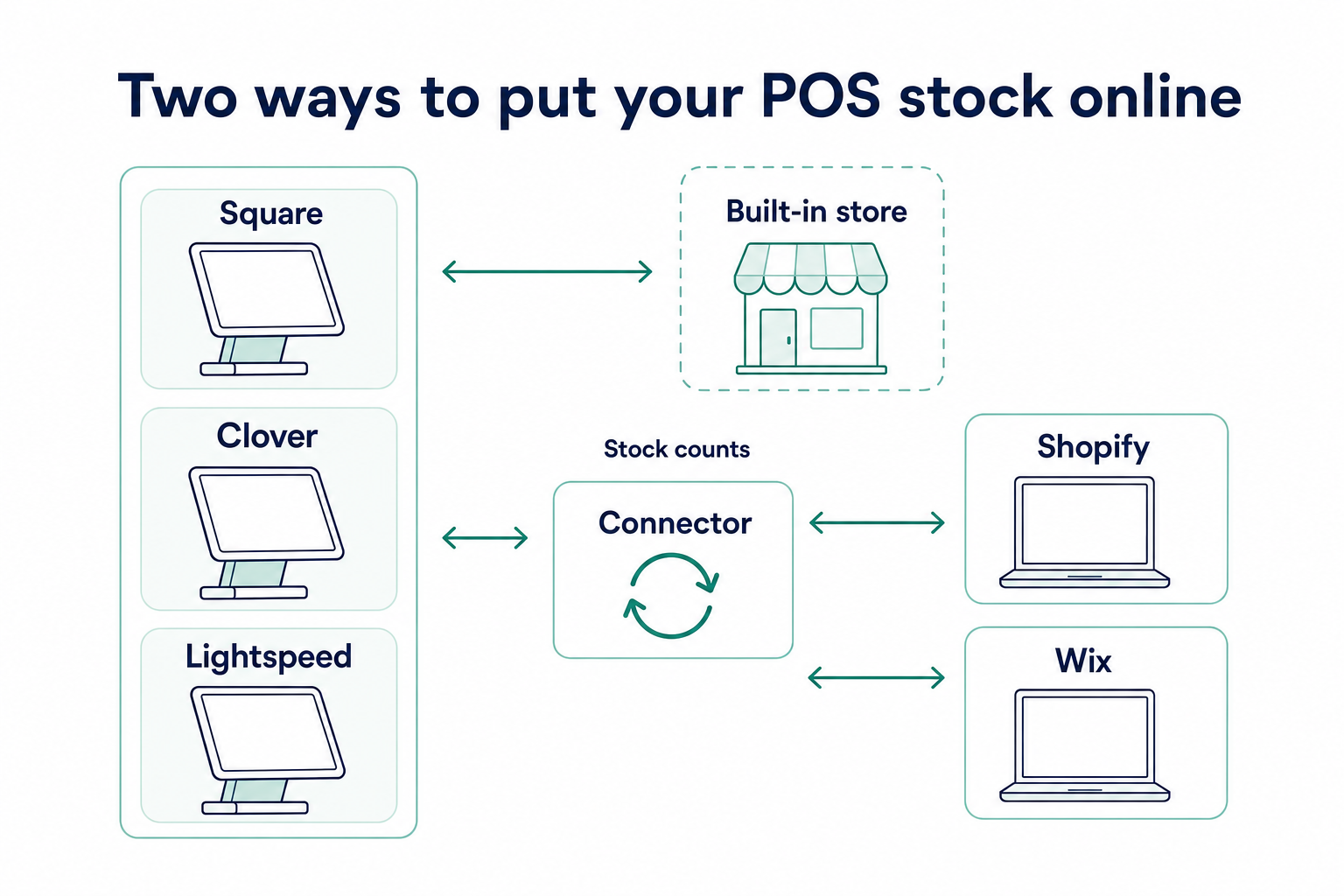
Confirm your exact pair before you commit to a POS. Each pair page lists the fields that sync and the direction each one travels.
Two-shop boutiques should check location support as well. Multi-location support for Square and Lightspeed Retail costs $10 per location per month on SKU IQ.
Shopify POS already shares its product catalog with Shopify, eliminating the need for a separate connector between these two systems. Boutiques using Heartland Retail or Loyverse should confirm integration availability directly with their providers.
How should a boutique set up its POS before a new season?
Two tasks should be completed before new inventory arrives: building option sets and preparing the import file. Return rules and staff logins follow.
1. Build size and color option sets once
Create one Sizes set, XS to XL, and one Colors set with the season's shades. Reusing both on every style keeps names identical, so "Navy" stays "Navy" across the whole line.
2. Load the season by import
Record each delivery in a spreadsheet, using one row per variant with its SKU and barcode. Print variant labels before unpacking, so every hanger leaves the stockroom ready to scan.
3. Set return rules at the register
Enter the return window in the POS and mark clearance pieces as final sale where your system supports it. The register then applies the policy at checkout, which spares staff an awkward debate.
4. Give each person a login
Assign a PIN to each staff member and keep refunds and price changes with the owner or a lead. Review sales by person after the first busy Saturday of the season.
Which POS fits your boutique?
Find the profile closest to your shop this season, then take the step beside it.
- New womenswear boutique, 150 styles, no website yet: Start on Square Free and open a Square Online store.
- Menswear shop, 900 variants, Shopify store already selling: Try Shopify POS Pro, or keep your POS and connect it to Shopify.
- Two-location boutique buying from 12 brands: Try Lightspeed Retail and price the Shopify or Wix connection.
- Owner-run kids' shop on Clover hardware: Move to Retail Growth before you add an online store.
- Solo vintage seller testing the market: Try Loyverse free and add Employee management at your first hire.
Our omnichannel retail POS guide explains how boutiques can manage inventory across physical and online stores and decide between a unified system and connected platforms.
How can SKU IQ help you get more from your clothing store POS?
Choosing the right clothing store POS is only part of running a successful boutique. As your business grows, you also need a practical way to manage new sales channels without disrupting the checkout process your staff already knows.
SKU IQ helps clothing retailers extend their existing setup as their online business grows. Boutique owners can explore how SKU IQ works and assess whether their current setup supports their expansion plans.
Ready to get more from your boutique POS? Start your 14-day free trial and explore a connected retail setup with guidance from the SKU IQ team.
Frequently asked questions about clothing store POS systems
1. Which POS system suits a small clothing boutique best?
It depends on your catalog and your website. Square suits a new boutique on a budget, and Lightspeed Retail suits deep size runs with brand buying. Shopify POS fits stores already selling on Shopify, and SKU IQ connects an existing POS to Shopify or Wix.
2. How much does a clothing store POS cost?
Listed software for one location runs from $0 on Square Free or Loyverse to $89 per month on Lightspeed Basic billed yearly. Shopify POS Pro adds $89 per location to a Shopify plan. Card processing and hardware cost extra on every system.
3. Can Square handle sizes and colors?
Yes, Square option sets let you build Sizes and Colors once and apply them to any item. Each variation then keeps its own price and SKU. Square representatives confirmed a limit of 250 variations per item on the company's developer forum.
4. Does Shopify POS handle returns from online orders?
Shopify's apparel POS guide lists omnichannel returns as a POS Pro feature. POS Lite, included with paid Shopify plans, takes returns at the original purchase location. A boutique that accepts web returns at the counter should price POS Pro.
5. Which POS is best for a boutique that already sells on Shopify?
The most direct route is Shopify POS, which shares one catalog with your Shopify store. Boutiques that prefer another register can keep it and sync stock with Shopify through SKU IQ. Price POS Pro against your current plan plus a connector before you switch.
6. Is there a free POS for a clothing store?
Square Free and Loyverse both start at $0. Square's free plan includes a basic online store, while exchanges and returns at another shop need Square Plus. Loyverse charges $25 per store each month for Employee management or Advanced inventory.
7. Can I keep my POS and connect it to Wix or Shopify?
Yes. Square or Clover on Retail Growth can link to Shopify or Wix through SKU IQ, which also supports Lightspeed R-Series and X-Series. Stock changes average about three minutes, and the 14-day trial includes a free setup call.
Share this blog:







Sync and Manage Inventory Across Your Retail Systems
- No more spreadsheets or manual updates
- Real-time sync between POS and eCommerce
- One product catalog, every sales channel
- Save hours managing multiple systems

Ready to stop worrying about inventory?
Start a free trial and experience how much easier retail operations become when your systems stay in sync.