

Updated
November 4, 2026
Best Shopify Inventory Management Software for Physical Retailers
Compare six Shopify inventory management software options for physical retailers based on POS compatibility, inventory syncing, forecasting, features, and pricing. SKU IQ helps retailers connect Shopify with supported POS systems, keeping inventory and product information synchronized without replacing their existing POS.


TL;DR
- Choose the right Shopify inventory management software based on your primary inventory challenge, whether connecting an existing POS, forecasting future demand, or centralizing inventory operations.
- Verify POS compatibility, product identifiers, inventory ownership, location mapping, order handling, and synchronization speed before connecting your systems.
- Compare six platforms, including SKU IQ, Octopus Bridge, Prediko, Inventory Planner, Cin7 Core, and Katana, according to their operational capabilities.
- Evaluate the complete subscription cost by checking additional locations, optional features, integration limits, onboarding fees, and usage-based pricing structures.
- Test synchronization using store sales, Shopify orders, product variants, returns, manual adjustments, multiple locations, and exception handling before launching across your full catalog.
Physical retailers adding Shopify often already have a POS managing store sales and stock. Their inventory software needs to fit that existing workflow.
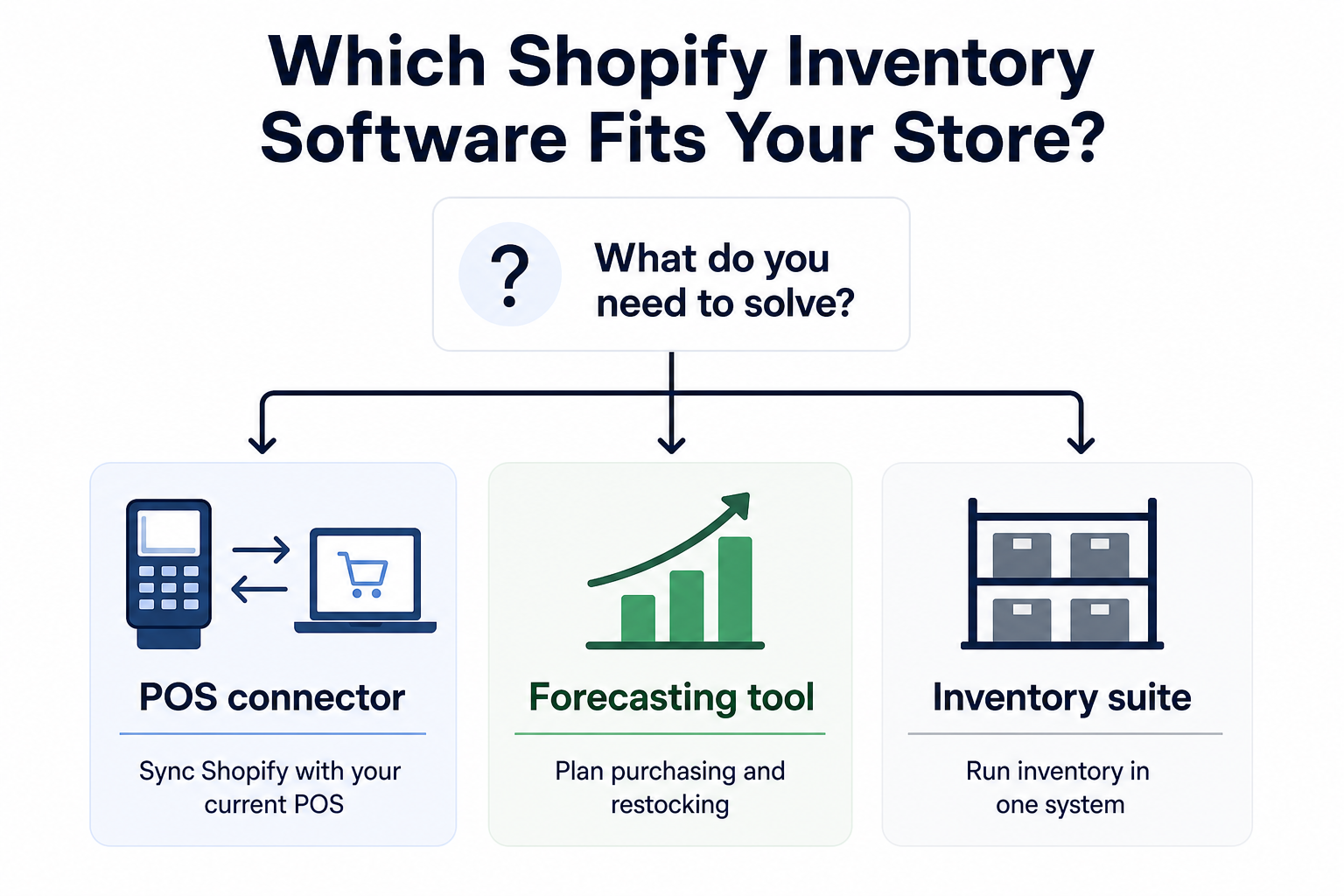
The right Shopify inventory management software depends on the problem you need to solve. A connector links Shopify with an existing POS, while planning software supports future purchasing decisions.
Retail buyers are also increasing their use of technology for inventory decisions. Deloitte reported that 6 in 10 retail buyers said AI-enabled tools improved demand forecasting and inventory management in 2024.
This guide compares six software options based on the inventory challenge a physical retailer needs to address.
Which Shopify inventory management software should physical retailers compare?
Physical retailers should compare software based on its operational purpose. Some products connect Shopify with existing store systems, while others support purchasing or broader inventory workflows.
The table provides a quick comparison before each platform receives a closer review.
Table 1: Shopify inventory management software compared by category, operational role, official starting price, and suitable retail use case.
The key difference is scope. A retailer should first identify the missing capability, then compare products designed to address that specific requirement.
What should you check before choosing Shopify inventory management software?
Start with compatibility and inventory ownership. The software should work with the systems already processing transactions inside your stores.
Use these checks to narrow the shortlist:
- POS compatibility: Confirm support for the exact POS product and version used across your stores.
- Inventory authority: Decide which system holds the quantity your team treats as accurate.
- Product matching: Check how SKUs or UPCs connect corresponding items across platforms.
- Location mapping: Review how physical stores correspond with Shopify inventory locations.
- Order handling: Determine where online orders appear after a Shopify purchase.
- Update timing: Check how quickly stock changes reach the connected platform.
- Issue reporting: Review how staff identify failed updates or unmatched products.
These checks establish technical fit before additional features influence the decision. They also give the implementation team a clearer list of setup requirements.
Product structure deserves extra attention when variants are involved. A shirt with separate size and color records needs consistent identifiers across the connected systems.
Inventory ownership also affects daily operations. Staff should know which platform receives manual quantity changes and which system controls each important product field.
Which type of Shopify inventory software fits your retail setup?
The right category depends on the outcome your store needs. A connector focuses on system coordination.
Forecasting software addresses future stock requirements. Inventory suites take responsibility for a wider set of operational processes.
An inventory suite covers a wider operational scope. It can bring purchasing, warehouse activity, order management, or production into one system.
1. Choose a connector when Shopify needs to work with your current POS
A connector creates a data path between Shopify and a supported point-of-sale system. Stores can retain their existing checkout workflow while inventory information moves between platforms.
Quantity synchronization usually forms the foundation of this category. Some connectors also support product attributes, orders, or multi-location workflows.
2. Choose forecasting software when purchasing needs stronger planning
Forecasting platforms use sales and stock information to estimate upcoming inventory requirements. Their recommendations can help buyers determine purchase quantities and replenishment timing.
The category becomes more useful when reliable sales data already exists. It adds planning capabilities around the inventory information collected by Shopify and other connected systems.
3. Choose an inventory suite when operations need a central platform
An inventory suite covers more operational functions than a dedicated connector. Depending on the product, that scope can include purchasing, warehouse workflows, order management, or production.
This approach fits businesses that want inventory software to become a central operating platform. It can require more implementation work because the software takes responsibility for a broader set of processes.
What are the best Shopify inventory management software options for physical retailers?
The six platforms below serve different retail requirements. Comparing them within one list helps show where each product fits without treating every option as a direct substitute.
1. SKU IQ
Overview
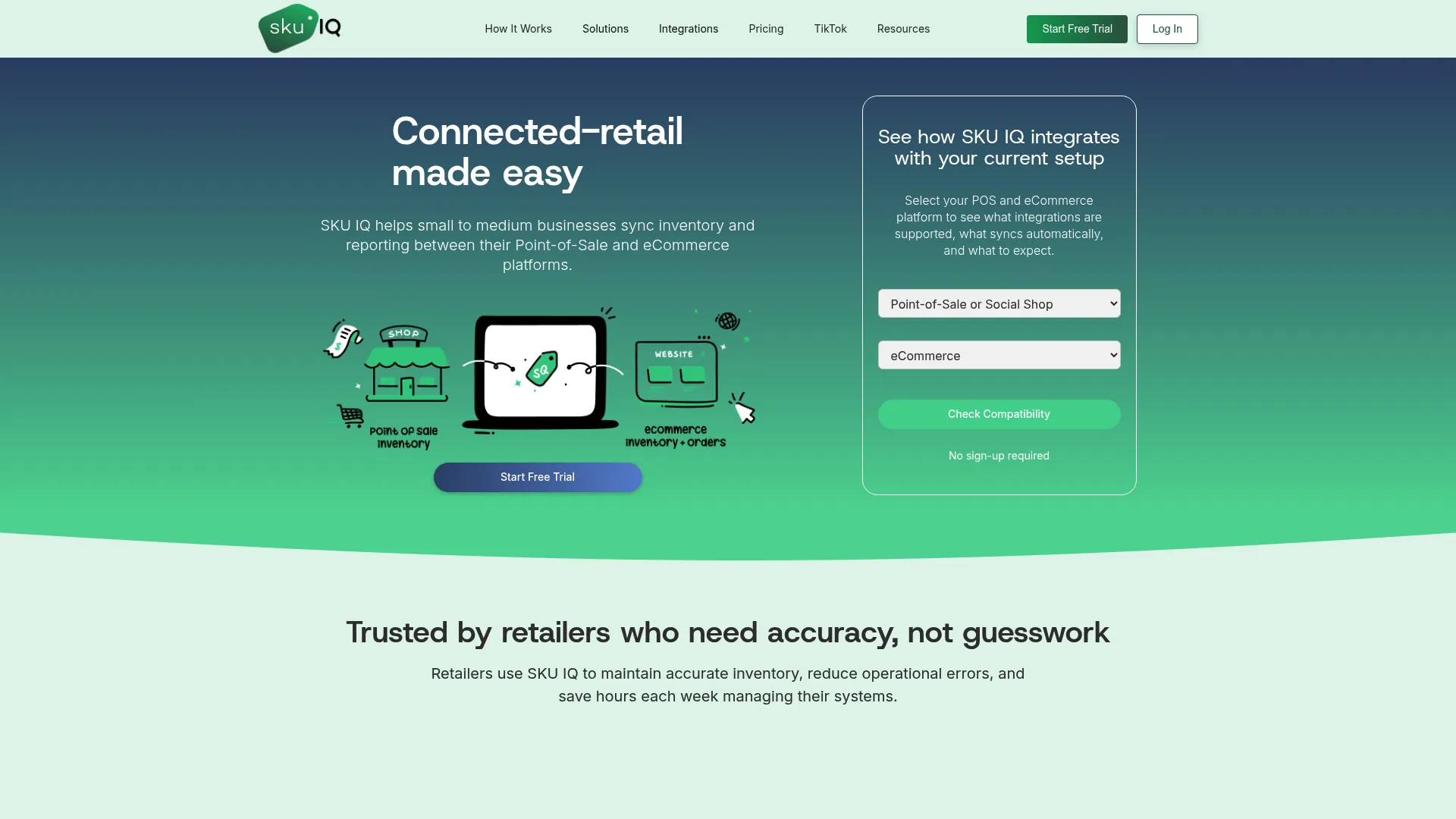
SKU IQ connects Shopify ecommerce with supported point-of-sale systems. Its current supported POS list includes Square Retail and Clover Retail. Lightspeed Retail R-Series and X-Series are also supported.
SKU IQ provides quantity synchronization across its paid plans. Unlimited linked items and a unified order view are included as well. Product linking can use matching titles or SKUs. UPC is another supported identifier.
SKU IQ key features
- Sync inventory quantities between Shopify and supported POS systems.
- Link products using matching titles, SKUs, or UPCs.
- Sync product attributes and images with eligible plans.
- Support multiple store locations and optional order synchronization.
SKU IQ pricing
SKU IQ currently lists three plans on its official pricing page:
- Basic: $19 per month
- Plus: $49 per month
- Pro: $99 per month
Basic includes quantity sync and unlimited linked items. It also includes a unified order view.
Plus adds product attribute sync and auto-push for new items. Pro includes image sync and accelerated sync speed.
Optional multi-location support costs $10 per added location. Order Sync is also available as an optional feature.
Best suited to
SKU IQ fits physical retailers that already use a supported POS and want Shopify inventory connected with their existing store setup.
2. Octopus Bridge
Overview
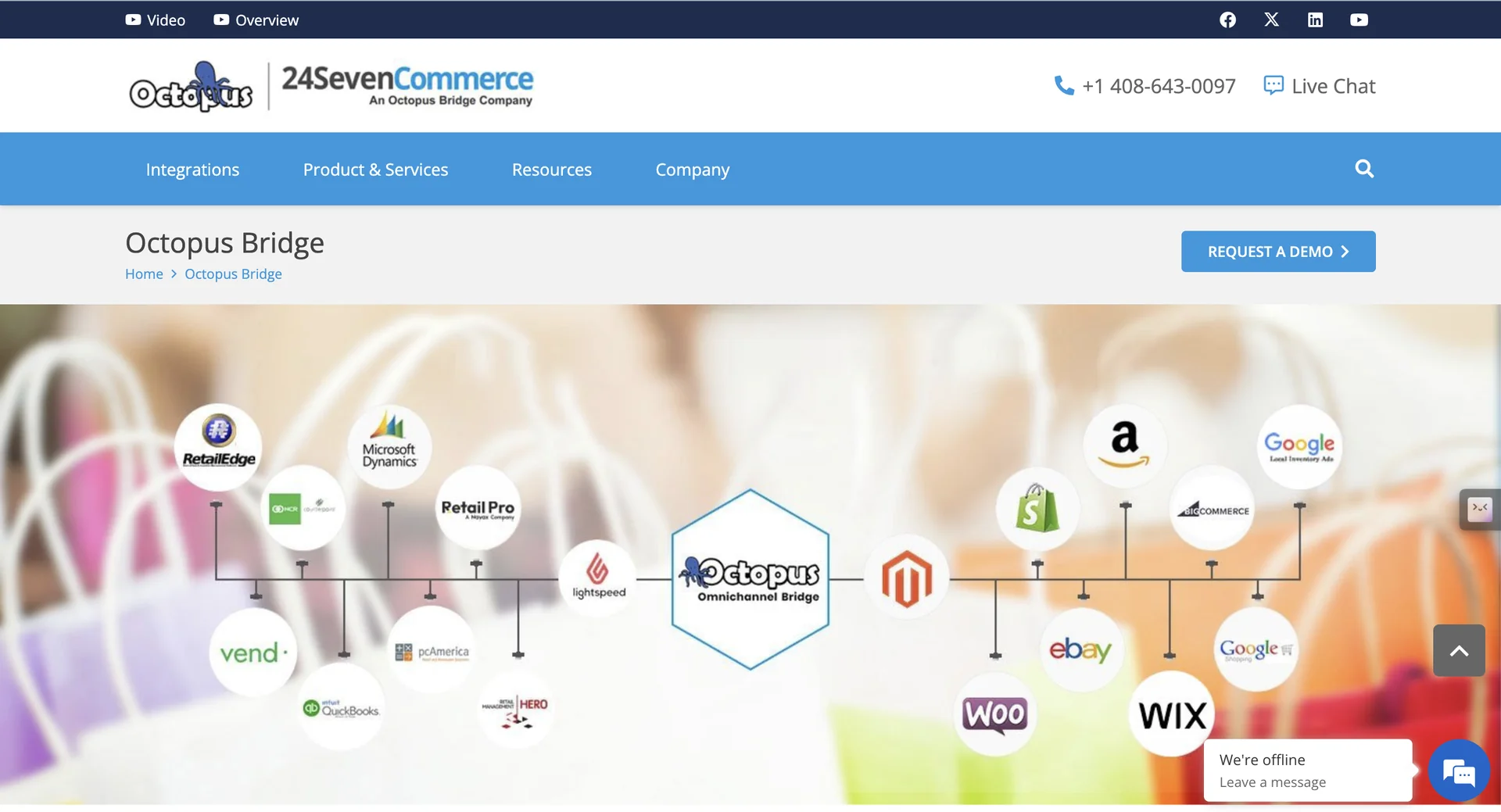
Octopus Bridge is a cloud-based integration platform from 24Seven Commerce. It connects supported POS systems with ecommerce channels such as Shopify.
The platform supports product transfers from POS systems to ecommerce stores. Shopify order information can also move back to the connected retail system.
Multi-store synchronization is available for supported configurations.
Octopus Bridge key features
- Connects supported POS systems with Shopify and other ecommerce channels.
- Transfers product information from retail systems to connected ecommerce stores.
- Supports Shopify order data transfers back to connected retail systems.
- Offers multi-store synchronization for compatible POS and ecommerce configurations.
Octopus Bridge pricing
24Seven Commerce does not publish one universal Octopus Bridge price for every Shopify and POS combination on its main product pages.
Pricing can depend on the retail system being connected. Retailers should request an official quote for their specific setup.
Best suited to
Octopus Bridge can suit retailers whose POS appears within its supported ecosystem and who need two-way Shopify integration.
3. Prediko
Overview
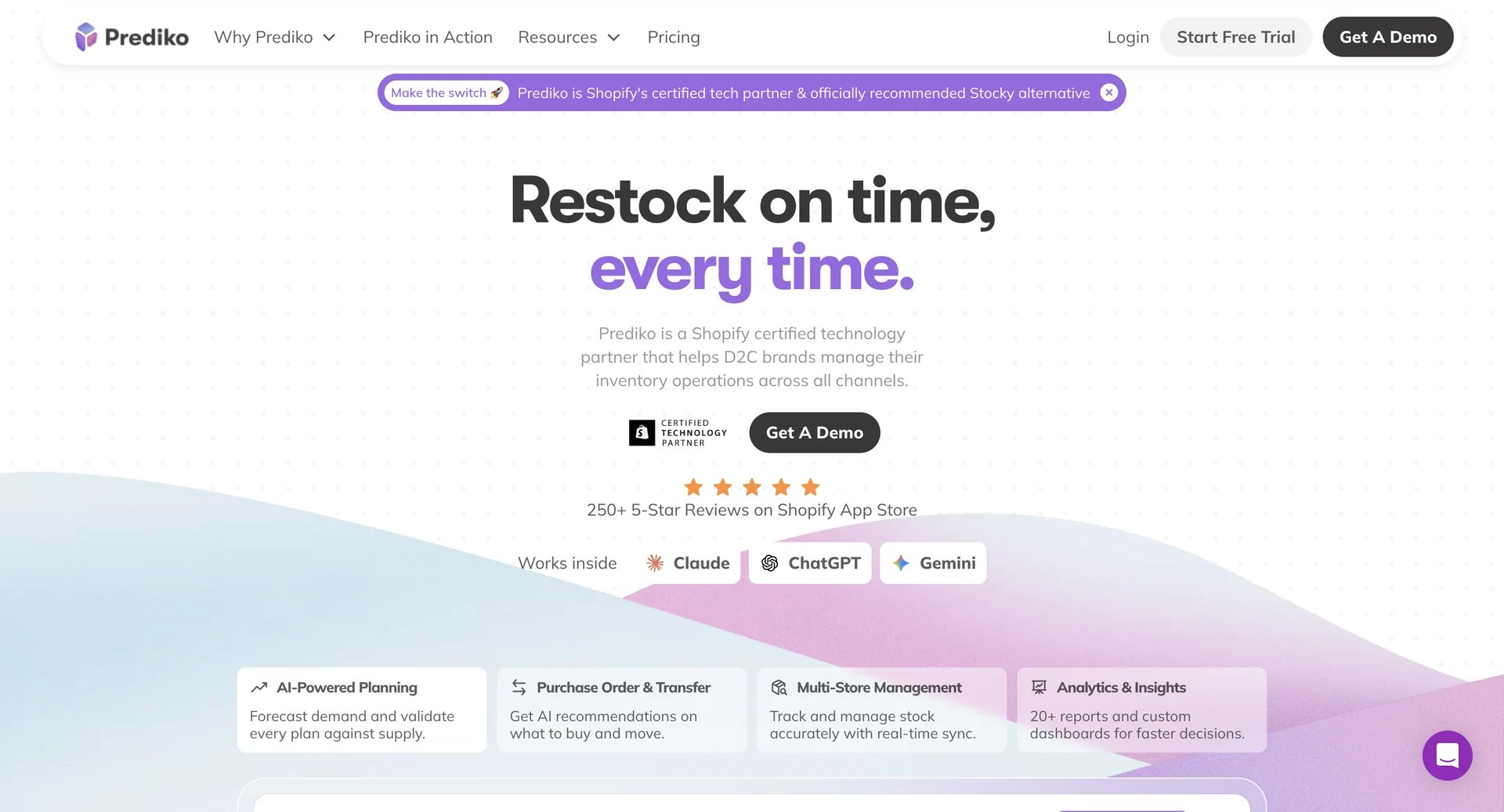
Prediko focuses on inventory planning for Shopify merchants. It uses Shopify sales and stock information to support demand forecasting.
Purchase-order functionality connects planning recommendations with buying activity. The platform also supports multiple stores and provides unlimited users and SKUs on its displayed plans.
Prediko key features
- Supports demand forecasting using Shopify sales and inventory information.
- Connects inventory planning with purchase-order functionality.
- Helps retailers plan replenishment based on expected inventory requirements.
- Supports multiple stores, unlimited users, and unlimited SKUs on displayed plans.
Prediko pricing
Prediko's lowest displayed monthly tier starts at $49 per month for stores with less than $100,000 in gross merchandise value (GMV) over the previous 12 months. Higher tiers increase according to GMV.
Annual plans currently include two months free. Prediko also offers a 14-day free trial.
Retailers should review the applicable GMV threshold and plan limits before subscribing. This helps them understand how pricing may change as sales grow.
Before choosing Prediko, assess your historical sales data, forecasting requirements, and purchasing workflows. These checks help determine whether its planning capabilities match your inventory management needs.
Best suited to
Prediko suits Shopify retailers that want to improve demand forecasting, plan replenishment, and manage purchase orders using sales and inventory data.
4. Inventory Planner by Sage
Overview
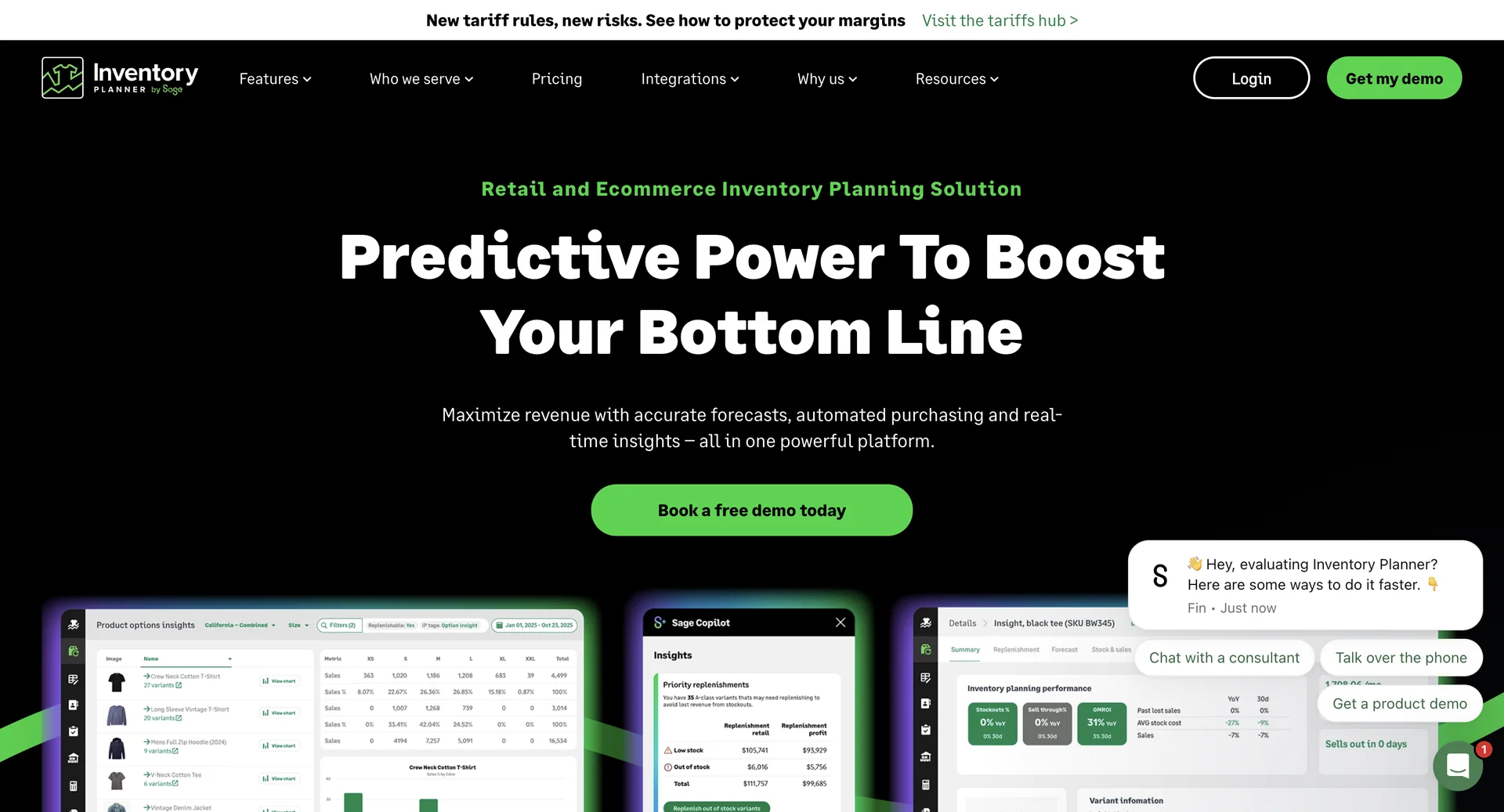
Inventory Planner uses sales and inventory information to generate forecasts and replenishment recommendations. Its platform supports multi-location planning.
Retailers can also plan buying budgets beyond the next purchase order. The product focuses on future stock decisions instead of POS synchronization.
Inventory Planner key features
- Generates forecasts and replenishment recommendations from sales and inventory information.
- Supports inventory planning across multiple stores and warehouses.
- Helps retailers plan buying budgets and future purchasing requirements.
- Connects with sales channels, inventory systems, and ERP platforms.
Inventory Planner pricing
Inventory Planner does not publish a fixed starting subscription price on its current official pricing page. Pricing depends on the volume of inventory a business manages.
Unlimited users are included without an additional user charge. Retailers need to request a quote based on their inventory volume and business requirements.
Before choosing Inventory Planner, assess your forecasting needs, purchasing budget requirements, and number of inventory locations. This helps determine whether its planning capabilities align with your retail operations.
Best suited to
Inventory Planner by Sage suits multi-store retailers that need demand forecasting, replenishment recommendations, and purchasing budget planning across multiple locations.
5. Cin7 Core
Overview
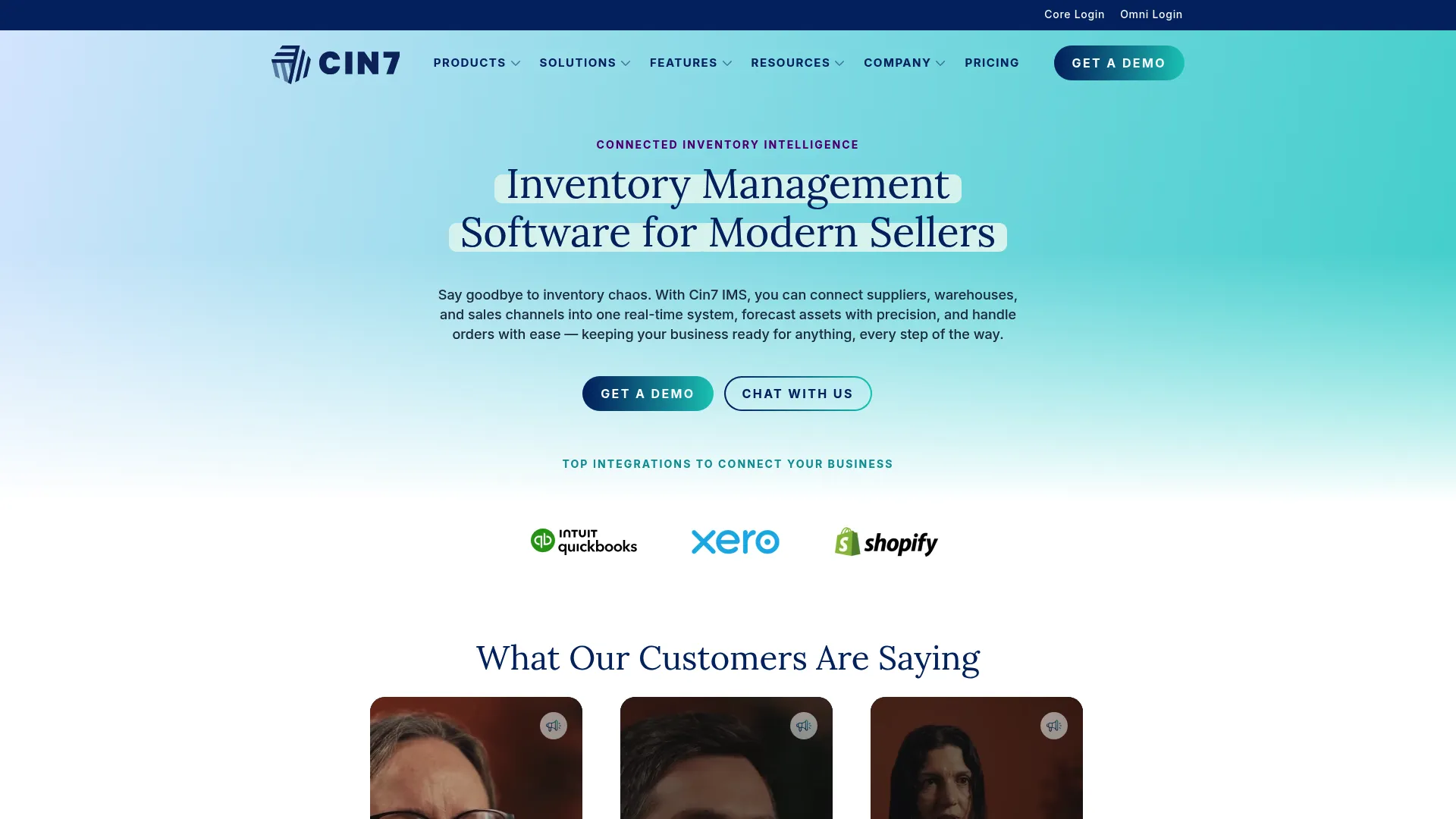
Cin7 Core combines inventory control with wider order and purchasing capabilities.
The platform supports unlimited inventory locations across its current Core plans. Integration allowances increase as retailers move into higher tiers.
Cin7 also offers warehouse-management capabilities. Forecasting is available as an optional add-on.
Cin7 Core key features
- Combines inventory control with purchasing and order management capabilities.
- Supports unlimited inventory locations across current Core plans.
- Offers warehouse management capabilities for broader inventory operations.
- Provides forecasting as an optional add-on.
Cin7 Core pricing
Current Cin7 Core pricing published on the official website is:
- Standard: $349 per month
- Pro: $599 per month
- Advanced: $1,199 per month
Prices are listed in U.S. dollars and exclude taxes. Cin7 Omni uses custom pricing. Optional capabilities can add to the subscription cost.
Best suited to
Cin7 Core can suit retailers that need Shopify inventory connected with wider purchasing, order, or warehouse workflows.
6. Katana
Overview
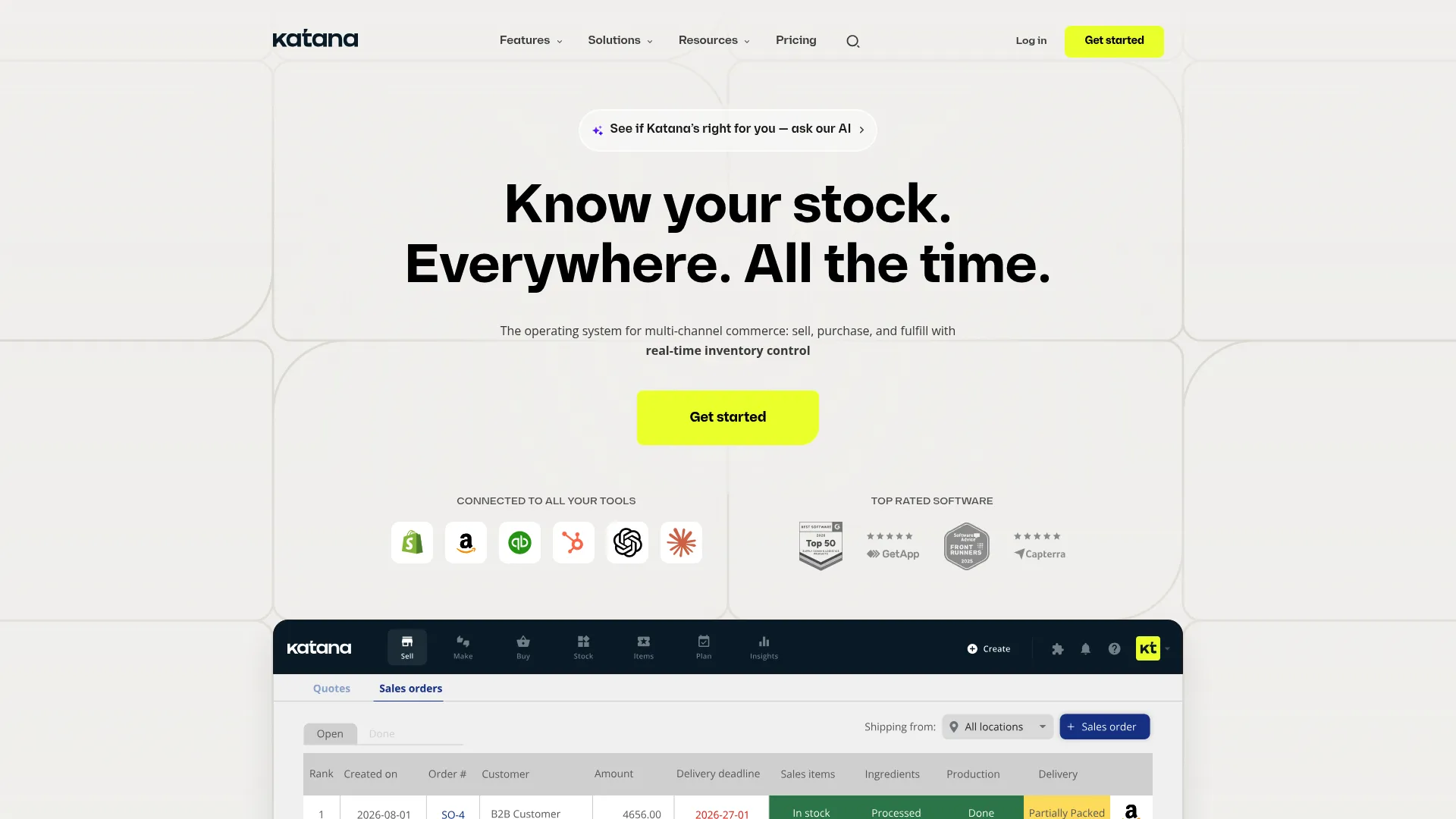
Katana combines inventory management with production-focused workflows. Its platform connects inventory information with manufacturing and fulfillment activity.
The Core plan includes unlimited SKUs, users, and integrations. Businesses can also use Katana for purchasing, warehousing, and order management.
Katana key features
- Connects inventory management with manufacturing and production workflows.
- Supports purchasing, warehousing, and order management.
- Includes unlimited SKUs, users, and integrations on the Core plan.
- Provides additional pricing options for businesses requiring tailored workflows or integrations.
Katana pricing
Katana's Advantage pricing page lists custom pricing based on each business's requirements. The plan covers the agreed implementation, integrations, automations, and support.
The Advantage plan includes:
- Custom integrations: Integrations built and maintained around your existing business systems.
- Unlimited usage: Unlimited SKUs, users, and integrations.
- Custom workflows: Tailored dashboards, reports, and automations.
- Dedicated support: A dedicated Customer Success Manager and 24/7 live support.
- Implementation and maintenance: Setup and ongoing maintenance included in the agreed contract.
For pricing that fits your setup, contact Katana's sales team.
Best suited to
Katana fits Shopify businesses that manufacture products and need inventory management connected with production activity.
What pricing details should you compare before choosing a platform?
Compare the complete required configuration instead of looking only at the advertised starting price. Subscription models vary significantly between these six platforms.
Review these pricing factors before signing up:
- Additional locations: Check whether more stores or warehouses increase your monthly cost.
- Order volume: Confirm whether transaction counts affect the subscription.
- Optional capabilities: Identify features sold separately from the base plan.
- Integration allowances: Check how many connections each subscription includes.
- Onboarding fees: Confirm whether implementation support carries an additional charge.
- Pricing basis: Review whether cost changes according to GMV or inventory volume.
SKU IQ uses a plan-and-add-on model. Prediko bases its tiers on GMV, while Inventory Planner prices according to inventory volume.
Cin7 Core increases pricing across its Standard, Pro, and Advanced tiers. Katana's pricing starts lower than Cin7 but focuses heavily on production-related workflows.
The final configuration matters more than the headline subscription. A retailer with three stores may pay more than a single-location retailer using the same base software.
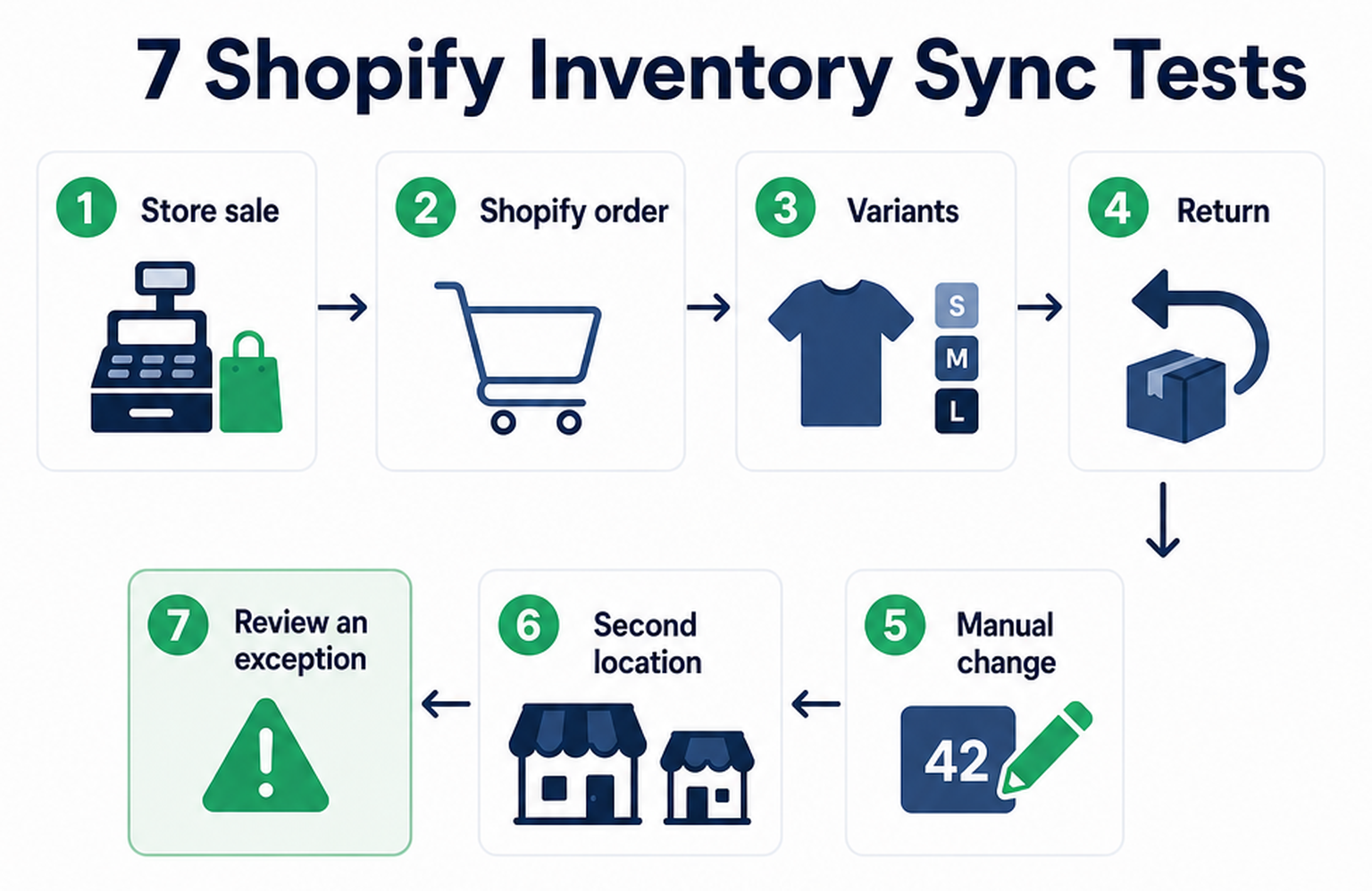
How should you test Shopify inventory syncing before a full rollout?
Run controlled transactions before connecting the complete product catalog. A smaller test makes mapping or quantity problems easier to identify.
Inventory availability directly affects retail sales. According to McKinsey, a one-percentage-point improvement in in-stock rates, measured before product substitutions, can increase sales by 0.2% to 0.35% (20 to 35 basis points).
Use products that represent situations staff handle regularly. Include at least one variant product and one item assigned to another inventory location.
1. Run an in-store transaction
Choose an item with a known starting quantity. Complete a sale through the POS and inspect its Shopify inventory count.
Record how quickly the updated quantity appears. Confirm that the correct product and location received the change.
2. Create an ecommerce purchase
Place a Shopify order for a linked item. Verify the quantity change in the connected system.
Review the transferred order record when the integration supports order synchronization. Confirm that the order contains the intended product and quantity.
3. Use a product with variants
Select merchandise with sizes or colors. Confirm that every Shopify variant maps to the intended POS record. Pay close attention to SKU or UPC consistency.
4. Process a return
Run a return through the workflow staff normally use.
Check when the unit becomes available again. Confirm that it returns to the intended inventory location.
5. Change stock manually
Make a controlled quantity adjustment in the system designated for inventory edits.
Review the corresponding update on the other platform. The result confirms whether inventory direction matches your intended workflow.
6. Repeat the test at another location
Run a transaction against a second store or warehouse when multi-location syncing is enabled.
Confirm that the quantity changes at the intended location.
7. Review an exception
Create a controlled issue using an unmatched product or another safe test case.
Check how the software flags the problem. Staff should understand where to find the error and how to correct it.
Why can SKU IQ serve as Shopify inventory management software for retailers without changing their POS?
SKU IQ takes a connector-focused approach. Retailers can add Shopify eCommerce alongside supported store technology while keeping their existing POS workflow. Retailers can explore SKU IQ’s POS integrations to check compatibility with their current system.
That distinction matters when the current POS already handles store transactions effectively. The retailer can focus the integration project on inventory and product synchronization.
SKU IQ's current plans include:
- Quantity synchronization
- Unlimited linked items
Higher plans add:
- Product attributes
- Automatic product pushes
- Image synchronization
- Accelerated syncing
Multi-location and order synchronization are available as additional capabilities. The exact options depend on the connected platforms and selected configuration.
Retailers can also use SKU IQ's product linking workflow before enabling live synchronization:
- Matching: Compares titles, plus SKU or UPC values
- Pushing: Sends products from one platform to another
Keep the POS your team knows while connecting Shopify inventory with SKU IQ. Start a free trial and keep online and store stock aligned.
Frequently asked questions about Shopify inventory management software
1. Can one inventory platform connect multiple Shopify stores?
Some platforms support several Shopify stores within one account. Check how each provider handles store connections, inventory planning, and billing.
A multi-store setup can also affect location mapping. Confirm the workflow before connecting additional stores.
2. What information should retailers clean before connecting inventory systems?
Start with product identifiers and variant records. Consistent SKUs or UPCs make corresponding products easier to match.
Review location records before connecting a large catalog. Each physical location should have a clear counterpart in the connected system.
3. Does forecasting software need historical Shopify sales?
Historical sales commonly provide an important forecasting input. Planning platforms may also support newer products through manual assumptions or alternative planning methods.
4. Can Shopify inventory software help manage purchase orders?
Several forecasting platforms and wider inventory systems include purchase-order capabilities. Review supplier workflows and receiving features when purchasing management is a key requirement.
A connector has a different purpose. It primarily keeps existing retail and ecommerce systems coordinated.
5. What happens when a retailer adds another physical store?
The new location may require additional mapping inside the inventory integration. It can also change software costs when providers charge for added stores or inventory locations.
Run a test after adding the location. Confirm that sales and stock changes reach the intended inventory record.
6. Should retailers compare software using monthly price alone?
Monthly price provides only part of the cost comparison. Locations and optional features can increase the final subscription.
Usage-based pricing can also change as the retailer grows. Compare the full configuration against the workflows the business actually needs.
Share this blog:





Sync and Manage Inventory Across Your Retail Systems
- No more spreadsheets or manual updates
- Real-time sync between POS and eCommerce
- One product catalog, every sales channel
- Save hours managing multiple systems

Ready to stop worrying about inventory?
Start a free trial and experience how much easier retail operations become when your systems stay in sync.