
Square Bigcommerce Integration for Inventory Sync
SKU IQ connects your Square POS to your Bigcommerce eCommerce, keeping stock and product data unified and up to date automatically, so you stop overselling and stop entering the same product twice to keep inventory data unified and up to date across platforms.

No credit card required to check compatibility
SKU IQ won't change any data until you tell it to.
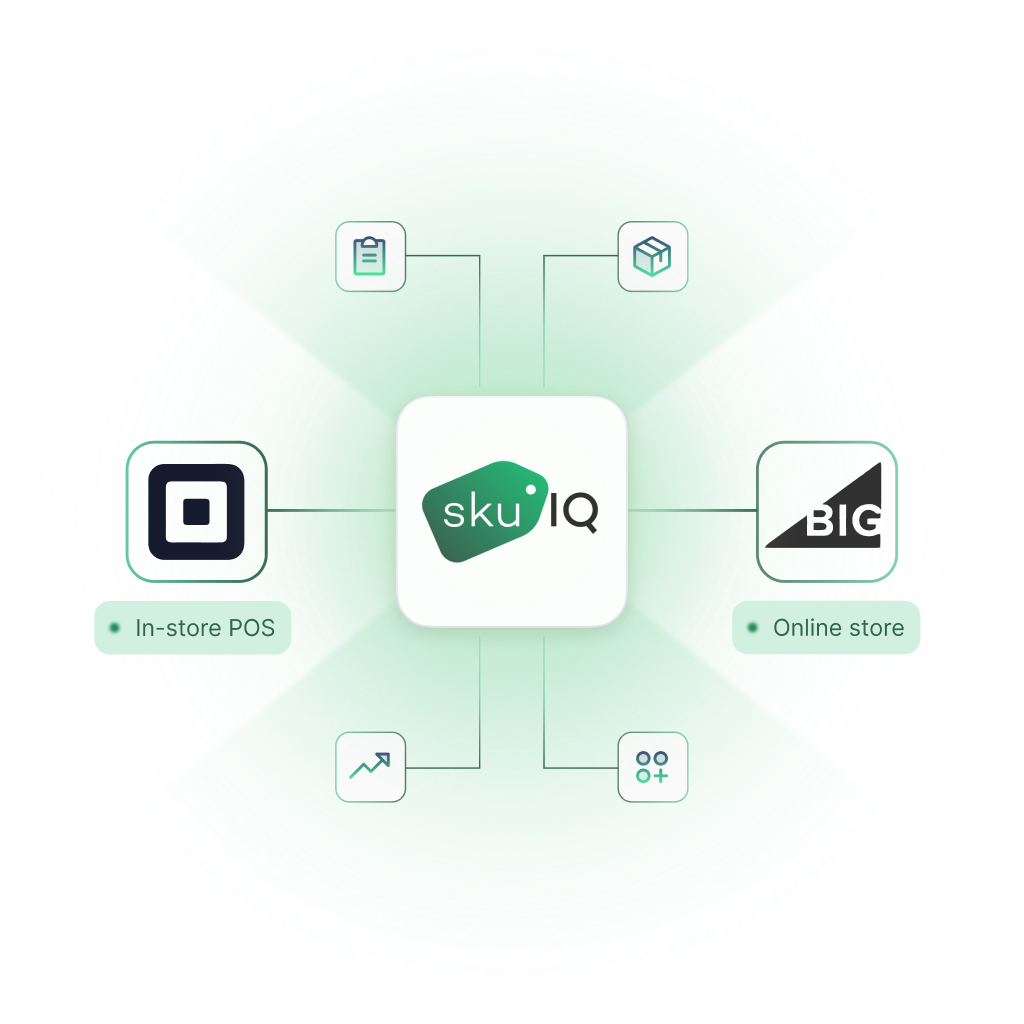
Works across your stack





What is Square POS × Bigcommerce integration?
A Square Bigcommerce Integration connects the products and inventory in your existing Square POS with the products and inventory in your Bigcommerce eCommerce. SKU IQ is the no-code connection layer between the two platforms. It is not a new POS, an ERP, or an inventory suite.
Square stays the POS. Bigcommerce eCommerce stays the ecommerce channel. Nothing migrates off either system.Whenever one platform sells something, the other will update the corresponding stock, keeping inventory numbers unified and up to date. Product attribute sync of fields like titles, descriptions, prices, variants, and SKUs can also be turned on either uni- or bi-directionally.
Unify both platforms and use SKU IQ to leverage the best they have to offer.
Why retailers connect Square POS and Bigcommerce eCommerce

Stop overselling
When a sale happens at the brick-and-mortar location or on Bigcommerce eCommerce, SKU IQ updates stock on the other platform, keeping inventory unified and up to date.

No double data entry
Stop entering the same product twice. When product attribute sync is on, supported product data such as titles, descriptions, prices, variants, SKUs, UPCs, and images can carry across based on your sync settings.

Keep systems you already use
SKU IQ is not a new POS, ERP, or inventory suite. It connects the Square POS and Bigcommerce eCommerce you already use, so both platforms stay in place while inventory stays unified and up to date.
Two ways to unify your inventory
Once Square POS and Bigcommerce eCommerce are connected, you tell SKU IQ how products relate across both platforms.

Link existing items
SKU IQ reads all inventory in both the Square POS and Bigcommerce eCommerce, checks for items matching by title/name, SKU, or UPC, and generates a Link Report so you can select what to link and how.
Products must have the same structure on both platforms to be linked. For example, a non-variable item in the POS will not match a variable set of items in the eCommerce platform.

Push a catalogue across
If products exist on only one platform, SKU IQ can send the chosen item data across, create an identical copy on the destination platform, and establish a syncing relationship between the new copy and the original so future stock changes are communicated automatically between both platforms.
What syncs between Square POS and Bigcommerce eCommerce
Additional supported features for this pairing: auto-push new items is supported one-way, and auto-push new variants is not supported.
Multi-location retailers: SKU IQ is built for single-location retailers syncing one POS to one Bigcommerce eCommerce. Multi-location merchants should talk to SKU IQ about their setup before starting a trial.
What to expect during setup
SKU IQ does not require developers or code. If products already exist on both platforms, most retailers are syncing the same day.
Create your SKU IQ account
Select Bigcommerce eCommerce + Square POS.
Connect both platforms
Authorize both platforms through the guided flow. Your catalogues load in, and nothing is altered until you confirm it.
Run a link report
SKU IQ reads all inventory in both platforms and matches items by title/name, SKU, or UPC. Confirm the matches you want, remembering that products must have the same structure on both platforms to link. A non-variable POS item will not match a variable set in the eCommerce platform.
Review unmatched items
Fix spelling differences or push them across, which creates an identical copy on the destination platform and establishes a syncing relationship with the original.
Validate Sync
Validate the first sync with one or two products.
Choose sync & go live
Set optional product attribute sync as uni- or bi-directional.
Migrating a large catalogue
During the trial, customers are limited to 50 product pushes. Bulk pushes are available for larger catalogues for a one-time fee; contact Support for a quote.
When SKU IQ pushes a catalogue, it sends the chosen item data across, creates an identical copy on the destination platform, and establishes a syncing relationship with the original so future stock changes are communicated between both platforms.

Before you connect
Your Bigcommerce eCommerce plan must support inventory tracking and third-party apps. Your Square POS plan must support inventory tracking and third-party apps.
4.7/5 on Shopify & Square
Certified TikTok Shop Partner
No card to start
Loved by Square + Bigcommerce sellers
“SkuIQ is our go-to solution for using Clover POS with Shopify. Responsive customer service from the dev team, ongoing product improvements and reliable sync. Highly recommended.”

“We could not run our business without SkuIQ. They made the process SEAMLESS when we transitioned our Shopify store to TikTok Shop.”



Square & Bigcommerce integration FAQs
How much does the Square–Bigcommerce integration cost?
Every SKU IQ plan keeps inventory quantities unified and up to date between Square POS and Bigcommerce eCommerce with unlimited linked items. Higher tiers add product attribute syncing and faster sync for larger catalogues.