

Updated
October 9, 2026
Best 8 QuickSync Alternatives and Competitors in 2027
Compare eight QuickSync alternatives for connecting POS and eCommerce systems in 2027. See how eight QuickSync alternatives differ in sync scope, pricing, setup, and retail fit. Compare SKU IQ, Trunk, SKUPlugs, Cin7 Core, and other options.


TL;DR
- QuickSync alternatives serve different retail needs. Some focus on inventory synchronization, while others extend into purchasing, warehouse management, and fulfillment.
- Platform compatibility should come first. Confirm your exact POS and eCommerce pairing, supported data flows, locations, and order behavior before comparing features.
- SKU IQ focuses on POS-to-eCommerce connectivity. It supports product linking, catalog migration, Quantity Sync, and Unified Order View for supported retail systems.
- Pricing models vary considerably. Plans may depend on order volume, catalog size, locations, integrations, or optional sync features, so entry prices tell only part of the story.
- Switching requires controlled testing. Reconcile products and identifiers, establish starting values, test transactions, and verify inventory updates before completing the cutover.
QuickSync connects eCommerce stores, marketplaces, and POS systems to keep inventory aligned across sales channels. Its supported integrations include Shopify, Square, Clover, WooCommerce, Etsy, Lightspeed, and other platforms.
Choosing inventory sync software still comes down to more than the number of supported integrations. Your exact POS and eCommerce pairing matters, along with the data that needs to move between them.
Some retailers mainly need stock quantities synchronized. Others need product linking, catalog migration, or online order visibility alongside inventory updates.
This guide compares eight QuickSync alternatives by retail use case, sync scope, pricing structure, and setup requirements. SKU IQ comes first because its POS-to-eCommerce model closely matches the needs of physical retailers keeping their existing systems.
The top QuickSync alternatives at a glance
The eight options below cover two different software categories. SKU IQ, Trunk, SKUPlugs, and Octopus Bridge focus heavily on connecting existing selling systems.
Thrive Inventory, Cin7 Core, Zoho Inventory, and SKULabs extend further into inventory operations. They may suit retailers whose requirements have grown beyond synchronization alone.
Table 1: Quick comparison of eight QuickSync alternatives for inventory synchronization.
Each product serves a different operational scope, so shortlist options based on the work your store needs to support.
Quick check: Write down your POS, eCommerce platform, number of locations, and required data flows before comparing vendors. These details can narrow the shortlist quickly.
When does it make sense to consider a QuickSync alternative?
A QuickSync alternative becomes worth evaluating when another product aligns more closely with your platform combination or operational requirements.
QuickSync itself supports both eCommerce channels and POS systems. Retailers should compare how each option handles their specific platforms instead of assuming physical retail requires a different connector.
1. Your exact POS-to-online-store workflow needs a closer fit
Start with the actual pairing instead of checking two separate platform logos.
A vendor may support your POS and eCommerce platform while handling their connection differently. Check supported editions, locations, fields, and update directions for the specific pair.
Order behavior deserves a separate check. Seeing eCommerce orders in a shared dashboard differs from writing those transactions into the POS.
2. You need to move or maintain product data, not just stock counts
Inventory quantity represents one part of a retail catalog. Titles, prices, descriptions, images, and variants may also require coordination.
Initial migration creates another requirement. A retailer opening an online store may need hundreds of existing POS products moved before ongoing synchronization begins.
SKU IQ distinguishes linking products already present in both systems from pushing products between supported platforms. Linked products can then exchange supported inventory updates.
3. Your operation needs more than a connector
A connector can suit a store whose primary goal is keeping selling systems aligned. Purchasing or warehouse requirements can point toward broader inventory software.
Cin7 Core and SKULabs fall into this broader category. Both extend beyond basic channel synchronization into other inventory operations.
Moving to that type of application changes more than the connection between two existing platforms. It can change where staff complete daily inventory work.
4. The pricing or setup model no longer matches your store
Compare pricing against your actual catalog and transaction volume.
Look at order limits, locations, connected channels, users, and paid add-ons. Setup effort matters because catalog cleanup and testing consume staff time.
A small store connecting one POS and one website may value a focused subscription. A multi-location retailer may need broader operational controls.
What should you look for in an inventory sync alternative?
A useful comparison starts with what the connection must do each day. Platform support provides the first filter, followed by data behavior and setup requirements.
1. Support for the exact platforms and records you use
Confirm the POS edition and eCommerce platform before comparing features.
Then check each required record separately:
- Inventory: Quantities and location-level stock
- Catalog: Products, variants, prices, descriptions, and images
- Orders: Online order visibility or insertion into another system
- Locations: Rules for individual stores and shared stock
Vendor documentation should establish what happens for your exact pairing. A general statement about platform support gives you less information about the working connection.
2. Clear rules for what changes where
Each important field needs an identified source.
Your POS might control quantities and SKUs. Your eCommerce platform may hold richer product descriptions.
Initial matching deserves the same attention. Confirm how the software identifies existing products and which value it retains when records differ.
3. Visible sync issues and practical recovery
Ask how staff can identify a failed update and correct it.
Check how quickly changes normally appear and how disconnected accounts are reauthorized. Ask what happens when two connected systems contain conflicting values.
These details become important after launch. Employees need a clear way to investigate inventory discrepancies during normal store operations.
4. Setup and pricing a small retail team can manage
Check the plan that covers your actual workflow instead of comparing entry prices alone.
Include additional locations and connectors in the calculation. Review trials, onboarding options, and available support.
Setup can range from connecting two accounts yourself to a broader implementation involving warehouse rules and process changes.
The 8 QuickSync competitors in detail
Each profile below addresses the same buying questions. It covers the product's role, retail fit, difference from QuickSync, pricing, setup, and relevant trade-off.
1. SKU IQ: Connect your existing POS and online store
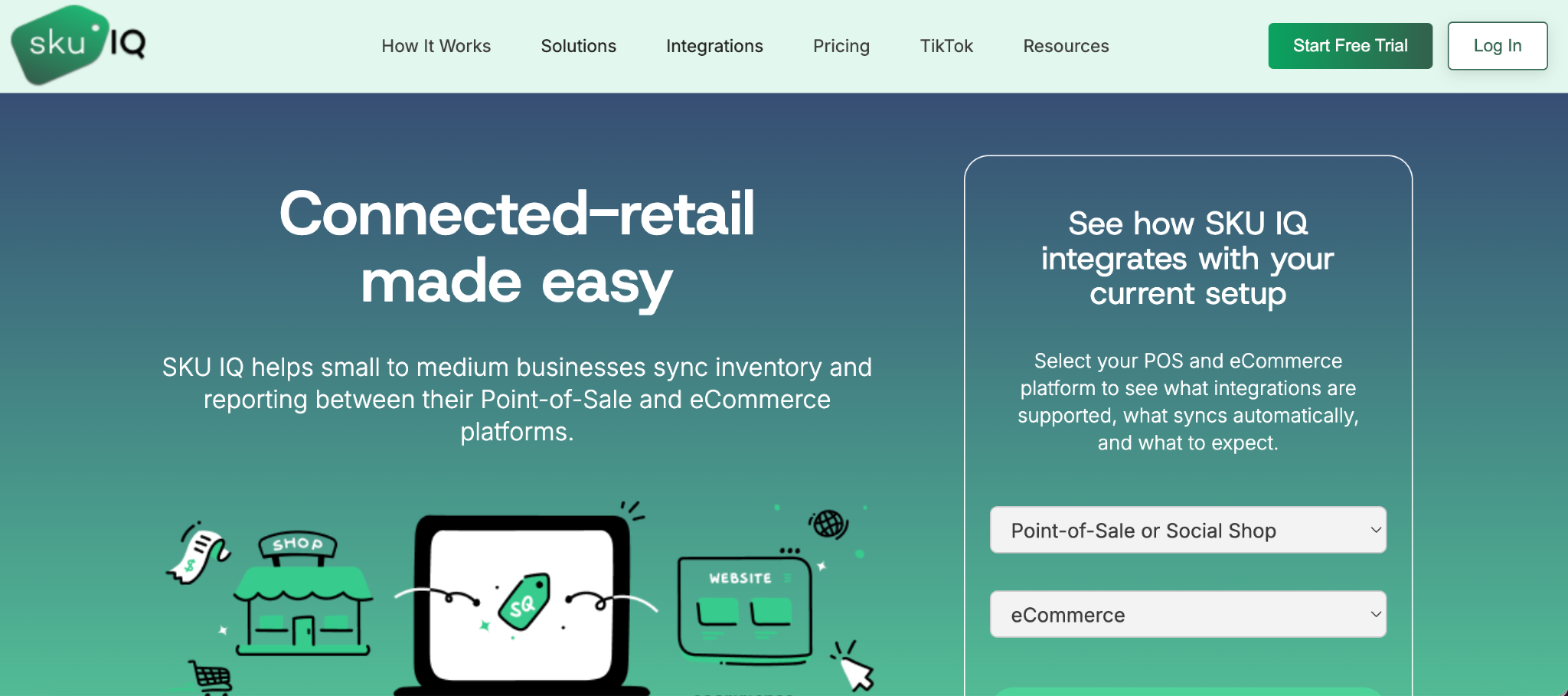
Overview: SKU IQ is worth shortlisting when a physical retailer wants to keep an existing POS while connecting a supported eCommerce platform.
SKU IQ acts as a connection layer between supported retail systems. Its current product documentation focuses on product linking, catalog migration, quantity synchronization, and unified order visibility.
Where SKU IQ fits
Product linking helps retailers connect items that already exist in both systems. SKU IQ can match supported products using identifiers such as title, SKU, or UPC.
Product pushing addresses a different starting point. If an item exists on one platform, retailers can push it to another supported platform instead of recreating it manually.
Quantity Sync then keeps linked products updated as inventory changes. SKU IQ also provides a Unified Order View across its current core plans.
SKU IQ compared with QuickSync
- Retail connection model: SKU IQ places strong emphasis on connecting an existing physical POS with an eCommerce store
- Catalog preparation: Linking and product pushing address the work required before ongoing quantity synchronization begins
QuickSync also supports POS platforms, so POS connectivity itself is not exclusive to SKU IQ.
Pricing and setup
SKU IQ's official pricing page currently lists three core plans:
- Basic: $19 per month
- Plus: $49 per month
- Pro: $99 per month
Basic includes Quantity Sync, unlimited linked items, and Unified Order View. Attribute Sync and Auto Push each cost an additional $15 on Basic.
Multi-Location costs $10 per additional location. Priority Syncing costs $49 when purchased separately, while Order Sync pricing depends on monthly synced order volume.
SKU IQ offers a trial of up to 14 days. Its onboarding process covers connecting, analyzing, mapping, and syncing inventories.
Trade-off and best fit
SKU IQ functions as the connection between supported retail platforms. A retailer needing warehouse management or extensive purchasing tools would be evaluating a broader software category.
Its clearest fit is a physical retailer that wants to keep a familiar POS while adding or maintaining an eCommerce storefront.
2. Trunk: A stock-sync-focused option
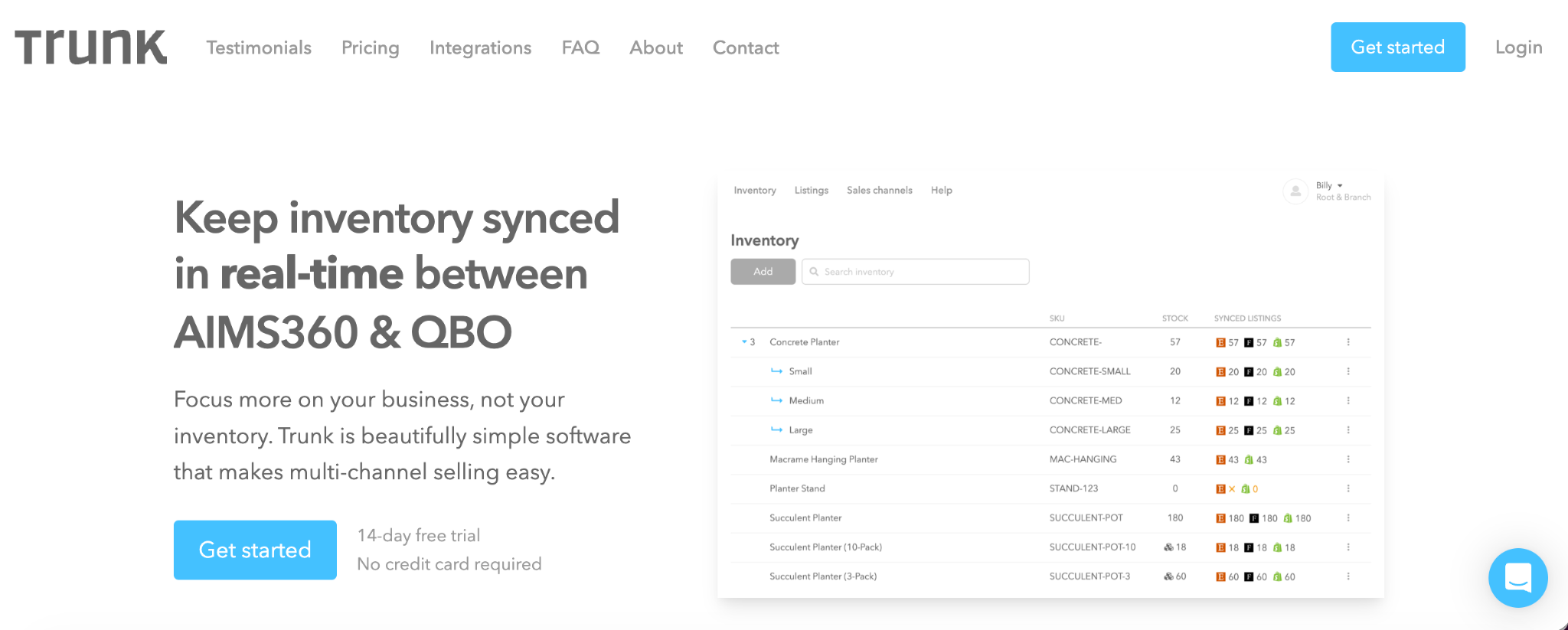
Overview: Trunk suits merchants whose main requirement is keeping stock quantities aligned across connected selling channels.
Trunk centers its product around inventory synchronization. The Essential plan includes real-time stock-level syncing and low-stock alerts.
Where Trunk fits
All current plans include unlimited sales channels and listings. Pricing changes according to average monthly order volume.
The Pro plan adds bundling and kitting. It also includes duplicate SKU syncing for merchants using the same SKU across multiple listings.
Trunk compared with QuickSync
- Primary emphasis: Trunk focuses strongly on stock-level synchronization across connected channels
- Broader data needs: Retailers needing deeper catalog or order workflows should verify those requirements separately
Pricing and setup
Trunk's official help center lists Essential from $35 per month for up to 100 monthly orders. Pro starts at $39 per month for the same order range.
Prices increase as monthly order volume grows. Trunk calculates this volume using a rolling three-month average across connected sales channels.
Both plans include a 14-day free trial. Trunk's official documentation states that there is no setup fee.
Trade-off and best fit
Trunk makes sense when quantity synchronization is the central requirement. Retailers seeking broader product-data movement should confirm the supported workflow before choosing it.
3. SKUPlugs: A platform-pair integration candidate
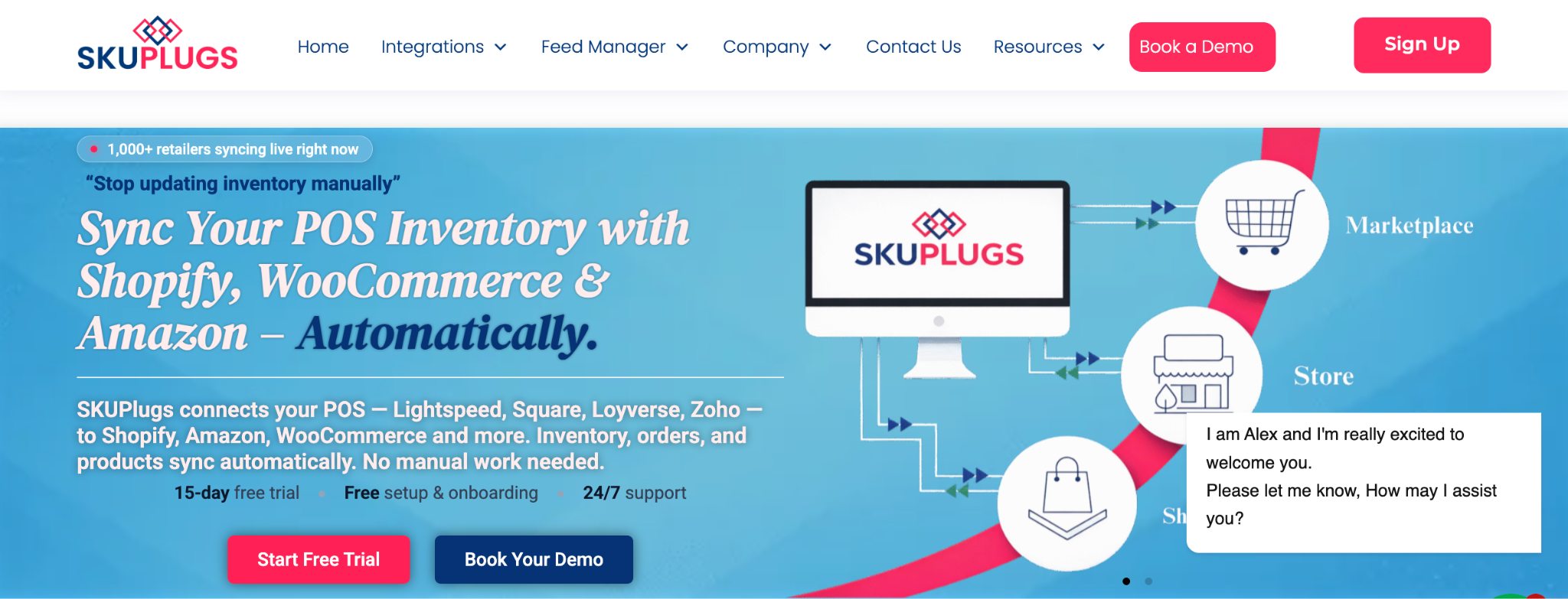
Overview: SKUPlugs is useful when the retailer needs a documented connection for a particular POS or inventory system.
Its current integration options include Loyverse, Zoho Inventory, Ready2Order, Lightspeed, Square, and other systems.
Where SKUPlugs fits
SKUPlugs states that its integrations can synchronize products, inventory, and orders. The exact flow depends on the selected POS and eCommerce pairing.
Its pricing structure is also tied directly to the POS or inventory system. That makes checking the specific integration especially important.
SKUPlugs compared with QuickSync
- Pair-specific evaluation: SKUPlugs pricing and workflow vary according to the connected system
- Order handling: Verify where eCommerce orders and customer records go for the selected integration
Pricing and setup
SKUPlugs lists the following monthly prices on its official pricing page:
- Loyverse: $25 per month
- Zoho Inventory: $40 per month
- Ready2Order: $49 per month
- Other listed POS integrations: $59 per month
Plans include unlimited products and orders, plus one integration. SKUPlugs states that it charges no transaction fee or setup fee.
A 15-day free trial is available without a credit card.
Trade-off and best fit
The main evaluation task is confirming the exact connector. SKUPlugs is a practical candidate when its documented POS-to-eCommerce pairing matches the retailer's current systems.
4. Thrive Inventory: Evaluate the broader retail-inventory workflow
Overview: Thrive Inventory extends beyond basic synchronization and suits retailers seeking inventory-management controls around connected sales systems.
Shopventory now operates as Thrive Inventory. Its current product covers catalog management, inventory tracking, reporting, and purchasing functions.
Where Thrive Inventory fits
Thrive can manage inventory across supported POS and eCommerce integrations. It also provides product catalog controls and inventory reporting.
Higher plans support more locations, integrations, and users. That structure can suit retailers whose requirements extend beyond moving quantities between two systems.
Thrive Inventory compared with QuickSync
- Operational scope: Thrive addresses broader retail inventory work alongside integrations
- System role: Adopting it may change where staff manage inventory instead of simply adding a connector
Pricing and setup
Thrive's official pricing information currently lists:
- Starter: Starting at $49 per month
- Standard: Starting at $79 per month
- Professional: Starting at $199 per month
- Elite: Starting at $399 per month
- Enterprise: Starting at $799 per month
Starter supports one location or integration and one user. Standard increases that allowance to two locations or integrations and two users.
Thrive provides a 14-day free trial. Its website also documents onboarding options for businesses that want additional setup assistance.
Trade-off and best fit
Thrive introduces more inventory-management functionality than a focused stock connector. It makes sense when the retailer wants those additional controls as part of the change.
Connector or inventory system?
A lower-priced connector may cover stock sync well. Broader software becomes relevant when purchasing, warehouse work, or inventory administration also needs a central system.
5. 24Seven Commerce Octopus Bridge: Evaluate the specific POS connector
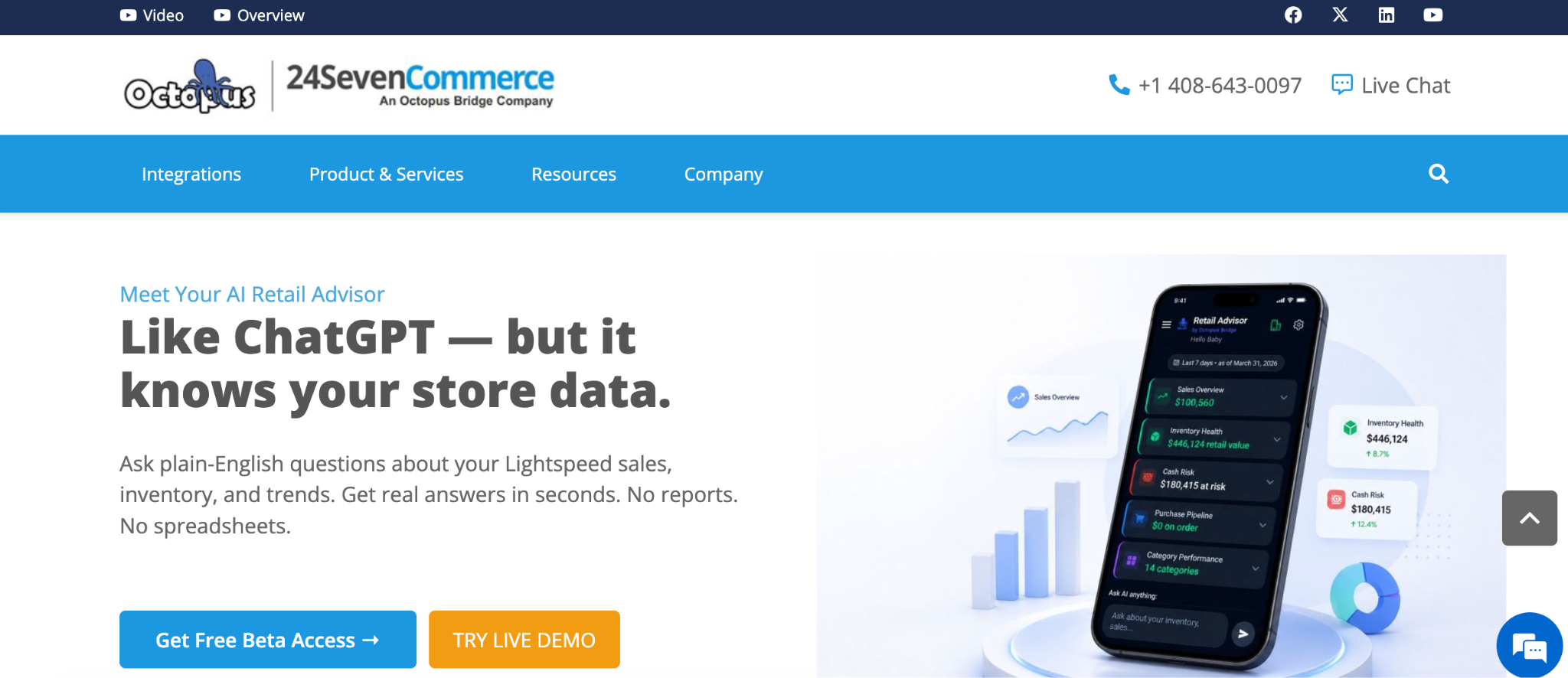
Overview: Octopus Bridge connects physical POS systems with eCommerce channels. The supported POS pairing should drive the evaluation.
24Seven Commerce identifies Octopus Bridge as its integration platform. Its documentation covers POS-to-eCommerce connections for a range of retail systems.
Where 24Seven Commerce fits
Supported workflows can move product information from a POS to an eCommerce store. Available data flows vary according to the specific POS connection.
Some documented integrations also support eCommerce order downloads into the POS. Retailers should confirm that behavior for their own pairing.
24Seven Commerce compared with QuickSync
- Connector-specific setup: Octopus Bridge provides individual workflows for supported POS systems
- Order flow: Some connections can move eCommerce orders into the POS, depending on the integration
Pricing and setup
24Seven Commerce does not present one universal Octopus Bridge price that applies to every POS connection.
Its official Korona POS integration page, for example, currently advertises a free trial and $69 per month. That amount should be treated as Korona-specific pricing instead of a general Octopus Bridge starting price.
Check the official page for your POS connection before budgeting for Octopus Bridge.
Trade-off and best fit
Octopus Bridge is worth investigating when 24Seven Commerce documents a connection for the retailer's existing POS. Compare the supported fields and pricing for that specific pairing.
6. Cin7 Core: Consider a broader inventory-management system
Overview: Cin7 Core becomes relevant when inventory synchronization sits alongside purchasing, warehouse operations, and broader order management.
Cin7 Core includes product management and purchase orders. It also covers sales orders and warehouse functions.
Where Cin7 Core fits
A growing retailer may reach a point where connecting sales channels addresses only part of its inventory workload.
Cin7 Core supports multiple inventory locations and eCommerce integrations. Higher tiers increase integration allowances and add capabilities for more complex warehouse operations.
Cin7 Core compared with QuickSync
- Software category: Cin7 Core is a broader inventory-management application instead of a dedicated connector
- Implementation scope: Choosing it can affect purchasing and warehouse processes alongside channel integrations
Pricing and setup
Cin7's official pricing page currently lists:
- Standard: $349 per month
- Pro: $599 per month
- Advanced: $1,199 per month
- Omni: Pricing provided by Cin7 based on requirements
Prices are in USD and exclude taxes.
Standard includes five users and two eCommerce or app integrations. It also supports up to 6,000 sales orders per year and unlimited inventory locations.
Cin7 offers group, one-to-one, and partner-led onboarding options. Its current plans include access to global support and online help resources.
Trade-off and best fit
The additional functionality brings a larger operational footprint. Cin7 Core suits businesses seeking an inventory system around their sales channels instead of only a synchronization layer.
7. Zoho Inventory: Evaluate the Zoho-centered workflow
Overview: Zoho Inventory suits businesses considering a broader inventory application, particularly those already working with other Zoho products.
Zoho Inventory supports sales channels such as Shopify, Amazon, Etsy, eBay, and Walmart. It also provides purchasing, warehousing, and order-management functions.
Where Zoho Inventory fits
Supported eCommerce integrations can send orders into Zoho Inventory and update stock.
Product matching requires attention during setup. Matching identifiers help the connected systems associate existing products correctly.
Zoho Inventory compared with QuickSync
- Inventory application: Zoho Inventory can become the working inventory system instead of sitting only between two platforms
- Ecosystem fit: Existing Zoho users can assess Inventory alongside other Zoho applications and integrations
Pricing and setup
Zoho's U.S. pricing page currently lists a free plan with 50 orders per month, one user, and one location.
Paid plans billed annually are:
- Standard: $29 per organization per month
- Premium: $79 per organization per month
- Plus: $129 per organization per month
- Enterprise: $249 per organization per month
Standard includes 500 orders per month, three users, and two locations. Higher plans increase order allowances and supported locations.
Zoho provides a 14-day free trial. Optional add-ons are available for additional users, orders, and locations.
Trade-off and best fit
Using Zoho Inventory introduces another operational system into the retailer's workflow. It suits businesses that want inventory and order-management functions beyond a direct POS-to-eCommerce connection.
8. SKULabs: Evaluate inventory and fulfillment together
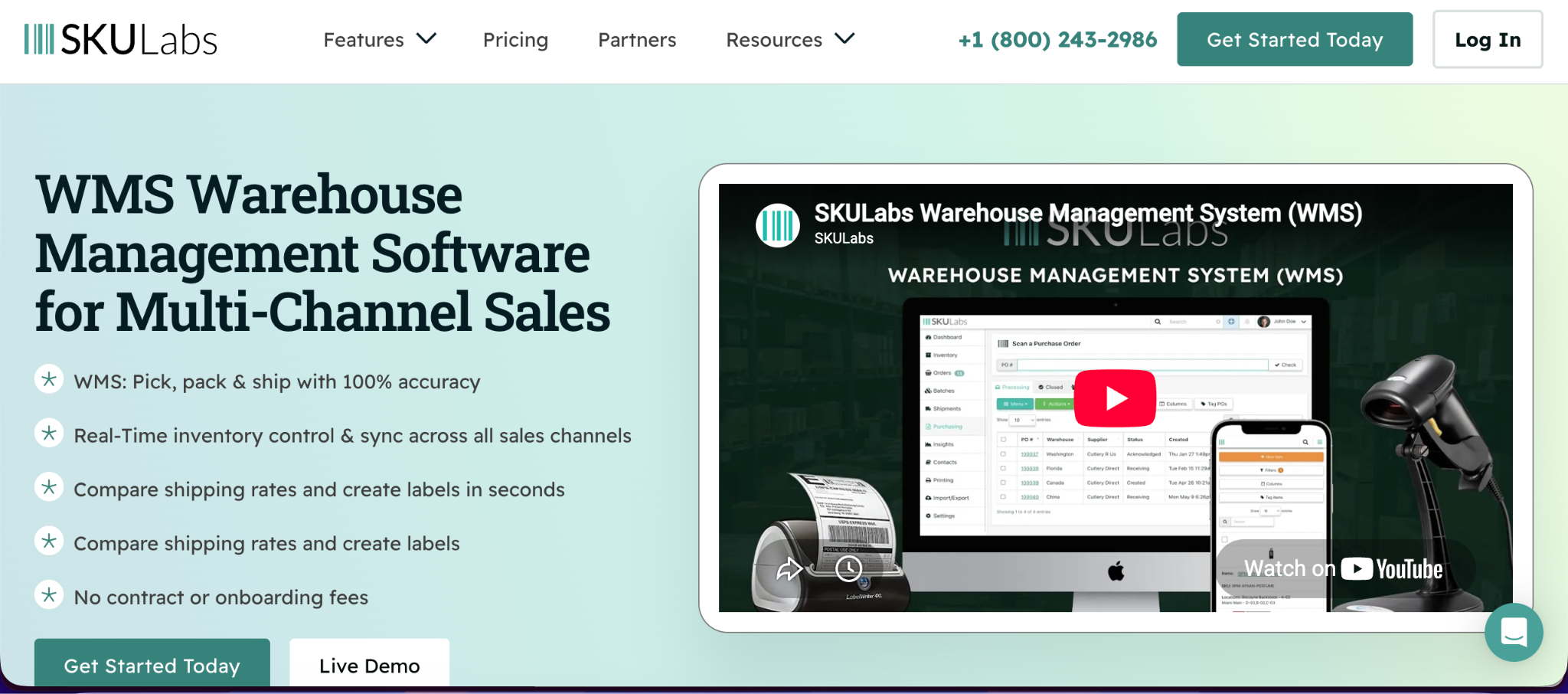
Overview: SKULabs deserves consideration when requirements extend into warehouse activity, fulfillment, and shipping.
Its current plans combine inventory and order management with barcode workflows. Higher tiers add broader warehouse and automation capabilities.
Where SKULabs fits
SKULabs supports multiple sales channels and warehouses. Its plans also account for order volume, users, SKUs, and API requirements.
That broader scope can suit operations where fulfillment has become as important as synchronization.
SKULabs compared with QuickSync
- Fulfillment scope: SKULabs extends further into warehouse and shipping workflows
- Implementation decision: A retailer choosing SKULabs is evaluating a broader operational platform
Pricing and setup
SKULabs currently lists:
- Starter: $299 per month
- Basic: $499 per month
- Growth: $799 per month
- Pro: $999 per month
- Enterprise: $1,999 per month
- Ultimate: Quote-based pricing
Starter includes 1,000 orders, three users, two sales channels, and two warehouses. It also includes up to 10,000 SKUs.
SKULabs states that its plans have no contract or onboarding fees. It also offers flexible month-to-month billing and a 30-day money-back guarantee.
Trade-off and best fit
The broader feature set comes with a higher starting price than focused sync tools. SKULabs fits retailers whose inventory requirements now include substantial warehouse and fulfillment work.
QuickSync vs the alternatives: Compare the cost of your actual setup
Entry prices provide a useful starting point, but they rarely describe the full cost of a working retail connection.
Consider a physical retailer connecting an existing store system with an online sales channel. The required plan depends on catalog size, monthly orders, locations, and the records that must move.
Table 2: Entry pricing and billing considerations for QuickSync and eight alternatives.
QuickSync's pricing differs from order-metered products. Its official pricing page bases plans on catalog size and connected shops.
Lite costs $19 per month for two shops and covers up to 1,000 items. Pro costs $29 for two shops and covers up to 2,500 items.
Ultra costs $69 per month for up to 10,000 items. Ultra+ costs $99 for up to 20,000 items.
Each additional shop after the first two adds the selected plan price again. QuickSync supports up to eight connected shops per plan and offers 10% off with annual billing.
SKU IQ also starts at $19 per month, but optional features can change the working price. Cin7 Core and SKULabs start much higher because their scope extends into broader inventory operations.
Pricing check: Calculate the plan needed for the workflow you plan to run. Include extra locations, connectors, order limits, and paid sync features before comparing totals.
How to choose the right QuickSync alternative for your store
Start with the job the software needs to perform. Then narrow the list using exact platform compatibility.
- Keeping your current POS and connecting eCommerce? Start with SKU IQ, then compare other connectors that explicitly support the same platform pair.
- Primarily aligning stock quantities? Evaluate Trunk against your required channels and monthly order volume.
- Looking for a specific POS connector? Check SKUPlugs and 24Seven Commerce for your current POS. Compare the exact fields and order flow.
- Need broader inventory or fulfillment operations? Review Thrive, Cin7 Core, Zoho Inventory, or SKULabs where their documented scope matches your requirements.
The final choice should account for platform compatibility and operational scope. Then compare working costs with the setup effort your team can support.
Why put SKU IQ first on your POS-to-eCommerce shortlist?
SKU IQ deserves early consideration when the goal is connecting a physical store's existing POS with an eCommerce storefront.
Its role stays focused on connecting supported retail systems. Retailers can assess a new eCommerce connection without starting with a POS replacement.
1. Keep using the retail systems you already know
A retailer may already have checkout hardware and product records built around an existing POS. Staff may also have established procedures for managing in-store transactions.
SKU IQ connects supported POS and eCommerce platforms at the software level. The retailer can keep using the existing store system while connecting the online channel.
Review the SKU IQ integrations hub to check the supported combination before setup.
2. Connect matching products and move the starting catalog
Existing stores often face catalog work before inventory synchronization can begin.
SKU IQ separates two common scenarios. Products already present in both systems can be linked, while supported products present on one side can be pushed across.
That distinction helps retailers reconcile their starting catalog before ongoing quantity updates begin.
3. Keep stock and order visibility connected after launch
Quantity Sync is included across SKU IQ's current core plans. Unified Order View is also included.
Additional product attributes and order syncing depend on the selected plan, add-ons, and platform combination. Retailers should confirm those details before setup.
SKU IQ therefore fits stores that want a connection layer between existing POS and eCommerce systems.
Switching from QuickSync: Validate the connection before cutover
A safe switch starts with catalog reconciliation and controlled testing. The exact process depends on the platforms involved, so allow the results of testing to guide the cutover schedule.
Use the following sequence as a working checklist:
- Back up your starting data: Export available catalogs and record current product mappings, quantities, and location settings.
- Choose the starting values: Decide which system provides the quantities or product fields used during initial reconciliation.
- Check product identifiers: Review SKUs, UPCs, variants, locations, and existing product links.
- Run controlled tests: Test an in-store sale and an online sale. Check manual stock changes and new products separately.
- Coordinate the cutover: Disable the previous automatic sync before activating another tool that writes to the same inventory records.
- Reconcile after activation: Compare opening quantities, investigate duplicate adjustments, and document the support escalation route.
For SKU IQ, products need to be linked or pushed before quantity synchronization can work across the connected systems.
Historical orders and previous vendor settings require separate checks. Confirm what the new platform supports before including those records in a migration plan.
Buyer safety check: Review account permissions and data handling before granting access. Confirm how access can be revoked and which security documentation applies to your setup.
Connect your POS and eCommerce Store With SKU IQ
The right inventory connection should support the platforms and daily processes your store already uses. Check the exact pairing, required sync fields, and working plan before making a switch.
SKU IQ connects supported physical-store POS systems with eCommerce platforms. Its current plans include product linking, Quantity Sync, and Unified Order View.
Start a free trial with SKU IQ to connect your existing systems and test how inventory sync works with your retail setup.
FAQs
1. Which QuickSync alternative should I consider for a physical store and an online shop?
SKU IQ is one option to investigate when you want to keep an existing POS and connect a supported eCommerce store. Check your exact platform combination before choosing it. Supported fields and synchronization behavior can vary according to the connected systems.
2. Can I switch without replacing my POS or eCommerce platform?
Yes, when the new connector supports both systems in the required pairing. Tools such as SKU IQ and Octopus Bridge are designed to connect existing retail platforms. Verify the POS edition and required data flows before switching.
3. Will my products, variants, and historical orders move to the new tool?
Product migration depends on the connector and platform pair. Historical order transfer requires separate verification. SKU IQ can push supported products between connected systems. It can also link products already present on both sides.
Specific attributes depend on the integration. Treat historical orders and old integration settings as separate migration questions.
4. What does switching cost beyond the monthly subscription?
Potential costs include paid add-ons and additional locations. Extra connectors or implementation assistance may also affect the total.
Staff time matters as well. Catalog cleanup, mapping, testing, and post-launch reconciliation can require work even when a vendor charges no setup fee. Calculate the cost using the plan that covers your actual workflow.
5. How long should I allow for setup, testing, and cutover?
The required time depends on catalog quality and connection complexity. A small, consistent catalog can require less preparation than a large catalog with mismatched SKUs or variants. Multiple locations can add further testing requirements.
Allow enough time to reconcile products and test transactions before activating the connection across the full catalog.
6. What should I test during an inventory-sync trial?
Test the actions your staff and customers perform during a normal week. Start with an in-store sale and an online order. Check a manual quantity change and new product creation separately.
Test supported returns or cancellations where they matter to your workflow. Confirm the resulting quantity on both platforms after each action. Include products with variants and multiple locations when those workflows apply to your store.
Share this blog:







Sync and Manage Inventory Across Your Retail Systems
- No more spreadsheets or manual updates
- Real-time sync between POS and eCommerce
- One product catalog, every sales channel
- Save hours managing multiple systems

Ready to stop worrying about inventory?
Start a free trial and experience how much easier retail operations become when your systems stay in sync.